


15 second product ai: Create cinematic 15s product loops and quick demos
Learn how to turn one product photo or a text prompt into high-converting 15-second cinematic product loops and demos, with workflows, prompts, and GoCrazyAI tips.
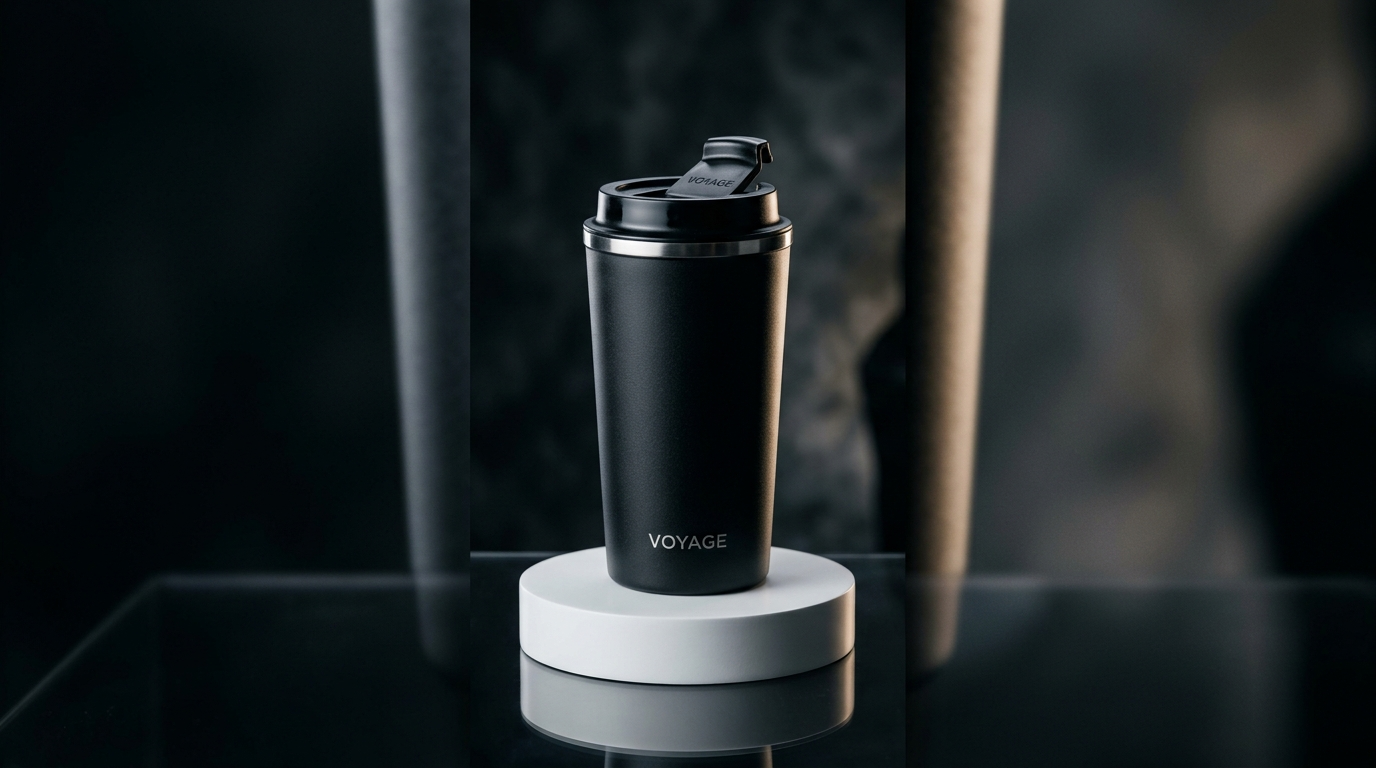
You need short, high-converting product videos but don't have a camera crew or editing skills. This article gives concrete, repeatable workflows to turn one product photo or a short text prompt into a 15-second cinematic loop or demo you can use for TikTok, Reels, or landing pages. You'll get timing templates, visual prompt examples, and a step-by-step example that uses GoCrazyAI's AI Video Generator so you can ship a clip in under an hour. Read on for hook scripts, multi-shot prompt patterns, and the exact way to generate variations for A/B tests.
Quick Answer
How do you make a 15-second product AI video? Use a focused structure: 0–3s hook, 3–8s demo, 8–12s hero loop, 12–15s CTA, then generate the clip from a single photo or text prompt with an image-to-video or text-to-video model (like Kling, Veo, or Sora). GoCrazyAI's AI Video Generator can create 9:16-ready 15s outputs from one image or prompt.
Why 15-second cinematic product videos work (data-driven rules for conversion)
Short answer: 15-second product clips usually perform better because they get watched more and are easier for platforms to distribute. Industry trackers report completion rates of roughly 72%–76% for sub‑15s clips versus much lower rates for longer ads, which helps the algorithm push your creative to more viewers and increases the chance of conversions (ContentMation, TTS Vibes).
Platforms reward watch-through. Higher completion usually means lower CPMs and more impressions for the same creative. For advertisers that translates into more efficient traffic and more low-cost conversions. Practically, this means: prioritize one strong idea per 15s clip, keep the pacing fast, and use a repeating visual loop for the product hero so viewers can re-watch the core benefit in the final seconds.
How marketers use this data: compress your story to a Hook → Demo → Hero → CTA flow (0–3s, 3–8s, 8–12s, 12–15s). That structure matches templates used by recent AI ad generators and ecommerce guides and is intentionally tight so the core benefit is obvious within the first three seconds.
What makes a cinematic product loop: visual ingredients and prompt structure?
Short answer: a cinematic product loop combines a clear focal subject, a few high-quality motion cues (camera move, reveal, or rotation), three-point lighting or a relit photo, and a single looping action that repeats cleanly every 2–4 seconds. The prompt must name camera movement, lighting, focal length, and mood.
Visual ingredients to specify:
- Subject framing: close-up 3/4, centered hero, or floating product with shallow depth-of-field.
- Camera move: slow dolly-in, 180° sweep, 30° arc, or subtle parallax.
- Lighting: soft 45° key, rim light, or golden-hour warm tone.
- Motion anchor: spinning base, pouring action, button press, or cloth reveal.
- Color and finish: matte, glossy, or studio white background.
Prompt structure example pattern (text-to-video): "Product hero: ceramic coffee mug on matte white plinth, soft golden-hour rim light, shallow depth of field, slow 20° clockwise arc over 3s, detailed texture, cinematic 50mm lens, smooth motion, --duration 15s --shots 3 --loop".
Use short, unambiguous phrases for camera and lighting. When you start with a still photo, add relighting and parallax lines like: "animate from flat image: add 15° parallax, soft studio key, subtle shadow under product, 3-camera shots for 15s edit." This gives the model the instructions it needs to create a clean loop and a separate hero shot for the final seconds.
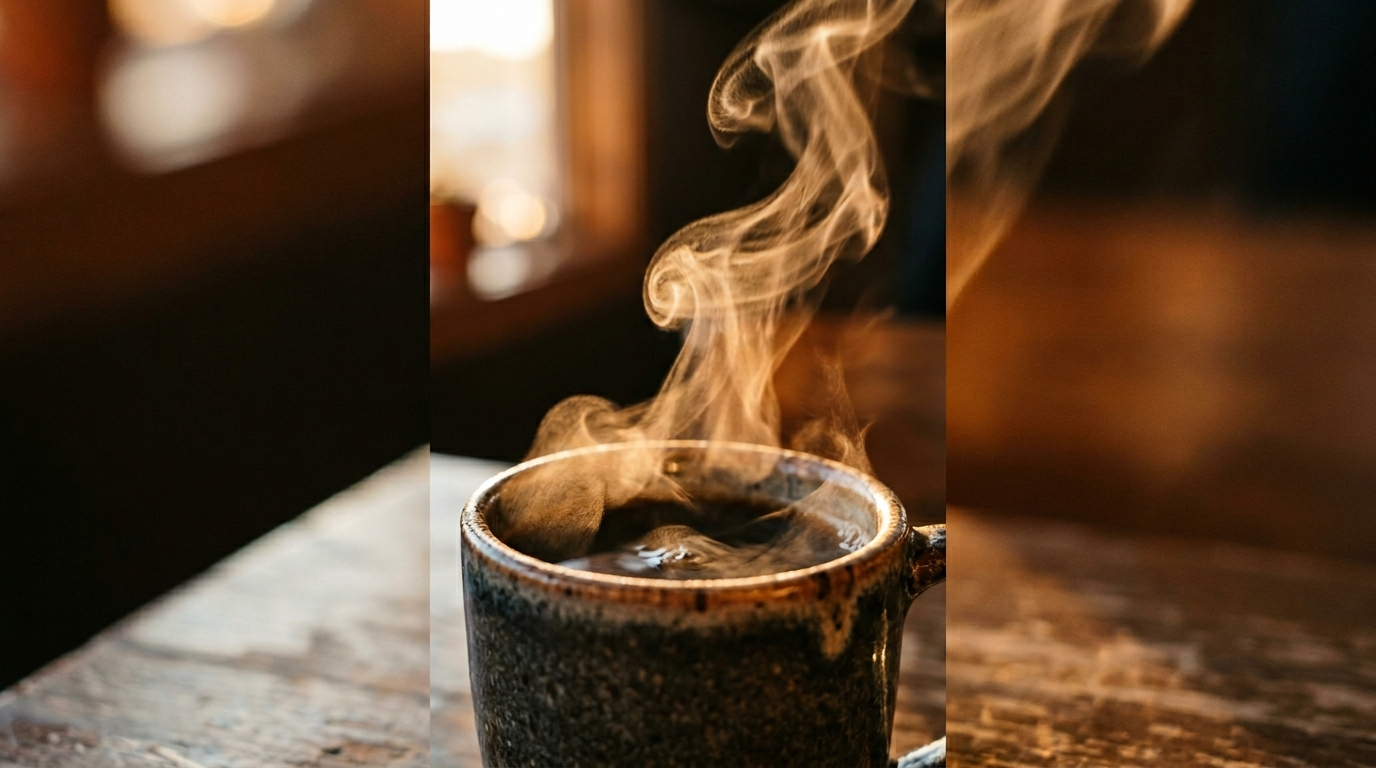
Workflow A — Example: From single product photo to 15s vertical demo: step-by-step with GoCrazyAI AI Video Generator
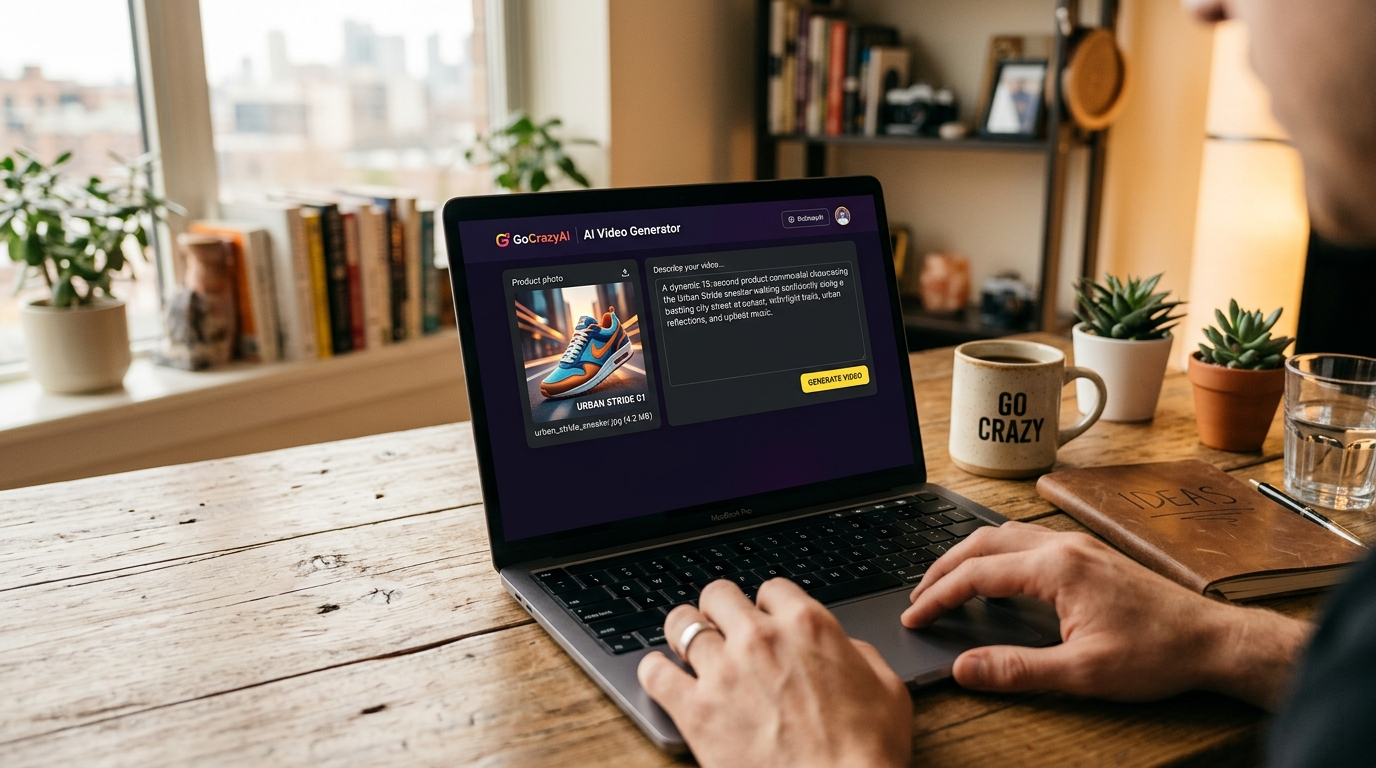
Short answer: upload one high-res product image, pick an output ratio (9:16), choose an engine (Kling 2.5 Turbo Pro, Veo 3.1, or Sora 2), and use a 3-shot prompt that maps the 15s structure: hook, action/demo, hero loop. GoCrazyAI will render a 15s vertical clip you can iterate on.
Step-by-step (expanded): 1) Prep your photo: remove background or use a clear studio shot. If needed, run it through GoCrazyAI's AI Image Relighting or Image Upscaler first to add lighting and resolution (/relight-image, /image-upscaler). 2) In the AI Video Generator interface choose 9:16 and select Kling 2.5 Turbo Pro for punchy motion or Veo 3.1 for multi-shot sequences. 3) Use a multi-shot prompt. Example prompt to paste:
"Shot1: 0-3s hook — tight crop on product label, quick 10° zoom-out, warm rim light.\nShot2: 3-8s demo — hands-on animation: button press + product rotates 90°, cinematic 35mm, motion blur.\nShot3: 8-12s hero — slow 180° pan revealing full product on pedestal, studio key + rim, loop last 3s.\nFinal 12-15s CTA overlay: 'Shop now — free trial' simple lower-third. 9:16, 1080p, cinematic color-grade."
4) Generate and review. Use the platform's variation controls to produce 3–5 versions with different camera moves or lighting. 5) Export a 15s final and a 30s variant if you want a longer version for landing pages.
This workflow leverages GoCrazyAI's multi-model routing (Kling, Veo, Sora) so you can test engines without extra subscriptions. Link: AI video generator (/create-ai-video). For image prep, see the AI image generator (/ai-image-generator).
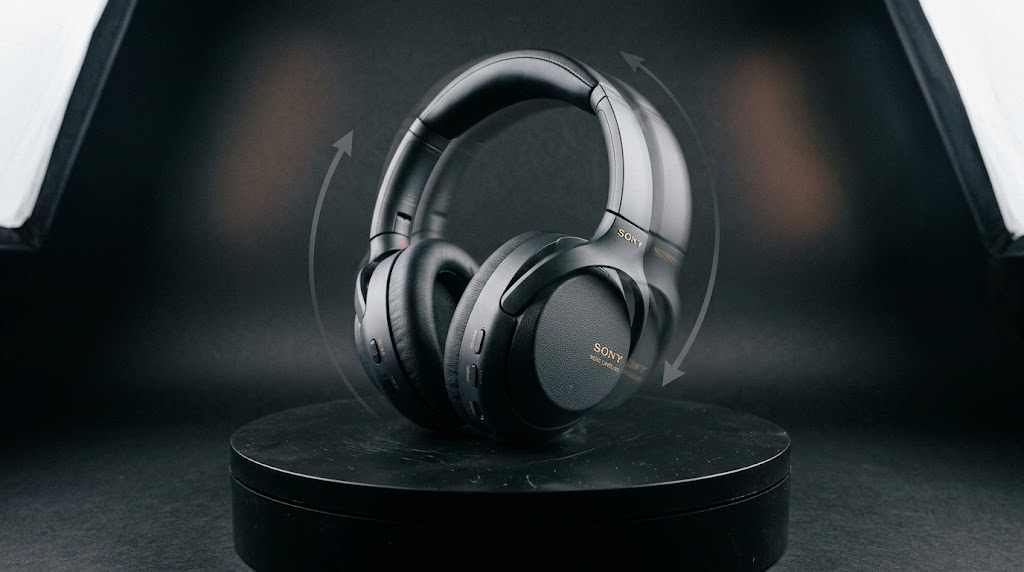
Workflow B — Text-to-product-video: crafting prompts that produce demo loops and story openers?
Short answer: write a three-shot script in the prompt (Hook, Demo, Hero) and include explicit camera, lighting, motion, and timing cues. Ask for looping behavior on the hero shot and request 9:16 output and 1080p quality.
Practical tips:
- Start with the one-sentence value prop in the hook: "Lightweight travel mug keeps coffee hot 8+ hours".
- Follow with a 5–7s core action: show pouring, close-up heat indicator, or the mug fitting into a car cup holder.
- End with a 3–4s hero loop showing the product rotating under studio light so the last section can repeat for retargeting or product pages.
Safe prompt example to copy: "Hook (0-3s): macro focus on steam rising from rim, fast 10° push-in. Demo (3-8s): pour hot coffee, close-up on thermal indicator changing color, 50mm, smooth 20° arc. Hero (8-12s): slow 180° spin on glossy black pedestal, rim light, loopable. CTA (12-15s): 'Shop now — free returns' lower third. 9:16, 1080p, cinematic grade, natural shadows."
If you want multiple variations, change only one variable per run: lighting (warm vs cool), camera move (dolly vs rotate), or background (studio white vs lifestyle). Text-to-video models like Veo 3.x and Kling 2.5 now support multi-shot prompts and high-quality outputs, so this pattern usually produces reliable short demos (TechRadar, Tom's Guide).
How to optimize creative variations for ad platforms and landing pages (formats, hooks, CTAs)?
Short answer: make small, testable changes and repurpose a single source into multiple aspect ratios and lengths—create a 15s vertical plus a 30s version and a 1:1 hero cut, then test hooks and CTAs across audiences.
Optimization checklist:
- Outputs: generate 9:16 for TikTok/Reels, 1:1 for Instagram feeds, and 16:9 for product pages.
- Hooks: A/B test two hooks (problem vs. benefit) across the same hero loop.
- CTAs: test action-oriented CTAs (Shop, Learn, Try) vs. softer CTAs (Learn more) for conversion lift.
- Variations: change only one axis per variant: camera move, color grade, music, or CTA text.
Practical repurposing: render a 15s main clip and export a 30s extended demo by adding extra demo shots or slowed hero loops. Many guides recommend producing both 15s and 30s versions from the same script to maximize platform reach. For audio, consider generating short bespoke tracks using an AI music tool and adding voiceovers with a dedicated voice tool to test performance quickly—both can be produced in GoCrazyAI's toolkit (see AI music generator /ai-music and AI voices /ai-voice).
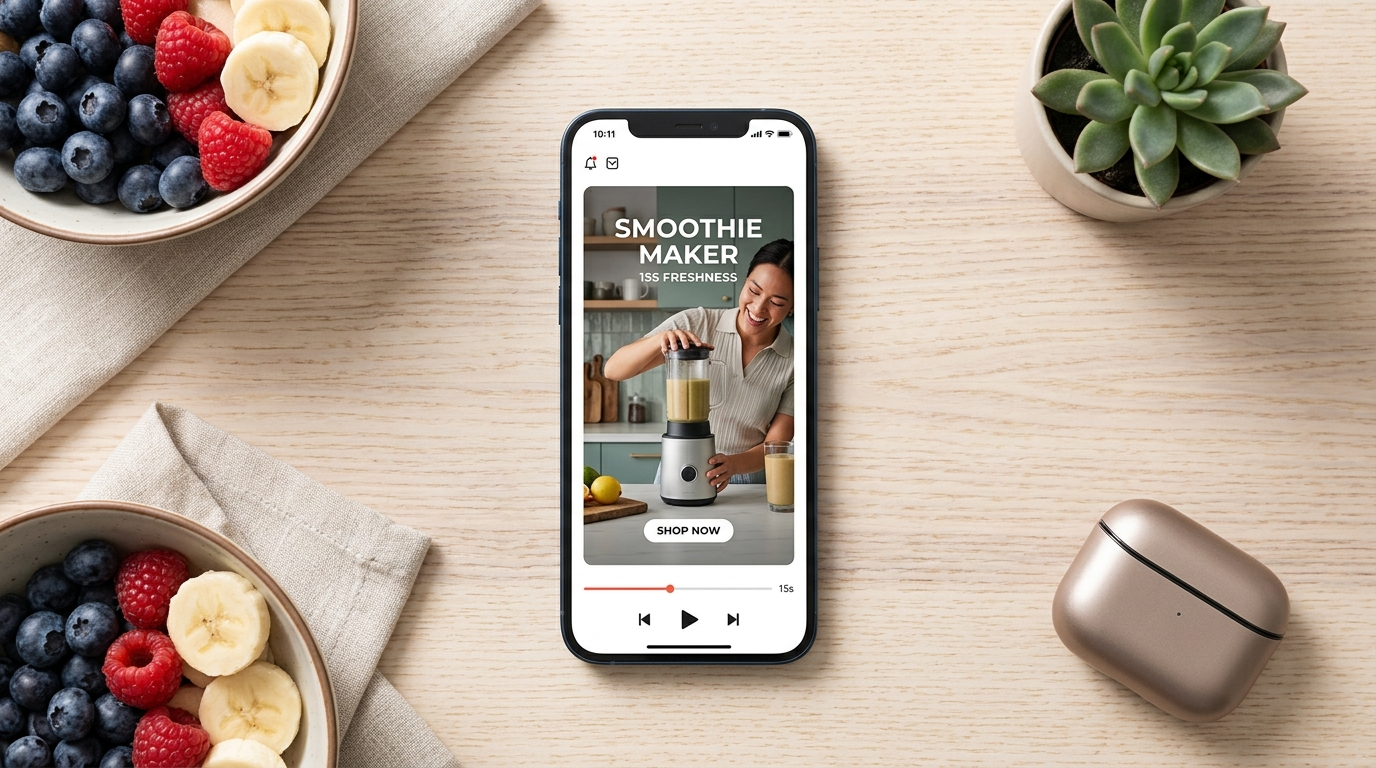
Measuring success: metrics, A/B tests, and quick experiments to scale winning clips?
Short answer: prioritize completion rate, CTR, and cost-per-acquisition for early tests; use rapid multivariate trials (camera move, lighting, CTA) to find the best-performing creative in days.
What to track first:
- Completion rate (especially for 15s assets) — higher completion often correlates with platform distribution gains; industry trackers show ~72% completion for sub-15s clips(ContentMation).
- Click-through rate (CTR) for ads and click-to-site rate for landing pages.
- Conversion rate and CPA at the end of the funnel.
Quick experiment plan: 1) Produce 3 variations from one photo: different camera move, different lighting, different CTA. 2) Run them to similar audiences with small budgets for 48–72 hours. 3) Pause the weakest, double budget on the best, and generate 2 more derivatives of the winner. This low-cost loop is where AI video tools shine because you can generate many variants without re-shooting.
Keep honest expectations: AI-generated motion is usually excellent for product loops and animated B-roll, but heavier narrative scenes may still benefit from real shoots. Use AI to validate concepts fast before committing to live production.
When to use AI video vs. live shoots — pitfalls, cost, speed, and brand-fit decision guide?
Short answer: use AI for speed, repeatability, and low-cost variation testing; choose live shoots when you need controlled human performance, complex interactions, or exact brand fidelity that AI can't yet match.
Decision guide:
- Use AI when: you need many variants fast, you only have a single product photo, or you want to test hooks before a full production. AI is typically cheaper and faster and lets you iterate on camera and lighting without a studio.
- Use live shoots when: you need real people, complex physical stunts, or an exacting brand look that must match previous campaigns.
Common pitfalls and how to avoid them:
- Mistake: Over-relying on one model for every style. Avoid by testing multiple engines (Kling vs Veo vs Sora) for different motions and looks. GoCrazyAI simplifies this by routing to multiple models from one credit pool.
- Mistake: Crowding a 15s script. Avoid by sticking to the Hook→Demo→Hero→CTA timing rule; compressing too many points hurts completion and clarity.
- Mistake: Skipping post polish. Avoid by adding clean text overlays, subtitles, and a composed CTA in the last 2–3s—tools like GoCrazyAI Media Mixer (/ai-video-edit) are useful here.
Cost and credits: AI generation is not free, but it is far less expensive than hiring a crew. Check pricing and credit options to plan tests and scale (/credits).
Frequently Asked Questions
How long should each section of a 15s product ad be?
Use 0–3s for the hook, 3–8s for the demo, 8–12s for the hero/loop, and 12–15s for the CTA. This compressed structure keeps attention and maps well to AI multi-shot prompts.
Can I turn one product photo into multiple ad variations?
Yes. Image-to-video tools let you relight, change camera moves, and create different backgrounds from a single photo so you can produce many low-cost variations quickly.
Which model should I pick for cinematic loops?
Kling 2.5 Turbo Pro is good for punchy motion, Veo 3.1 is strong for multi-shot ad sequences, and Sora 2 can handle longer coherent shots. GoCrazyAI routes to these models so you can compare outputs without separate subscriptions.
Conclusion
Final thoughts: 15-second product AI videos are effective because they combine higher completion rates with fast, low-cost iteration. Use a tight Hook→Demo→Hero→CTA structure, test small variations, and scale winners. If you want to try this now, open the AI Video Generator, drop in a prompt or reference image, and ship a clip in your next break.
Sources
- Short-Form Video Completion Rates: Key Marketing Statistics 2026 | ContentMationcontentmation.com ↗
- TikTok video completion rate statistics 2026 - TTS Vibesinsights.ttsvibes.com ↗
- Veo 3.1 is coming soon, and Google's clearly aiming it right at Sora 2 with longer video support — TechRadartechradar.com ↗
- I tried Kling's new 2.5 Turbo AI video generator — it's a giant leap forward but still can't do this one thing — Tom's Guidetomsguide.com ↗
- Product Demo Video Best Practices: Data-Backed Guide | ngram.comngram.com ↗
- How to Create a Product Demo Video with AI — FluxNote guidefluxnote.io ↗
- Veo 3 Product Ads Video Generator 2026: Short Ad Prompts for Ecommerceveo3ai.io ↗
- OpenAI releases AI video generator Sora but limits how it depicts people — AP Newsapnews.com ↗
- The 15-Second Rule: Why Short-Form Video Now Dominates Ad Performance — Adtitude Mediaadtitudemedia.com ↗
- Product Promotion Script Examples That Convert (2026) — Prospeoprospeo.io ↗