


AI music for reels: fast workflows to make copyright-safe loops and jingles
Practical workflows to make 7–45s copyright-safe loops, jingles, and scores for Reels using an AI song generator. Hands-on prompts, mixing, and publishing checklist.

You need short, copyright-safe music for Reels that loops cleanly and won’t trigger takedowns. This guide shows practical, copyable workflows to create 7–15 second loops and 20–45 second jingles using an AI song generator. It covers prompt structure, stems, export settings, legal realities from 2024–2026, mixing tips for voiceovers, and a publish checklist. One workflow uses the GoCrazyAI AI Song Generator as a fast path from prompt to publish-ready audio.
Quick Answer
How do you make AI music for reels quickly? Start with a tight prompt (mood, tempo, instrumentation, length), generate stems or a full mix, trim to a seamless 7–15s loop, and export high-quality WAV. Use tools that provide clear copyright/royalty terms — for speed, GoCrazyAI AI Song Generator can produce original, ready-to-use tracks from a prompt.
Why creators now choose AI music for reels and short videos (trends, engagement, and legal context)?
AI music for reels is popular because creators need fast, affordable hooks that loop cleanly and avoid licensing hassles. Short-form platforms favor clips that loop or run under ~15 seconds, making 7–15s loops especially valuable for repeat engagement. Generators let you produce tailored mood, tempo, and instrumentation in minutes, which speeds edit cycles and A/B testing. That said, the legal context is unsettled: major label lawsuits since 2024 and ongoing analysis mean creators should prefer tools that state explicit usage and royalty terms. Practically, AI music is chosen when speed, customization, and clear licensing outweigh the unknowns of model training provenance.
What makes a great short music loop or jingle for Reels — example structures and sonic ingredients?
A great short loop or jingle follows a compact structure and clear sonic identity: a strong hook, simple rhythm, and one or two defining instruments. Examples that work: a 2-bar synth stab with a clap on beats 2 and 4, a four-note marimba motif, or a short vocal hook with a soft pad underneath. Start with length: 7–15 seconds usually fits the platform sweet spot and keeps loops convincing. For sonic ingredients, choose a primary hook (melody or rhythm), a supporting pad or bass, and a rhythmic element (perc, clicks, or rim-shot). Use sparse arrangements so the hook reads clearly under voiceover or captions. When creating, export both stems (hook, percussion, bass) and a full mix so editors can fade or duck parts around dialogue.
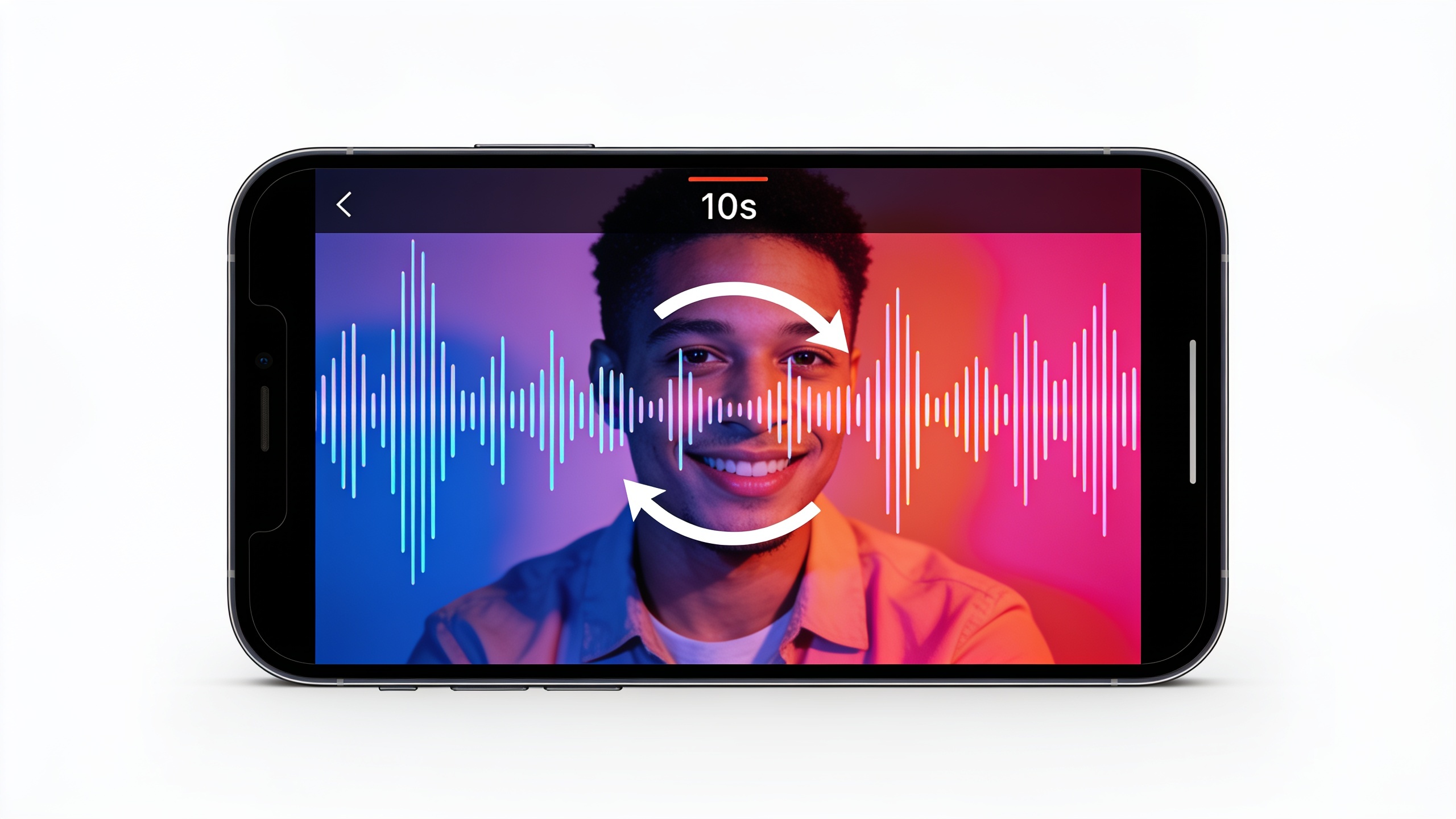
Copyright and licensing realities for AI-generated music in 2024–2026 (what creators must know before publishing)?
AI-generated music sits in a legally unsettled area; creators should be cautious before publishing commercially. Several major-label lawsuits against AI music firms began in 2024 and continue to influence case law and industry guidance. Legal commentary through 2026 notes that fully autonomous AI outputs may not qualify for copyright protection without sufficient human authorship. Surveys also show most musicians are worried about model training on copyrighted work, which is why tools that offer explicit royalty or licensing guarantees are safer choices. Practically: prefer platforms that state you receive a commercial use license, keep records of your prompts and edits, and consider registration or third-party licensing when a track will be central to monetized content. If in doubt, consult a copyright professional for high-stakes uses.
Planner: Choosing the right mood, tempo, and instrumentation for your reel (quick decision checklist)?
Pick mood, tempo, and instruments before you generate a track to shorten iterations. Quick checklist: 1) Mood: pick one adjective (e.g., upbeat, moody, playful). 2) Tempo: 90–130 BPM for upbeat content, 60–90 BPM for relaxed vlogs. 3) Length: 7–15s for loop-driven clips, 20–45s for branded jingles. 4) Instrumentation: choose 1–2 lead sounds and a rhythmic element. 5) Vocal: decide if you want an instrumental hook or a vocal phrase. Using this planner reduces back-and-forth: give the generator a single-line prompt with these five items and expect a usable draft in one or two tries. Document the prompt so you can reproduce or tweak the same sonic branding later.
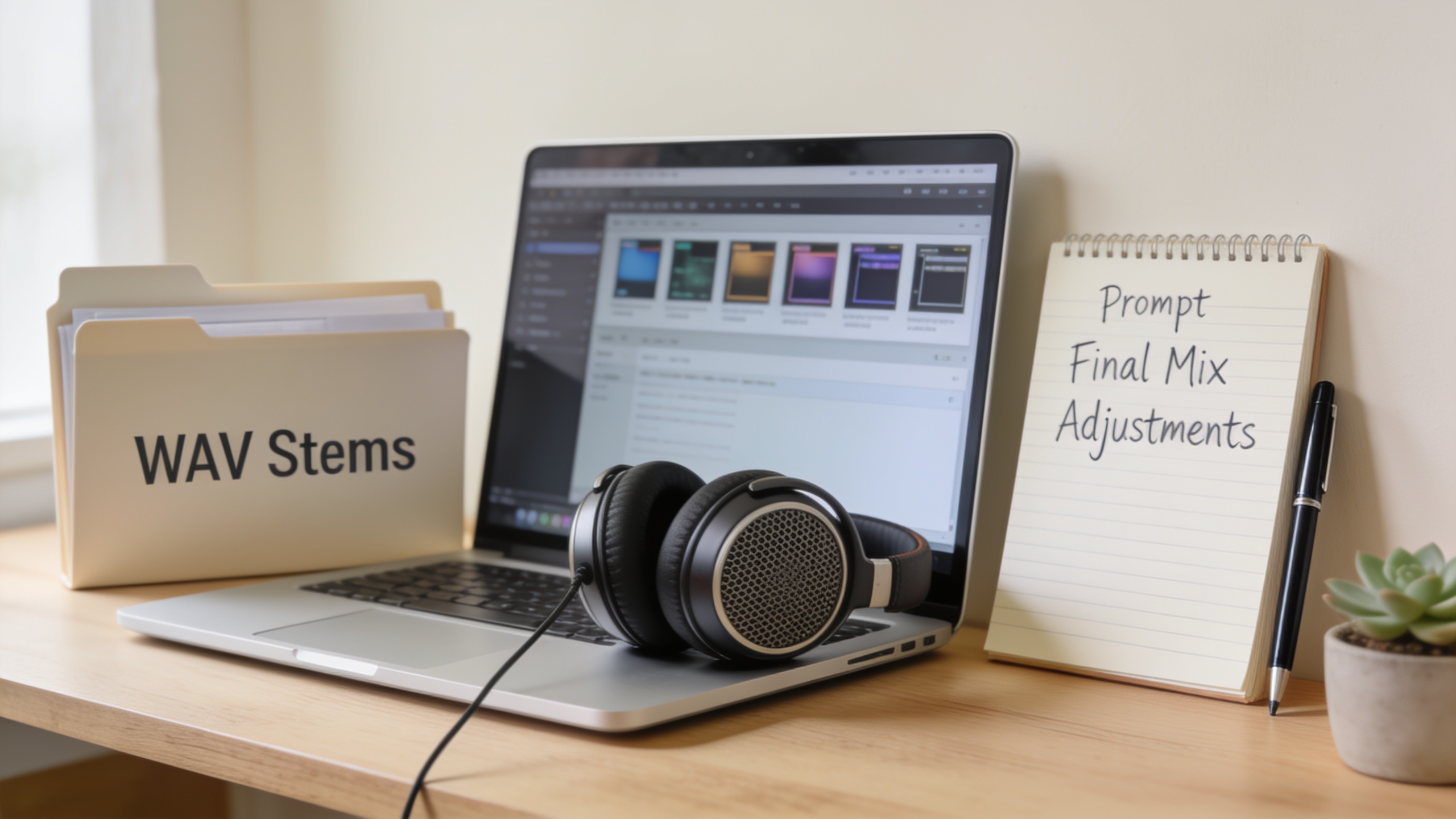
Hands-on workflow — Create a 7–15 second loop in GoCrazyAI AI Song Generator (step-by-step prompts and settings)
Create a 7–15s loop in GoCrazyAI by writing a concise prompt, generating stems, picking the best take, and exporting a seamless loop. GoCrazyAI's AI Song Generator produces original tracks from text prompts and offers style, tempo, and mood controls — it exports WAV/MP3 ready for edits. Start with a prompt like: "7s upbeat synth hook, 100 BPM, bright pluck lead, soft clap on 2&4, export stems and full mix." Generate 2–3 variations, then edit the best into a 1–2 bar seamless loop and export 44.1/48k WAV. If you rely on precise editing, export stems for hook, percussion, and bass so you can duck or align with speech in the edit.
Prompt examples you can copy:
"7s loop, upbeat, 100 BPM, bright pluck lead, light hi-hat groove, warm sub-bass, export stems and full mix."
"10s mellow loop, 80 BPM, marimba lead, soft pad, organic percussion, dry mix + stems."
GoCrazyAI specifics: use the tempo and mood sliders, tick the 'export stems' box, and request multiple variations. When satisfied, download WAV and a stem pack for reliable looping in your NLE.
You can try every step above directly in GoCrazyAI AI Song Generator — no setup needed.
Hands-on workflow — Design a custom 20–45 second branded jingle for an ad or channel intro using GoCrazyAI?
Designing a 20–45s jingle starts with a branding brief: core message, tempo, and a sonic motif that recurs. Use GoCrazyAI to input that brief (e.g., "30s brand intro, bright, 110 BPM, catchy 4-note motif, acoustic guitar + synth pad, male vocal humming motif, stems"), then generate 2–3 variations. Pick the version where the motif is strongest, then export stems so editors can duck under voiceover or extend the motif into longer cuts. For ad use, keep the first 5 seconds very hook-forward so it works as a short ad spot. Because GoCrazyAI produces tracks with commercial use terms, you can integrate the jingle in paid placements with fewer licensing headaches. Save the prompt and the exported stems as your brand asset for consistent future posts.
Mixing and delivery tips: making AI-generated stems work with voiceovers, captions, and loops — common mistakes and how to avoid them?
For clean mixes with voice or captions, the core rule is space: reduce competing frequencies and sidechain or duck the music when dialogue plays. Export stems from your generator and use a simple DAW or your editor to apply a low-cut to music under speech, compress lightly, and sidechain the bass or pad to the vocal. Common mistakes: using a dense full mix under dialogue (avoid by using stems); exporting low-bitrate audio (always export WAV/48k for best delivery); and failing to craft seamless loop points (fix with crossfade or edit at zero crossings). Avoid these by exporting stems, keeping the hook sparse, and checking loop playback in the target app to ensure seamless repeats.
Publishing checklist and safe distribution: metadata, platform best practices, and when to register or license?
Before publishing, confirm licensing, export quality, and metadata to reduce takedowns. Checklist: 1) Confirm the generator's usage terms (keep a copy). 2) Export WAV or high-quality MP3 and stems. 3) Add metadata: composer (your name or brand), year, and brief copyright note. 4) For looped content, test the file in the platform to confirm seamless repeats. 5) If a track is central to monetized content or used in ads, consider registration or a formal license. Platforms recommend 7–15s loops for engagement, so favor those lengths for repeat plays. When budgets permit, keep a chain-of-custody: save the original prompt, generated files, and license statement from the tool. This makes it easier to defend a takedown or monetize the asset.
Frequently Asked Questions
Is AI-generated music safe to use on Instagram Reels and TikTok?
AI-generated music can be safe if the tool provides clear commercial-use licensing or royalty terms. Because legal rules are unsettled due to lawsuits and guidance since 2024, prefer platforms that state explicit usage rights and keep records of prompts and exports.
What length should my music loop be for best engagement?
Aim for 7–15 seconds for loop-driven content — this falls in the platform sweet spot for Reels and TikTok and often maximizes replay and engagement.
Should I export stems or a full mix from an AI generator?
Export both. Stems let you duck and align music with voiceovers; a full mix is useful when you need a quick drop-in track. Stems reduce the risk of muddy mixes under dialogue.
Conclusion
AI music can speed up production of copyright-safe loops and jingles when you follow a clear prompt, export stems, and confirm licensing. For fast results that include stems and commercial-use terms, try the GoCrazyAI AI Song Generator to produce original tracks you can drop into edits in minutes.
Sources
- Best Clip Length for TikTok, Reels, and Shorts in 2026highstyle.ai ↗
- Video Length Sweet Spots: Tiktok, Reels & Shorts (2025)shortimize.com ↗
- Music industry giants allege mass copyright violation by AI firmsarstechnica.com ↗
- AI-Generated Music Presents Complex Copyright Issuesfbm.com ↗
- It is clear why creators are concerned: Four in five musicians are 'worried' about AI musicmusicradar.com ↗
- Is AI Music Legal? Copyright and Licensing Ruleslegalclarity.org ↗
- Best Royalty-Free Music for Instagram Reels That Won’t Get Mutedaudiodrome.net ↗
- Is AI music copyrighted? What creators need to knowaimusicpreneur.com ↗