


Short product hook: turn one product photo into a TikTok ad video
Turn a single product photo into multiple vertical product hooks and TikTok ad clips fast. Step-by-step AI workflows, testing presets, and KPI tracking.
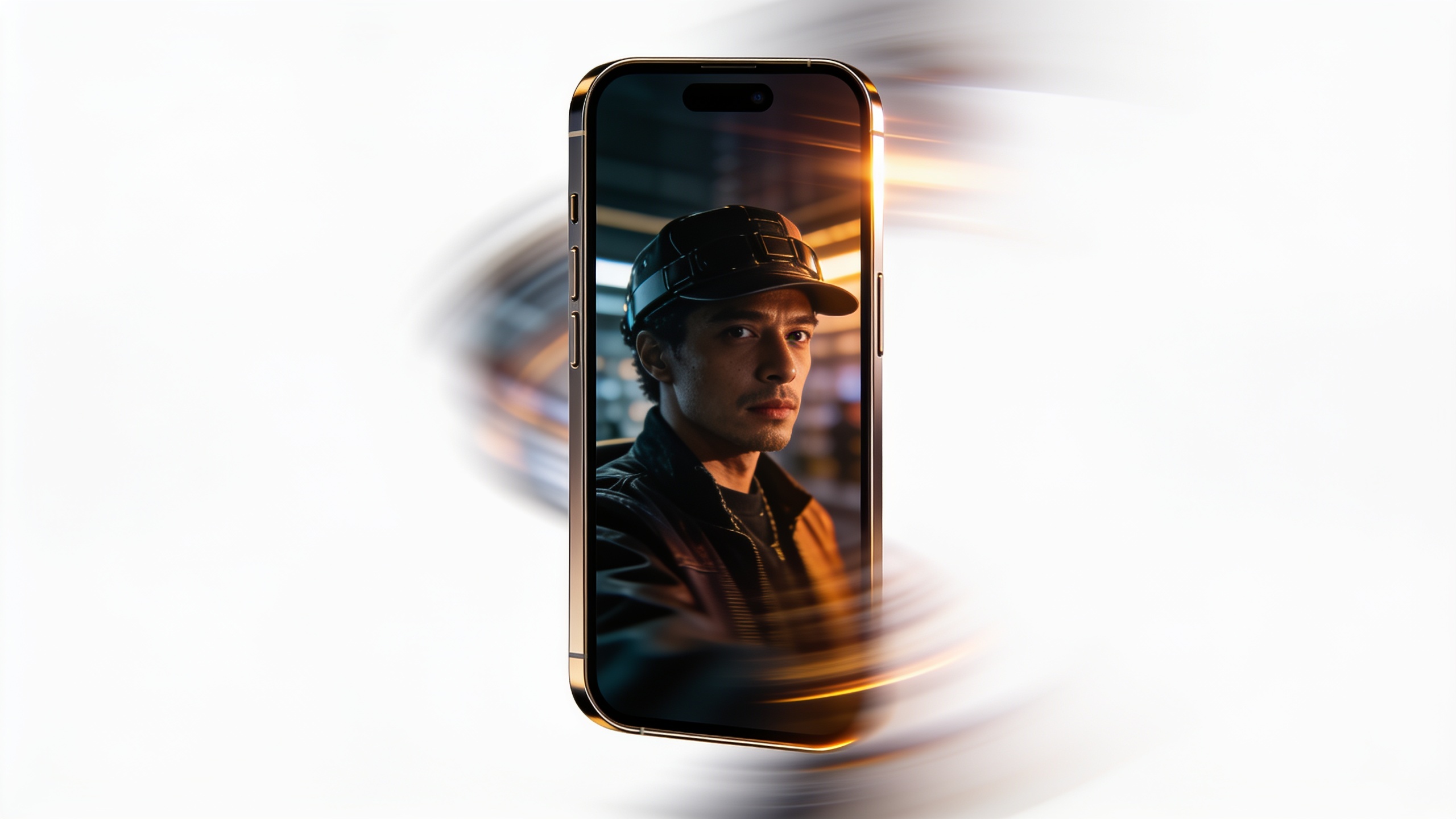
You have one product photo and a tiny creative team — you need scroll-stopping vertical clips that convert, fast. This article shows how to turn a still image or a short prompt into multiple 6–15s product hooks and longer micro-demos you can test on TikTok, Reels, and Shorts. You'll get data-backed reasons why vertical video beats images, a simple 5-minute GoCrazyAI workflow to create a 9:16 clip, preset recommendations (Kling 2.5, Veo 3.1, Sora 2), and a repeatable testing playbook so you can ship dozens of variants each week. Follow the hands-on steps, copy the example prompts, and use the measurement checklist to iterate efficiently.
Quick Answer
How do you create a short product hook from one photo? Use an image-to-video AI workflow: pick a single feature to demo, craft a 6–15s script, animate the photo into a 9:16 clip, add a punchy sound and on-screen CTA, and run rapid A/B tests. GoCrazyAI’s AI Video Generator can convert one photo into multiple vertical variants in minutes.
Why do short, vertical product hooks outperform images for TikTok and Reels?
Short, vertical product hooks typically outperform images because they capture motion, sound, and context that prompt viewers to stop and engage. Video on TikTok receives substantially more interaction than images — Metricool’s 2024 benchmark found roughly 60% more interaction for video vs. images, which is why product-forward short clips get more starts and shares than static posts. Platforms favor native vertical formats in feeds, so a 9:16 micro demo often gets higher organic reach and paid efficiency.
For practical impact: a 6–15s clip that quickly demonstrates a single benefit often increases Hook Rate and Hold Rate vs. a static photo with text. Video also supports sound design and captions, tools Gen Z responds to when evaluating purchases (Sprout Social reports higher product curiosity from dynamic video). Use short-form video to show the product doing one thing, then test variations to find the highest-converting creative.
Tip: Start with motion and clear context — even subtle animation of a product can beat a static image in feed tests.
What makes a great micro product demo: structure, length, and the 1-feature focus?
A great micro product demo is focused, fast, and single-minded: it communicates one benefit in 6–15 seconds for hooks, or 15–60 seconds for slightly deeper demos. Start with a 1–2 second visual opener (product close-up), show the feature in use (3–8 seconds), and end with a 1–3 second CTA. This structure helps viewers grasp value before they scroll away.
Length guidance: 6–15s for hooks that aim to earn a 3-second view and spark curiosity; 15–60s when you need to explain how it works. Keep language simple, use a strong verb (“stores, cleans, clips, charges”), and orient the frame vertically (9:16).
Prompt copy example for a single-feature demo:
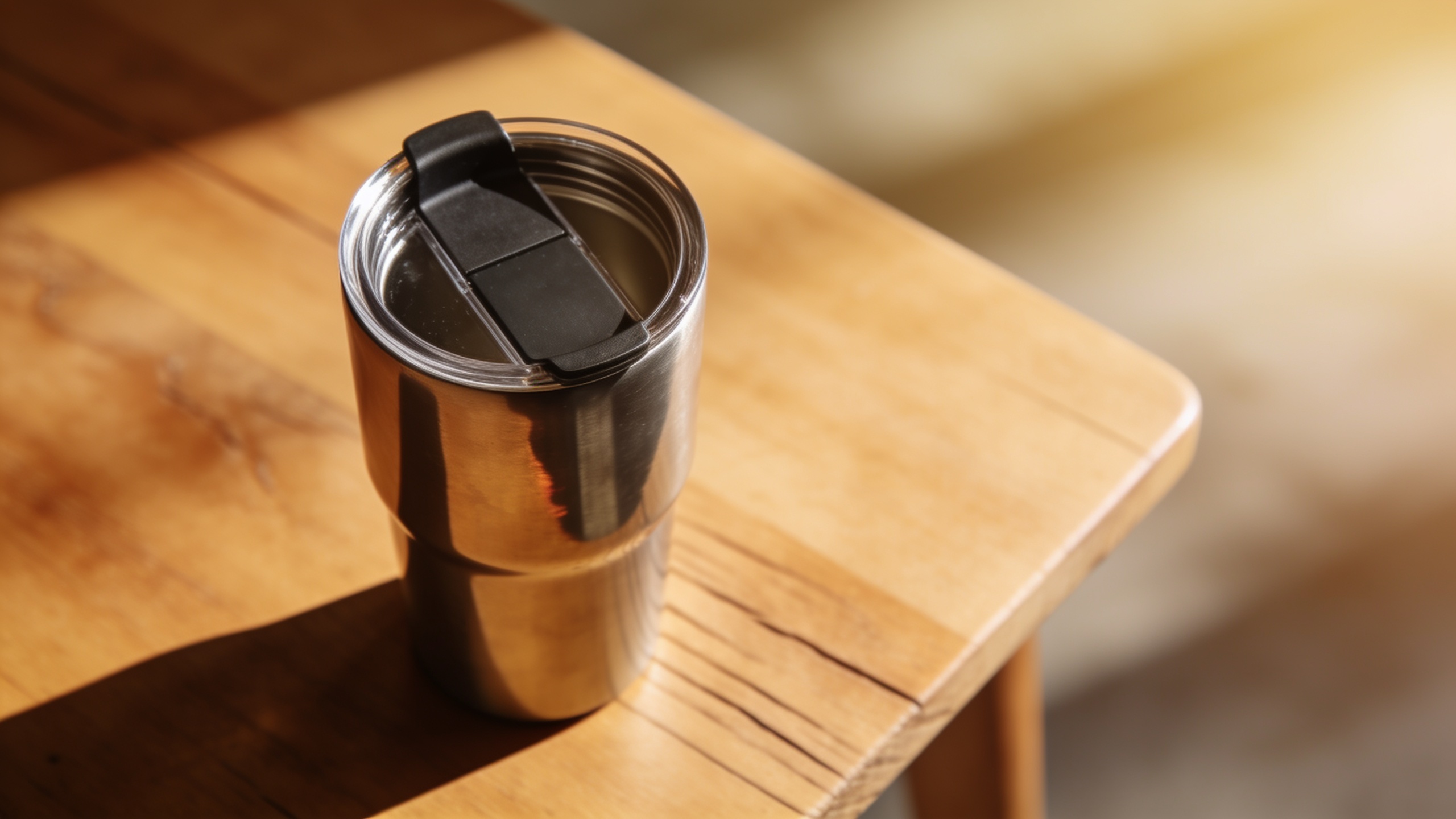
"Show a stainless-steel travel mug pouring a steady stream without spills, close-up, warm morning light, fast cut to hand placing the lid — energetic upbeat music, 9:16, 8 seconds."
This keeps the creative focused on one use case, which usually increases comprehension and conversion.
Why must brands chase creative velocity: produce dozens of 6–15s variants each week?
Creative velocity matters because platform users and ad auctions respond best to fresh, native-looking clips; frequent refreshes reduce ad fatigue and lower CAC. Industry write-ups in 2025–2026 emphasize making many small variants rather than polishing a single ad — the more variants you test, the faster you learn which hooks work.
Practically, aim for dozens of 6–15s variants per SKU weekly when you’re scaling. Variants should swap copy, hook visuals, music, camera framing, and model presence. Use short test windows (48–72 hours) and kill losers fast. Tools that automate image-to-video and batch rendering let small teams maintain that cadence without hiring a full video department.
Tip: Treat each variant as a hypothesis: change one element at a time (voice, on-screen text, color grade) to isolate what moves KPIs.
Hands-on: From product photo to 9:16 AI product clip in under 5 minutes (using GoCrazyAI AI Video Generator)
You can convert a single product photo into a 9:16 clip quickly using GoCrazyAI AI Video Generator. Start by uploading your photo or pasting a short prompt, pick a vertical output, choose a model preset (Kling 2.5, Veo 3.1, or Sora 2), and render a 6–15s micro demo with motion and sound. The tool animates stills into motion and exports ready-for-TikTok formats, so you don’t need editing skills.
Step-by-step (fast): 1) Open the AI video generator and select "Image-to-Video". 2) Upload your product photo and crop to portrait. 3) Enter a short prompt focused on one feature (example prompt below). 4) Choose Kling 2.5 for punchy product motion, Veo 3.1 for photoreal render, or Sora 2 for stylized cinematic looks. 5) Set length to 8–12s, add an upbeat music bed, and render.
Example prompt to copy:
"Portrait 9:16 — close-up of matte black wireless earbud in charging case, lid opens to show earbuds, subtle rotation, studio rim light, smooth micro motion, energetic pop music, 8s hook."
This section shows the minimal steps; once you have a clip, use GoCrazyAI Media Mixer to add subtitles, swap music, or add voiceover before exporting.
Example: Hands-on building a TikTok ad test suite — create 10 micro-demos from one SKU with Kling 2.5, Veo 3.1, and Sora 2 presets
You can generate 10 distinct micro-demos from one SKU by changing model presets, motion intensity, text overlays, and music in a batch workflow. Start with your single product image and create three baseline renders (Kling 2.5, Veo 3.1, Sora 2). Then make variations by adjusting: hook copy, camera framing, color grade, and soundtrack. Each toggle yields a new hypothesis to test.
Quick execution plan: 1) Base renders: produce one 8s clip per preset (3 clips). 2) Copy variants: swap the headline text on-screen for three angles (utility, social proof, urgency). 3) Sound variants: swap music for two options (instrumental and voicebed). 4) Trim variants: make two shorter edits (6s and 12s) to test Hook Rate.
Example prompts to change across variants:
"Kling 2.5, 9:16 — product flips open to show feature, upbeat pop, bold white text 'No spills', 8s."
"Veo 3.1, 9:16 — soft morning light, focus on handle grip, ambient acoustic, text 'Comfort grip', 8s."
"Sora 2, 9:16 — high-contrast cinematic loop, rapid 3-frame cuts, voice 'Works in seconds', 6s."
Batch-rendering these variants is usually faster than shooting new footage. When you have 8–12 clips, run a creative split test to identify top performers before scaling spend.
Optimizing your hook: copy, on-screen text, sound design and CTA patterns that lift CTR — mistakes to avoid
A strong hook combines tight copy, legible on-screen text, engaging sound, and a clear CTA. Keep text large and readable for mobile viewers; lead with the benefit ("Lasts 48 hours", "Fits any bag"); and use a CTA that matches intent ("Shop now", "See how it works"). Sound should match the cadence of cuts — upbeat for energetic products, softer beds for premium goods.
Common mistakes and how to avoid them:
1) Overloading the frame with text — avoid: cluttered overlays. Fix: one short phrase per shot, bold sans-serif, high contrast.
2) Trying to demo multiple features at once — avoid: long list of benefits. Fix: pick the single highest-converting feature per 6–15s clip.
3) Using generic music that mutes the voice or silent pacing — avoid: muddy mixes. Fix: prioritize a punchy hook sound and duck music for voice lines.
4) Weak CTA or no CTA — avoid: vague endings. Fix: end with a 1–2 word directive and matching link or on-screen button.
5) Ignoring aspect-safe framing — avoid: important copy off-frame on some devices. Fix: check 9:16 safe zones and test on-device.
Distribution playbook: what ad settings, placements, and creative refresh cadence should you use for TikTok/Meta/YouTube Shorts?
For distribution, use placement-native creative and small-budget split tests to find winners quickly. Start with native placements (TikTok Feed, Reels, Shorts) and set campaign objectives to Video Views or Conversions depending on your funnel stage. Rotate creatives every 3–10 days: kill the bottom 50% and scale the top 10–20% — this cadence helps fight ad fatigue.
Ad settings checklist:
- Use vertical 9:16 with captions baked in.
- Start with low-budget broad audience tests to let the algorithm optimize.
- Track Hook Rate (3s views) and Hold Rate (avg watch time) as primary creative signals (TikTok Business guidance).
Placement tips:
- TikTok: prioritize native feed and Spark Ads for social proof.
- Meta Reels: test the same asset but adjust caption length and thumbnails.
- YouTube Shorts: favor slightly longer variants (12–15s) with a stronger visual opener.
Refresh cadence: produce new creative weekly when running high-velocity campaigns, or every 2–3 weeks for low-volume SKUs. Regular new variants are essential to keep CPM and CAC from rising.
Measuring success: which KPIs, A/B tests should you run, and how to feed learnings back into GoCrazyAI workflows?
Measure Hook Rate (3s views), Hold Rate (average watch time), CTR, and downstream conversion metrics like Add-to-Cart and Purchase. Run A/B tests that change one variable at a time—headline, music, or visual motion—to identify causal drivers. Feed winners back into your asset pipeline by re-rendering the top-performing variant with different model presets or color grades to create lookalike winners.
Practical loop: 1) Launch 8–12 variants for 72 hours. 2) Evaluate Hook Rate and CTR; keep the top 20% for a conversion-focused test. 3) Recreate top performers in GoCrazyAI with minor adjustments (alternate music, text placement) to expand the winning theme into 10+ variants.
Use your platform export and the GoCrazyAI credit pool to iterate without juggling multiple subscriptions. Track creative refresh rate and use ad manager insights to decide when to retire or rework assets (TikTok recommends watching Creative Refresh Rate in Video Insights).
Frequently Asked Questions
How long should a short product hook be for TikTok ads?
Aim for 6–15 seconds for hooks. Shorter clips (6–9s) often boost Hook Rate, while 12–15s give slightly more time to show context or tiny how-tos.
Can I make multiple ad variants from one product photo?
Yes. Use different model presets, swap music, change on-screen text, and vary crop/framing to create many native-looking variants from a single image.
Which metrics tell me a creative is working?
Start with Hook Rate (3s views) and Hold Rate (avg watch time) to judge creative. Then evaluate CTR and conversion metrics like Add-to-Cart and ROAS for paid scaling.
Do I need a video team to run this workflow?
No. Tools that animate stills and generate short clips let small teams produce and iterate quickly without full video crews.
Conclusion
Final thoughts: Short product hooks let you test attention and intent faster than static creative. Focus each clip on one feature, keep edits tight, and run many small tests to find winners. Use presets and template prompts to speed rendering, then iterate based on Hook and Hold Rates. Open the AI Video Generator to turn a photo or short prompt into your next vertical product clip.
Sources
- Metricool Releases 2024 TikTok Benchmark Studyprnewswire.com ↗
- Micro demo: the complete guide for sales engineersguideflow.com ↗
- TikTok Ad Statistics [2025 Guide]: 100+ Benchmarks & Trendsgetkoro.app ↗
- TikTok Business — Video Insights / Performance Fundamentals 2024ads.tiktok.com ↗
- 60+ Social Media Video Statistics To Know (Sprout Social)sproutsocial.com ↗
- Short-form video popularity moving beyond social platforms (TVTechnology report)tvtechnology.com ↗
- Vertical Video Ads: The Complete Guide (overview on vertical video effectiveness and CPM benchmarks)aividgenie.com ↗
- Fanpage Karma — Short Video Study 2024 (trends and reach analysis)fanpagekarma.com ↗