


Image to video for TikTok: turn one product photo into 5 viral hooks
A practical, test-first workflow to turn a single product image into multiple TikTok hooks using image-to-video prompts, rapid A/B testing, and GoCrazyAI tools.
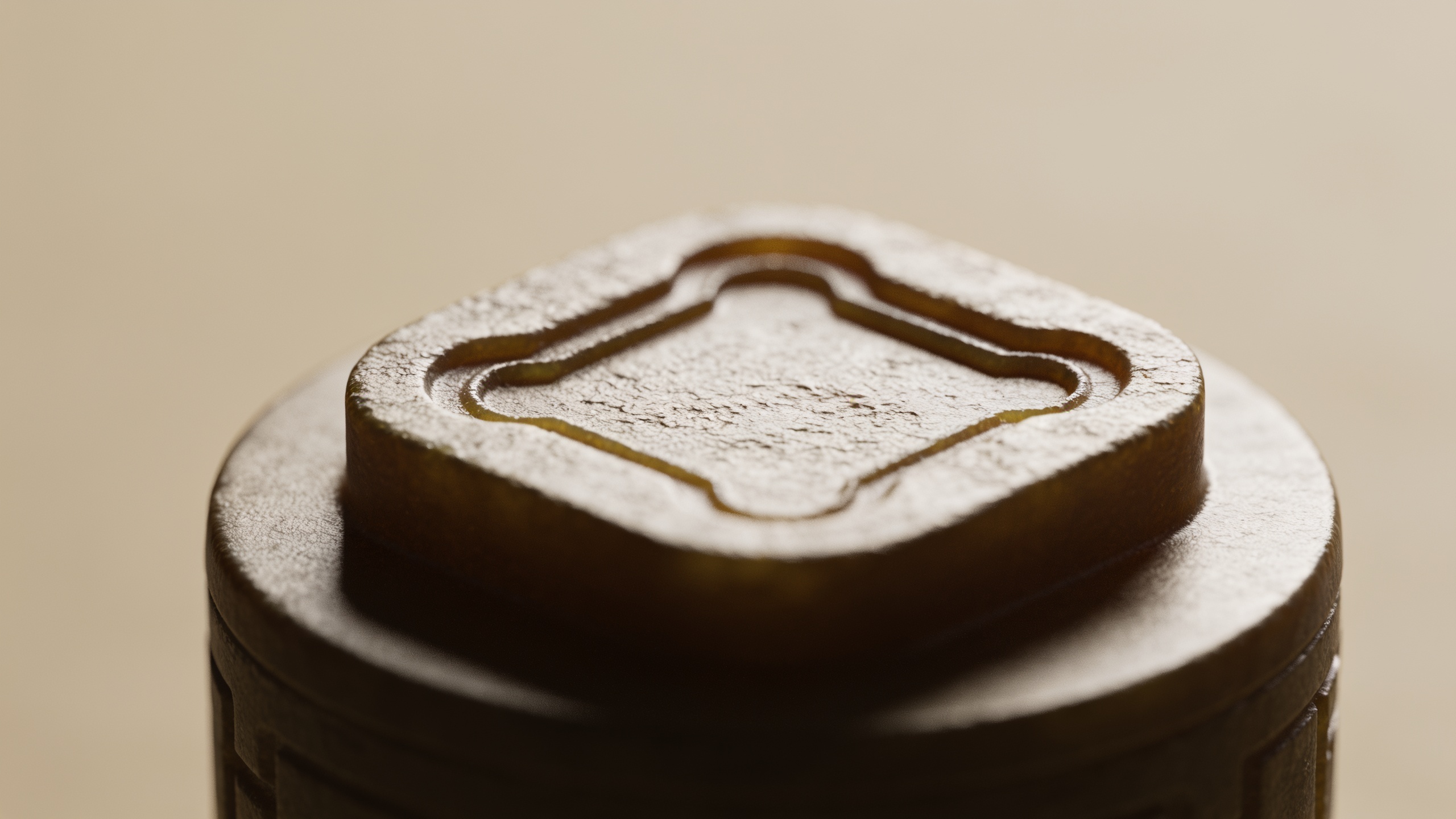
You have one product photo and need five different TikTok hooks before lunch. This guide gives a fast, repeatable workflow with exact prompt patterns, sound and caption rules, and A/B test plans so you can spin a single still into multiple short-form clips. It includes copy‑and‑paste prompt templates, practical timing rules for the first 1–3 seconds, and a step‑by‑step GoCrazyAI workflow to get vertical 9:16 hooks out the door without editing skills.
Quick Answer
How do you use image-to-video for TikTok? Use an image-to-video model to animate a still with clear camera intent, short motion directions, and on-screen text in the first 1–2 seconds. Generate multiple motion variants (zoom, parallax, reveal, product-in-hand), add vertical 9:16 framing, short audio, and test 6–15s clips to find the best performing hook.
Why image-to-video is the fastest way to create TikTok hooks (data-backed)?
Image-to-video is the fastest way to create TikTok hooks because it lets you reuse a single high-quality asset and produce multiple motion variants without reshooting. Short-form analyses show the first 1–3 seconds determine whether viewers keep watching; videos that retain roughly 65–70% past three seconds often get far better distribution. TikTok ad reviews also show 63% of top ads deliver the core message within three seconds, which means creators who open with immediate clarity and value usually win more impressions.
For creators this translates to speed: a single product photo can yield reveal, zoom, parallax, in-hand, and dramatic lighting variants in minutes. Image-to-video models handle camera motion and atmospheric effects from prompt fields, so you avoid reshoots and expensive edits. Practically, aim for 6–15 second vertical clips, put concise on-screen text in the first 1–2 seconds, and test 3–5 motion prompts per image to find the highest-retaining hook. This approach favors iteration and scale over chasing a single perfect take.
Which short-form formats work best for image-to-video (product loops, hook-first openers, animated B-roll)?
The best short-form formats for image-to-video are product loops, hook-first openers, and animated B-roll because each plays to the strengths of a still photo stretched into motion. Product loops show the item in continuous, appealing motion and loop naturally for higher completion rates. Hook-first openers deliver the core promise in the first 1–3 seconds (text + motion) to capture the swipes. Animated B-roll provides mood or lifestyle context around the product without needing a second shoot.
Format tips: Use 9:16 vertical framing and keep clips 6–20 seconds to maximize completion and loopability. Product loops work well with subtle 0.5–1x speed parallax and a clean reveal that matches a quick caption. Hook-first openers need text in the first 1–2 seconds and a rapid camera move (fast zoom or quick reveal). Animated B-roll benefits from softer camera moves, atmospheric particles, and warm golden-hour relighting so the clip feels cinematic while keeping the product as the focal point. Mixing these formats across uploads multiplies chances of hitting feed preferences.
Essential prompt principles for turning a still image into a cinematic TikTok clip?
Write prompts that specify camera movement, focal point, lighting, tempo, and intended duration—these five elements typically give the clearest results. Good prompts use short, precise phrases like: '3s vertical: slow dolly-in to center product, warm rim light, shallow depth of field, subtle parallax background, crisp texture focus.' That level of specificity usually yields more cinematic motion than vague directions.
Other principles: 1) Define a camera intent (dolly, crane, handheld, orbit). 2) Name the focus point (logo, label, lens). 3) Call out lighting (studio softbox, golden hour, backlit rim). 4) Add tempo terms (snappy, slow, rhythmic) tied to beat or duration. 5) State the clip duration and aspect ratio (9:16, 8s). Models and Effect House-style editors expose motion parameters—use them. Finally, provide a short ‘visual goal’ sentence: e.g., 'Hook: show the key benefit in first 2s with bold white text' so silent viewers get the message immediately.
Prompt templates and 12 starter examples for image-to-video (copy-and-paste)?
Start with a simple template and swap the motion and tone. Template: "[DURATION] 9:16 vertical — camera: [CAM_MOVE] toward [FOCUS]; lighting: [LIGHT]; tempo: [TEMPO]; effect: [EFFECT]; caption: '[ON-SCREEN TEXT]' in first 1s; loopable." Below are 12 starter prompts you can paste into an image-to-video field.
1) "8s 9:16 vertical — camera: quick dolly-in to product label; lighting: soft studio rim; tempo: snappy; effect: micro parallax; caption: 'Wait till you see this...' in first 1s; loopable."
2) "6s 9:16 vertical — camera: 180° orbit revealing product from left to right; lighting: golden hour warm; tempo: rhythmic; effect: dust motes; caption: 'See how it fits?' in first 1s."
3) "10s 9:16 vertical — camera: slow push forward then slight rotate; lighting: high-contrast with specular highlights; tempo: slow cinematic; effect: shallow depth of field; caption: 'Pro tip inside' in first 2s."
4) "7s 9:16 vertical — camera: fast zoom-out to reveal scaled context; lighting: studio softbox; tempo: urgent; effect: film grain; caption: 'No more X' in first 1s."
5) "8s 9:16 vertical — camera: handheld-style jitter then lock on product; lighting: neon edge; tempo: punchy; effect: lens flare; caption: 'Meet your new favorite' in first 1s."
6) "6s 9:16 vertical — camera: parallax with foreground blur; lighting: backlit rim; tempo: steady; effect: subtle particle shimmer; caption: 'Unbox the feel' in first 1s."
7) "9s 9:16 vertical — camera: product-in-hand reveal, rotate to label; lighting: soft fill; tempo: conversational; effect: natural hand motion; caption: 'Feels like...' in first 1s."
8) "8s 9:16 vertical — camera: quick snap to macro close-up; lighting: crisp top light; tempo: staccato; effect: focus rack to texture; caption: 'Look closer' in first 1s."
9) "12s 9:16 vertical — camera: slow track across a styled set; lighting: warm cinematic; tempo: ambient; effect: vignette; caption: 'Why it matters' in first 2s."
10) "6s 9:16 vertical — camera: whip-pan to product then hold; lighting: contrast pop; tempo: punchy; effect: motion blur; caption: 'You need this' in first 1s."
11) "7s 9:16 vertical — camera: vertical parallax + subtle zoom; lighting: box light; tempo: looping; effect: soft bokeh; caption: 'Top seller' in first 1s."
12) "8s 9:16 vertical — camera: reveal through smoke/atmosphere; lighting: dramatic rim; tempo: cinematic; effect: particles; caption: 'Wait for the twist' in first 2s."
Use these as-is or swap lighting/motion to suit your brand. For better results, always include the exact clip duration and on-screen text timing.
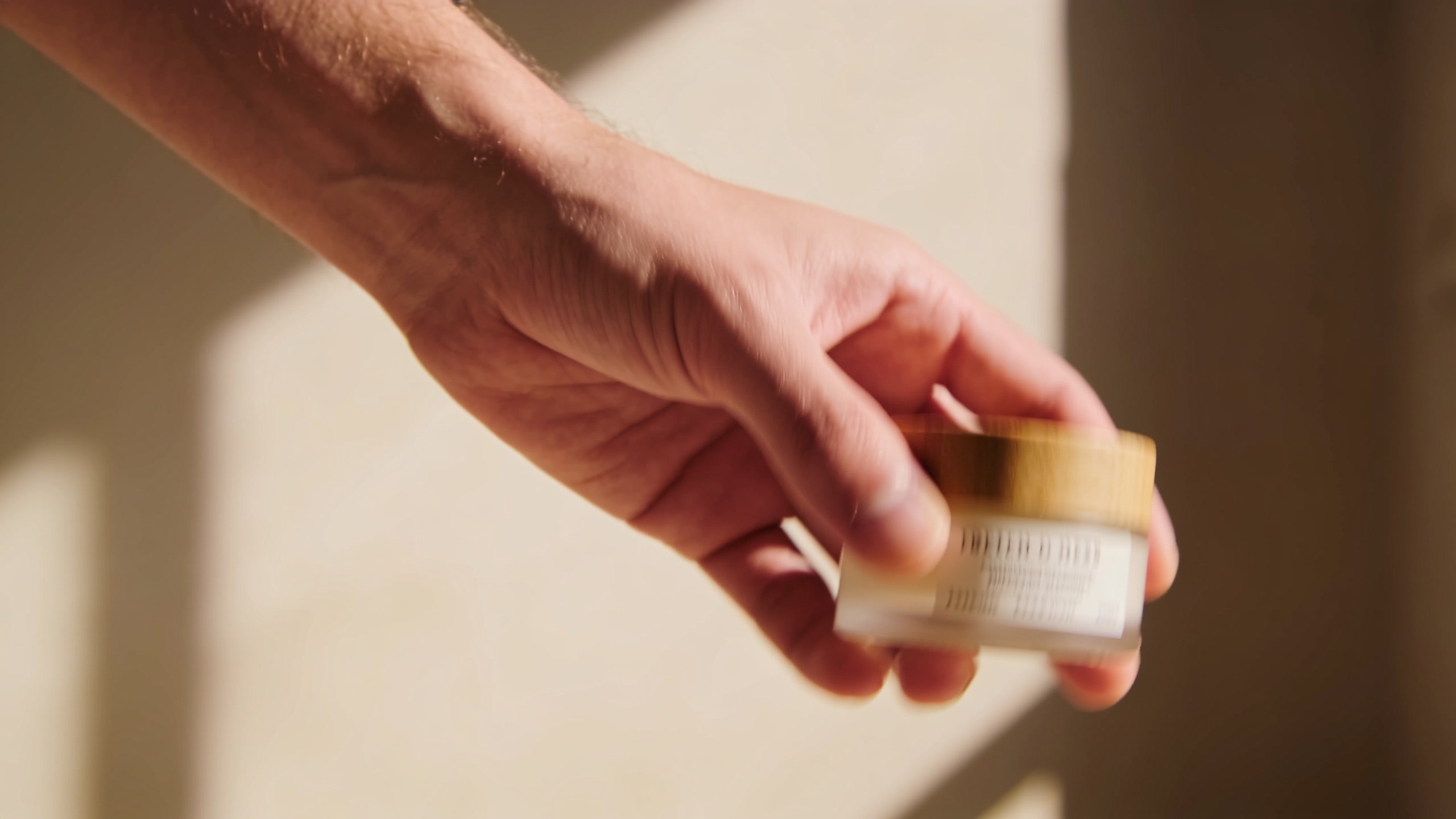
Hands-on workflow: From single product photo to five TikTok hook variations in 20 minutes?
You can get five distinct hooks from one photo in roughly 20 minutes by batching prompt creation, using tuned models, and keeping clips short. Workflow: export a clean high‑res image, pick 5 motion templates (zoom, parallax, reveal, in-hand, macro), run five parallel image-to-video jobs, add quick caption overlays, and upload the best performers. Each job should be set to 6–12 seconds vertical and include the on-screen text in the first 1–2 seconds to test retention quickly.
Timing breakdown: 0–3 minutes: prep image and caption lines; 3–8 minutes: write 5 variant prompts (use the templates above); 8–15 minutes: run generation (parallel if the tool supports it); 15–18 minutes: add captions and pick music; 18–20 minutes: export and schedule uploads. Use the same visual goal for each variant (e.g., 'communicate benefit in 2s') so A/B testing isolates motion and timing changes rather than message differences. If using GoCrazyAI, pick a tuned model like Kling 2.5 Turbo Pro or Veo 3.1 for cinematic short-form output, and request 9:16 framing for TikTok uploads.
Hands-on workflow: A/B test plan — how to measure hooks, iterate, and scale using analytics and mistakes to avoid?
A practical A/B test plan measures early retention (3-second hold rate), watch time, and completion rate. Run small tests (two variants per upload time) and measure the percent of viewers still watching at 1s, 3s, and 6s. Optimize toward higher 3-second retention because analyses show that often correlates with better impressions. Use consistent posting conditions (same caption, time, and audience) so motion is the only variable.
Common mistakes to avoid in A/B tests: 1) changing captions or thumbnails between variants — this confounds results; 2) running too few views — avoid drawing conclusions from <500 views; 3) testing too many variables at once — change only motion or only text. Iterate by keeping the winning motion and swapping small elements like on-screen copy or sound. When scaling, multiply winning hooks by swapping micro-parameters (tempo, lighting, camera speed) to create dozens of low-risk variants from one original image.
How to design sound, captions, and pacing for AI-generated clips to maximize retention?
Design sound, captions, and pacing to land the hook in the first 1–3 seconds. Use a short sound cue or beat drop on frame 0–0.5s to attract attention, then align a vocal beat or musical accent with the camera move at 1–2s. Captions should show the core promise in large, high-contrast text during the first 1–2 seconds because many viewers watch muted. Pacing: keep cuts or camera changes tight—one major motion in the first 3 seconds, then a follow-up micro-move before the end to encourage rewatching.
Practical stack: choose a 6–12s music loop with a clear transient (snare or synth stab) on the downbeat. Use the GoCrazyAI AI Song Generator or licensed short audio from your library, then add a 1–2 word caption or benefit statement in bold white text with a subtle drop shadow. For silent testing, also upload variants without sound but with captions—this often reveals whether the hook works on mute. Finally, ensure the clip loops cleanly if you want repeat views to boost completion-rate metrics.
Creative ideas: 30 short-form concepts you can generate from one image (fill-in-the-blank prompts)?
Below are 30 short-form concept prompts you can fill in from a single product image. Each concept is focused on a clear hook you can run as a 6–12s vertical clip. Use them as quick variants to test which narrative or visual beat resonates.
- "Before/After reveal: show product then quick overlay of benefit"
- "Micro unbox: tight reveal from product box to hand"
- "Close-up texture: macro shot + caption 'Feel this'"
- "How-to in 6s: 3 quick steps with caption pops"
- "One thing it fixes: text-first + product snap"
- "Product in hand: real scale reveal"
- "Surprise detail: pull focus to unexpected feature"
- "Price shock: bold text + fast zoom"
- "Lifestyle mood: ambient B-roll with product foreground"
- "Before/after comparison split-screen"
- "Stop-motion feel: jump cuts on beat"
- "Ingredient highlight: macro with text"
- "User quote: text-first + product close"
- "Use-case demo loop: product in repeat action"
- "One-second transformation: snap change on beat"
- "Top 3 reasons in 10s: 3 quick captions"
- "ASMR texture: subtle sound + macro"
- "Trend remix: apply a trending sound + product reveal"
- "Countdown reveal: 3..2..1 reveal"
- "Question hook: 'Did you know?' + product focus"
- "Minimal cinematic: slow push + ambient music"
- "FAQ quick answer: caption then product shot"
- "Limited-time urgency: countdown text + whip-pan"
- "Behind-the-scenes stylized: animated bokeh + product"
- "Comparison swipe: old vs new with split motion"
- "Color pop: desaturate background, color product"
- "Texture reveal: focus rack to detail"
- "Scale trick: forced perspective reveal"
- "User POV: product enters frame as if being picked up"
- "Loop surprise: ends where it started for rewatch."
These prompts are easy to convert into the motion templates in the earlier section. Use the same on-screen text timing and 9:16 framing to keep tests comparable.
Why GoCrazyAI AI Video Generator is the right tool for this workflow (+ where to start on /create-ai-video)?
GoCrazyAI AI Video Generator is built for image-to-video workflows and lets creators animate a single still into 9:16 short clips with tuned models (Kling 2.5 Turbo Pro, Veo 3.1, Sora 2). It supports precise prompt fields for camera movement, lighting, tempo, and duration so you can apply the exact prompt principles above and get cinematic outputs quickly. The platform outputs 9:16, 1:1, and 16:9 from the same job and routes generations through multiple models from one credit pool, which speeds iteration without juggling subscriptions.
How to start: open the AI Video Generator, upload your product photo, choose 9:16 vertical output, pick a tuned model (Kling or Veo for cinematic short-form), and paste one of the starter prompts above into the motion field. Set duration to 6–12s and include the on-screen caption timing. Run parallel jobs for multiple motion variants, then export the clips. For image prep you can also edit or relight in GoCrazyAI's AI Image Generator before animating, and when audio is needed use the AI Song Generator or AI Voices to add a short vocal. Ready to try this now? Open the AI Video Generator and drop in your image to ship a clip in minutes.
Frequently Asked Questions
What kind of photo works best for image-to-video on TikTok?
High-resolution images with clear subject separation and good lighting work best. Photos with visible texture, a clear focal point (logo or label), and minimal background clutter give image-to-video models a clearer anchor for motion and focus.
How long should image-to-video clips be for TikTok?
Aim for 6–20 seconds, with many hooks optimized around 6–12 seconds. Short clips loop more easily and let you test rapid variants while keeping production time low.
Do I need music or voice in AI-generated hooks?
Not always. Many viewers watch muted, so include on-screen text in the first 1–2 seconds. Add music or a sound cue to boost attention for audible viewers; test both sound-on and sound-off variants.
How do I measure a winning hook?
Measure early retention—1s and 3s hold rates—plus completion rate and average watch time. Compare variants with consistent captions and posting conditions so results reveal motion and timing differences.
Conclusion
Image-to-video lets you scale short-form hooks fast: pick a strong photo, write focused motion prompts, and iterate with quick A/B tests. Start by creating 3–5 motion variants per image, add clear on-screen text in the first 1–2 seconds, and measure 3-second retention to find winners. When you’re ready to generate clips, open the AI Video Generator and drop in your image to ship a clip in your next break.
Sources
- The First 3 Seconds: A Visual Breakdown of TikTok Hooks That Convertkettio.com ↗
- TikTok Content Strategy: Niche, Hooks &clarigital.com ↗
- The Hook Creative Strategy: Stop the Scroll in 3 Secondsdesignlumo.com ↗
- 63% of Top Ads Deliver Their Message in 3 Seconds: How to Nail the Openinglatinaugc.com ↗
- AI Video Hook Generator for TikTok, Reels & Shortsaiomnigen.com ↗
- How to Write Prompts for AI Video Effects — TikTok Effect Houseeffecthouse.us.tiktok.com ↗
- Kling 3.0 Image-to-Video: 20 Tested Prompts & Best Practices Guidevicsee.com ↗
- What Is A Good View Rate For Tiktok? (2025 Benchmarks)shortimize.com ↗
- How to Find Viral TikTok Hooks — What Real Data Actually Showsscribehow.com ↗