


AI character voices tutorial: How to cast, clone, and deliver believable dialogue
Practical AI character voices tutorial for animators and creators: casting, cloning, pacing, legal checklist, and a GoCrazyAI workflow with 160+ voices.
You need believable character dialogue today, not months of casting and recording. This article gives a compact, production-ready workflow for indie animators, YouTube creators, and solo filmmakers who want to cast, clone, and deliver multi-character dialogue using AI voices. You'll get a practical casting checklist, step-by-step scene-build with concrete settings and prompts, a safe cloning process, and polish tips for timing, breaths, and lip-sync that hold up in animation. I focus on workflows that scale: short turns per speaker, discrete exports, and iterative checks so you can stay on schedule and budget. I’ll also cover the legal and safety steps you should take before cloning any real voice. Where helpful, I cite industry research showing models now produce convincing conversational clones and explain the practical limits of that realism. If you want a single-tool path, GoCrazyAI AI Voices (160+ premium voices; clone and custom design) is shown later as an example workflow you can use end-to-end without stitching multiple tools together.
Quick Answer
This AI character voices tutorial shows how to cast, clone, and deliver believable dialogue by: picking voices with clear intent, using short turns (1–3 sentences), cloning safely from short samples, and exporting discrete WAV/MP3 takes. Use fine-grain controls for emotion, breaths, and SSML to match animation timing and iterate quickly.
Why AI voices are now a viable option for character dialogue (what’s changed)?
AI voices are now viable for character dialogue because model realism, accessibility, and controls improved rapidly; modern systems can produce conversational, emotionally shaded lines that sit naturally in mixes. Academic perceptual tests show listeners are often poor at distinguishing AI voice clones from human recordings in short conversational clips. Industry reviews from 2024–2026 highlight that platforms offering multi-voice dialogue modes, emotion controls, and fine-grain timing features perform best for character work.
What this means practically: you can now get usable takes without booking studio time for every line. The trade-offs are still real — extreme expressive acting, fast improvised reads, or highly idiosyncratic timbres may be harder to match. For most indie shorts and social clips, modern AI voices handle narration, character turns, and dubbing quickly, as long as you control pacing, breaths, and consistency across episodes.
When to prefer AI voices: tight budgets, fast iteration cycles, or localization needs. When to prefer human actors: long-form dramatic performance, improvisation-dependent scenes, or where performer contract/ownership is legally required. For production planners, treat AI voices like another casting choice with clear pros and cons, not a universal replacement.
How to choose the right voice for your character: a casting framework?
Choose a voice by asking three practical questions: what is the character’s intent, who is the target audience, and what are your production constraints (budget, timeline, localization)? Answering those directs timbre, pacing, and language choices.
Start with intent: is the character warm and encouraging, snarky, or neutral and informative? Use short demo lines to test perceived intent. Then test vocal range: ask the voice to read the same sentence at two intensities (calm vs. excited) to check flexibility. Finally, check consistency: generate the same lines across episodes to ensure the voice maintains the same color.
Concrete casting steps:
- Pick 3 candidate voices that match intent.
- Run them through 3 test lines: neutral, emotional, and a pacing test.
- Rate each on clarity, emotional range, and mixability (how it sits with music/effects).
For animated series, prefer voices with stable pitch and predictable breath placement. For short social clips, you can pick more stylized voices but keep them consistent across videos. Industry guides recommend demos and range tests as standard voice-casting practice.
Hands-on: Building a short scene with multiple AI characters (step-by-step example)?
You can build a short multi-character scene quickly by treating each speaker as a separate take, keeping turns short, and exporting discrete files for assembly. Below is a step-by-step example you can copy.
Start answer (stand-alone): Build the scene by scripting short turns (1–3 sentences), assign each line to one voice, generate isolated WAV/MP3 files for each turn, then assemble in your editor. This approach preserves timing control, lets you retake single lines, and simplifies lip-syncing.
Example workflow (copyable):
- Script a 30–45 second scene with turns limited to 1–2 sentences each.
- Assign voices: VOICE A (protagonist), VOICE B (foil), VOICE C (comic beat).
- Generate each line as a separate high-quality WAV with a 48 kHz sample rate and default breaths.
Prompt examples you can paste into an AI voice tool (use clean text input):
"[VOICE A] Read calmly, pausing 0.4s before the last clause: 'I thought you'd be gone by now.'"
"[VOICE B] Sarcastic, short breaths, pace medium: 'Well, surprises happen.'"
"[VOICE C] Fast, comic timing, small inhale before punchline: 'You didn't tell me about the dragon.'"
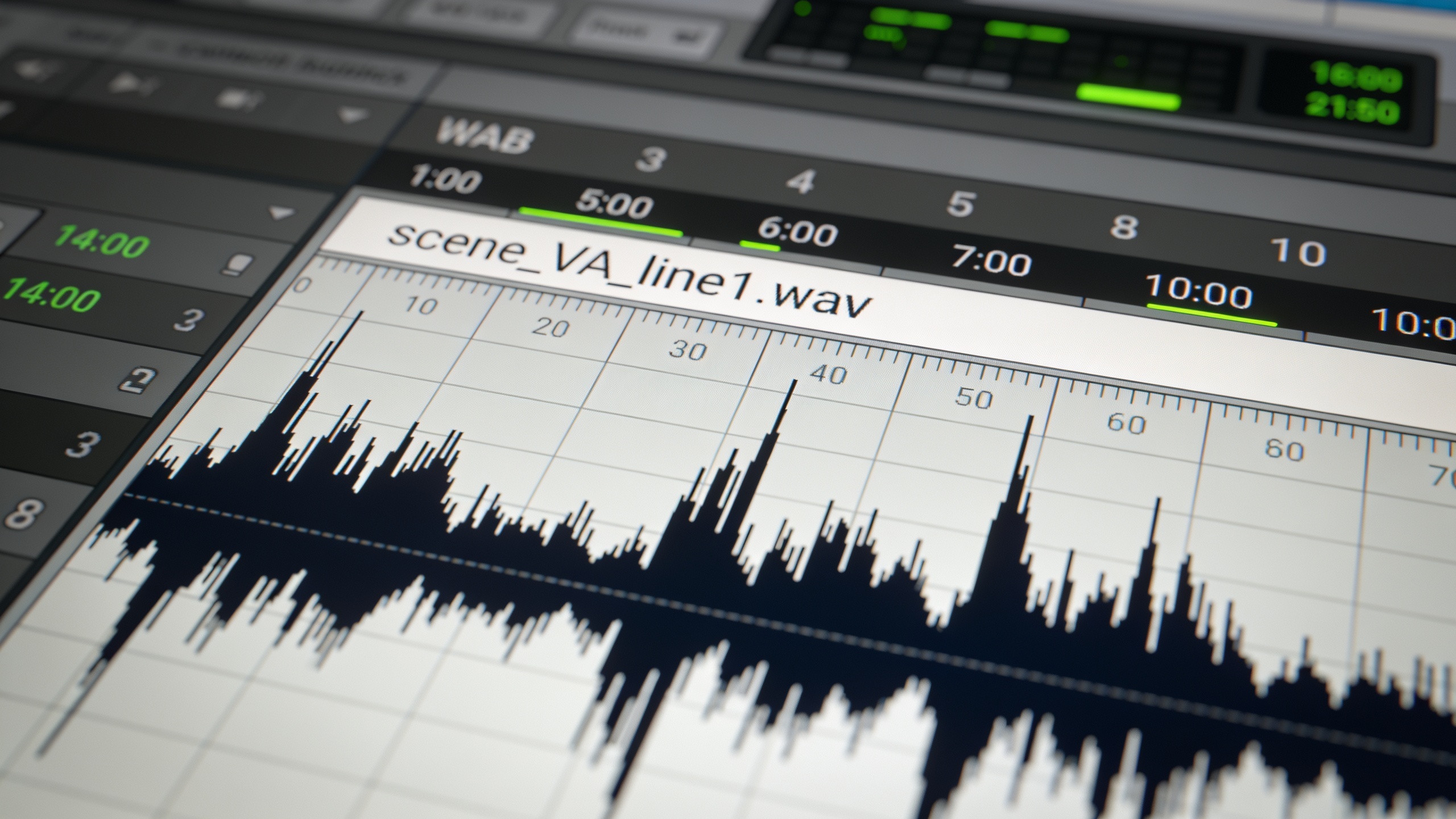
Expected outputs: separate WAVs labeled scene_VA_line1.wav, scene_VB_line2.wav, etc. Import into your editor, line them up, and adjust inter-line pauses for natural overlap. For dialogue flow, aim for 0.1–0.5s of overlap on quick exchanges to simulate interruptions; keep longer pauses (0.6–1.2s) for beats and reactions.
For tips on dialogue generation pacing, vendor guides commonly recommend 1–3 sentence turns for natural conversational pacing.
Hands-on: Cloning or designing a custom voice safely with GoCrazyAI AI Voices?
You can clone or design a custom voice safely by using short, consented samples, cleaning the audio, and following export and usage controls in the tool. GoCrazyAI AI Voices supports cloning from a short, clean sample and designing custom voices from text descriptions; it also provides 160+ ready voices you can use immediately.
Start answer (stand-alone): To clone safely on GoCrazyAI, collect an explicit, clean sample from the consenting speaker, upload it in the cloning tab, run the sample check, and use the platform's controls to fine-tune pitch, emotion, and pacing before exporting discrete WAV/MP3 takes.
Step-by-step on GoCrazyAI:
- Record a 10–20 second clean sample in a quiet room (single mic, 48 kHz preferred).
- In GoCrazyAI AI Voices (/ai-voice), choose "Clone voice" and upload the sample.
- Review the sample-check feedback, then generate 3 short test lines (neutral, excited, sad).
- Use the platform's emotion and pause controls to iterate until the lines match your character.
- Export each line as WAV, 48 kHz, and label files for your editor.
Practical notes: the cloning feature works from short clean samples, but always get explicit written consent for cloning a real voice. For completely new characters, try the "design custom voice" option with a short text prompt describing timbre, age, and emotional range. The GoCrazyAI voice outputs pair cleanly with the AI Video Generator and AI Podcast tools, making it easy to drop voice tracks into a larger production.
Internal resource: use the GoCrazyAI "voice cloning" tool to run this workflow and export ready takes.
Polishing dialogue: pacing, emotion, breaths, and lip-sync tips for animation?
Polish dialogue by controlling micro-timing (pauses and breaths), matching emotional intensity, and exporting files suited for lip-sync tools. Small timing tweaks and natural breaths make synthetic speech read as performance instead of flat narration.
Start answer (stand-alone): Add natural breaths, insert short pauses at clause boundaries, and use SSML/emphasis controls to shape syllable stress; export high-res WAVs so your lip-sync tool can analyze audio for viseme alignment.
Practical polishing steps:
- Breaths: add short inhalations (80–200 ms) before emotional or long phrases. Many voice UIs let you toggle "breath" or insert [breath] tags.
- Pauses: use 200–600 ms for reaction beats, 80–200 ms between quick exchanges.
- Emotion: boost intensity in single-word emphasis rather than across entire sentences for nuanced reads.
- Lip-sync: export at 48 kHz WAV and use frame-accurate markers or loudness peaks to map visemes. If your lipsync tool supports markers, add a short clap or slate tone at the start of each take to sync timing.
For music beds or sound design, keep dialogue stems dry and export separate music stems from an "AI music generator" so you can mix levels without re-rendering voice lines. You can use background music as a separate file to test how the voice sits in the mix before final render. For music generation, see GoCrazyAI's AI music generator as a quick source of non-distracting beds.
Legal, ethical, and safety checklist when cloning or using AI voices (common pitfalls)?
Treat cloning like a legal and ethical process: get written consent, document usage rights, and avoid using cloned voices to impersonate or mislead. Laws and policy activity are increasing; some jurisdictions are passing protections around performer voice likeness, and industry reports urge explicit consent for cloning (for example, proposals like the ELVIS Act and recent regulatory attention).
Start answer (stand-alone): Always get explicit written consent before cloning a real voice, keep records of consent and usage, avoid impersonation or misleading claims, and follow platform policy and local law. Short audio sufficiency for cloning increases misuse risk, so handle samples with care.
Common pitfalls and how to avoid them:
- Pitfall: cloning without consent. Avoid by obtaining a signed release that lists allowed uses and durations.
- Pitfall: using short noisy samples. Avoid by recording a clean 10–20s sample in an echo-free space.
- Pitfall: public distribution without disclosure. Avoid by labeling AI-generated content and informing collaborators and performers.
- Pitfall: using cloned voice for deceptive content. Avoid by maintaining an ethical usage policy and rejecting requests that aim to deceive.
Regulatory note: reports and news coverage show cloning can be done from just a few seconds of audio, which is why security-minded teams treat even short samples as sensitive. Keep an auditable chain of consent whenever you clone a real voice.
Workflow & delivery: exporting, collaborating, and publishing fast with GoCrazyAI?
A fast delivery workflow exports discrete, labeled audio takes, stores consent, and uses a shared project where editors and sound designers can pull stems. GoCrazyAI supports discrete WAV/MP3 exports, SSML/emphasis controls, and pairing with video and podcast tools to speed publishing.
Start answer (stand-alone): Export each actor’s lines as labeled high-quality WAV files, save a project manifest with consent records and generation parameters, then share files with editors or import directly into your video editor. Use versioned exports to iterate without losing earlier takes.
Practical delivery checklist:
- Export format: WAV, 48 kHz, 24-bit for editorial; MP3 320 kbps for quick reviews.
- File naming: scene_speaker_line_take.wav (e.g., S01_VA_L02_T01.wav).
- Manifest: JSON or spreadsheet listing voice presets, pitch/emotion settings, sample source, and consent files.
- Collaboration: share exports and manifest via cloud folder or directly import into your NLE. If you need scoring or beds, pair voice stems with tracks from an "AI music generator" so you can iterate mixes quickly.
GoCrazyAI integrates voice outputs with the AI Video Generator and AI Podcast tools, which lets you drop voice tracks into video timelines or multi-voice podcast projects without manual re-encoding. For fast iteration, generate preview MP3s for stakeholders and final WAVs for edit and mix.
Internal link: use the AI video generator to test final lip-sync in context with visuals.
Frequently Asked Questions
How much audio do I need to clone a voice?
Many modern systems can produce usable clones from 10–20 seconds of clean audio, though quality and expressiveness improve with longer, varied samples. Short-sample cloning increases misuse risk, so get explicit consent and use clean recordings.
Can I use AI voices for commercial projects?
Usually yes, if you own the voice or have written consent for cloning. Check the platform's commercial terms and local laws; some jurisdictions are tightening rules around performer likeness and voice rights.
What file format is best for lip-syncing in animation?
Export dry WAV files at 48 kHz (24-bit when possible). WAV preserves transients and gives lip-sync tools the best data for viseme detection and frame-accurate alignment.
How do I make AI dialogue sound less robotic?
Use short turns, insert natural breaths and small pauses, vary emphasis with SSML or emotion controls, and avoid monologue-style long sentences. Slightly lower compression and modest EQ can also retain natural dynamics.
Conclusion
Final thoughts: AI voices are a practical tool for creators when used with clear casting, clean samples, and documented consent. Build scenes with short turns, test a few candidate voices, and polish timing and breaths for believable delivery. When you need a single place to experiment with 160+ ready voices, cloning, and custom voice design, try GoCrazyAI AI Voices to generate, iterate, and export production-ready takes.
Sources
- The Artificial Imposter (McAfee press release)mcafee.com ↗
- How to Generate AI Dialogue with ElevenLabs Dialogue v3 (tutorial)martini.art ↗
- AI voice generator comparisons and reviews (2026 roundup) — Gradually.aigradually.ai ↗
- 2024 Audio Trends Report (Voices.com)static.voices.com ↗
- People are poorly equipped to detect AI-powered voice clones (arXiv 2024)arxiv.org ↗
- Voice casting and selecting voiceovers for animated projects (industry guide) — VoiceProductionsvoiceproductions.com ↗
- Best AI voice generators comparison and market context (2024–2026 industry coverage) — AI Tools / Faceless Directory roundupsfaceless.directory ↗