


AI character voices: plan, build, and publish multi-voice dialog
Practical guide to design, clone, and publish multi-voice AI character voices for shorts and animation using ethical, production-ready workflows.
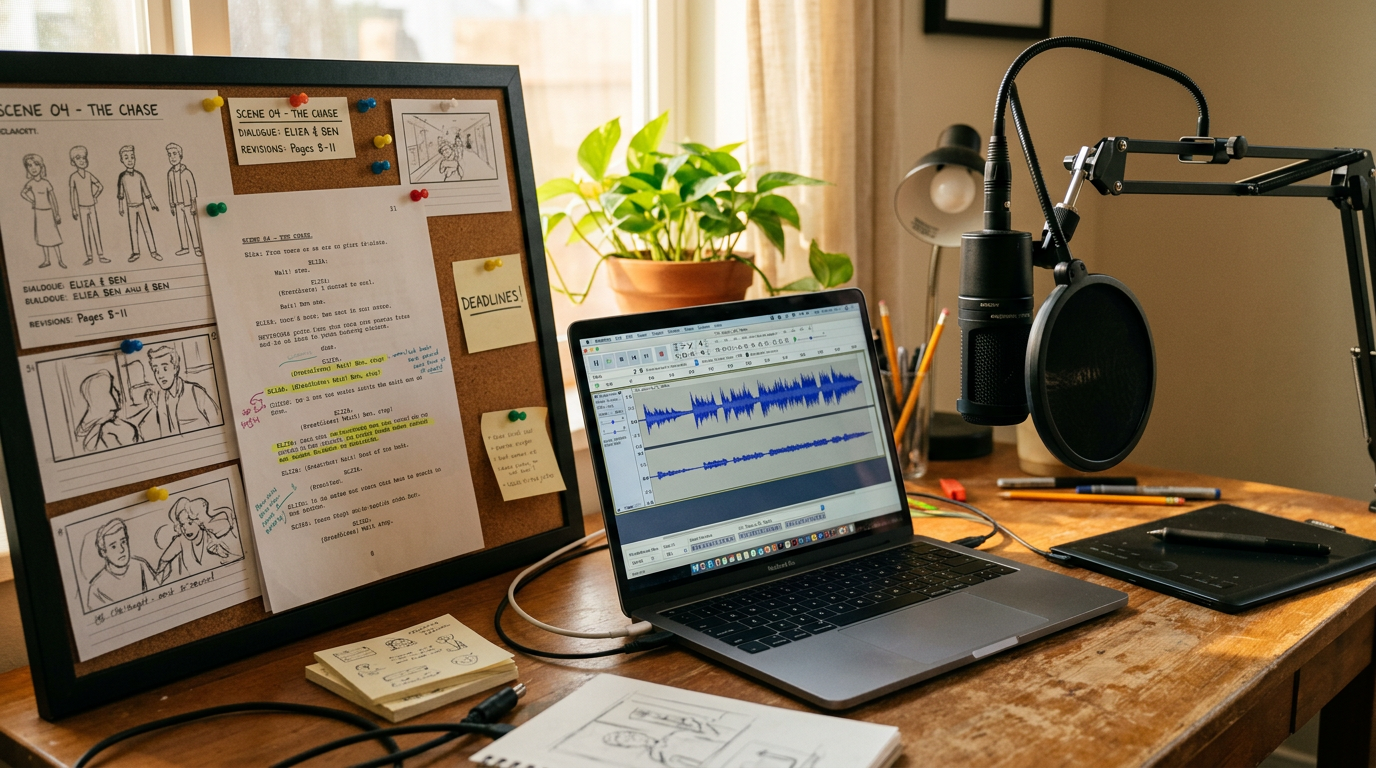
You need reliable character voices that sound consistent across episodes, edits, and language versions — without hiring ten actors or re-recording every time. This guide shows a practical workflow for planning, building, and publishing multi-voice AI character tracks suitable for animated shorts, explainer videos, and podcasts. You'll learn how to map a voice palette, prototype multi-voice dialog quickly, clone or design a bespoke voice, integrate AI voices into animation with tight lip-sync and timing, and run a short legal and accessibility checklist before release. Along the way I’ll show specific prompts, production tips, and how to iterate until each line lands. The workflow is geared to creators who need speed and repeatability — indie animators, solo YouTubers, and small studios — and treats ethical checks (consent, watermarking, provenance) as part of the production pipeline. Where useful, I point to tools that let you go from script to publish-ready audio fast, including GoCrazyAI AI Voices for cloning, narration, and custom voice design.
Quick Answer
How do you create ai character voices? Start by defining each character’s vocal profile and dialog map, then prototype lines with a multi-voice TTS tool. For final assets, either clone a clean sample or design a custom voice, iterate 2–4 renders for pacing and SSML fixes, and export with clear provenance and accessibility tags.
Why are AI voices now a practical choice for creators?
AI voices are a practical choice because they lower cost and speed up revisions while delivering quality often good enough for shorts and narration. The market for voice cloning has scaled into a multi‑billion dollar category, which has pushed improvements in naturalness and runtime performance. For creators this usually means faster turnarounds, fewer recording sessions, and cheaper localization options compared with hiring multiple actors.
Practical tradeoffs: AI voices are great for drafting, quick fixes, and producing many language variants, but they require iteration on tone, pacing, and punctuation (SSML) to feel conversational. In most cases you should expect 2–4 passes for a multi‑voice dialog to reach a natural rhythm. There are also real risks—security and misuse incidents have increased, and Consumer Reports found many products lacked adequate safeguards against misuse. That makes consent, provenance, and visible labeling part of a responsible production pipeline. Below, I’ll walk through the production steps that balance speed with ethical and technical quality.
How do you plan your voice palette: example character profiles, cadence, and multi-voice dialog maps?
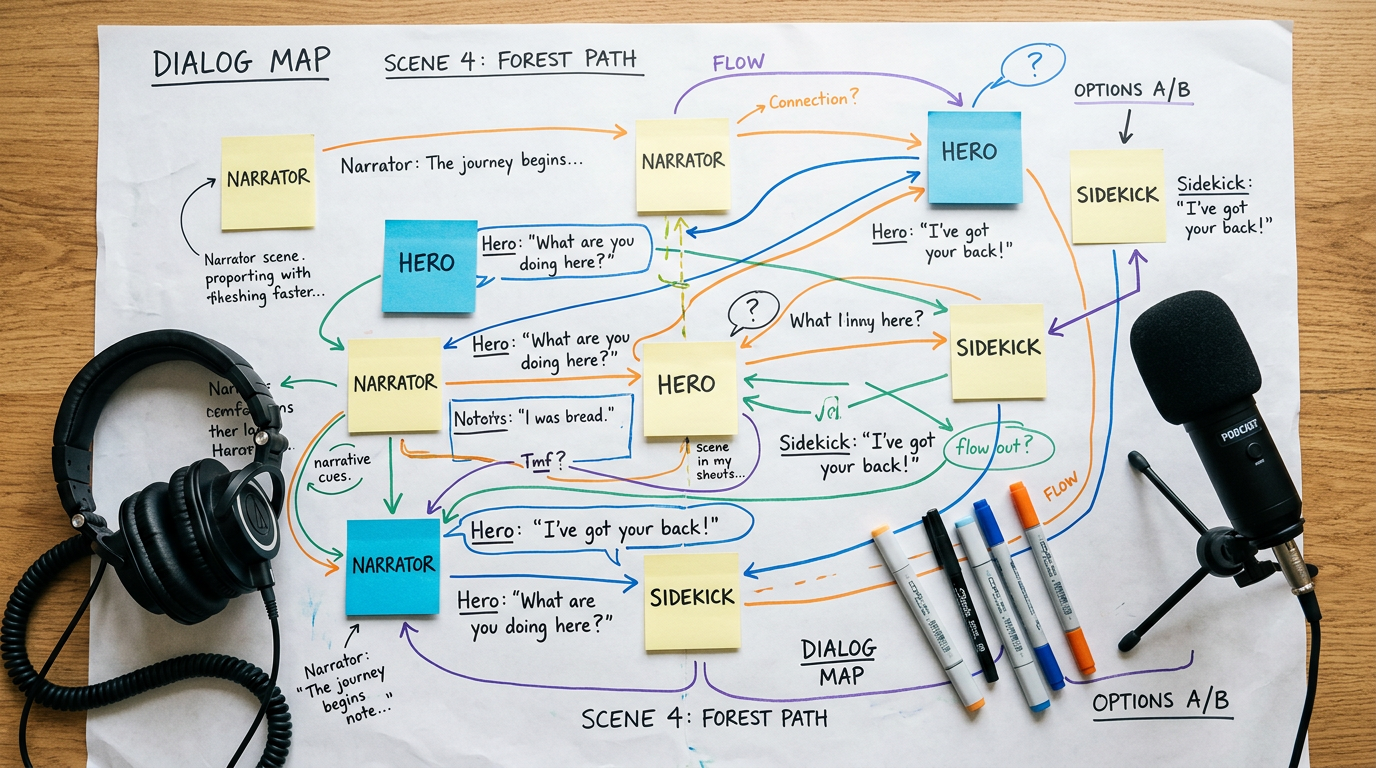
Start with a compact voice palette and a dialog map so you can generate consistent results quickly. A voice palette is a short list (2–6) of distinct voice profiles that cover the cast: lead narrator, emotional lead, foil, and one or two neutral background voices. A dialog map assigns who speaks when, emotional beats, overlaps, and any simultaneous lines.
Example character profiles you can copy:
- "Narrator — calm, measured, 40–45 wpm, neutral US accent, warmth +1"
- "Hero (Ari) — quick cadence, slightly breathy, 22–28 y/o, excited register"
- "Sidekick (Maya) — nasally humor, shorter phrases, occasional overlap when interrupting"
Example dialog map (short format):
- 00:00–00:03: Narrator intro (calm)
- 00:04–00:08: Ari (enthusiastic)
- 00:06–00:07: Maya interrupts (short overlap)
- 00:09–00:12: Narrator closes (slower, pause)
Prompt examples for rapid prototyping (safe domains):
"Narrator: Calm, measured, 45 wpm. Text: 'Today, we explore how cities change.'"
"Ari: Young, breathy, fast. Text: 'Wow — did you see that?'")
Using a map like this reduces editing time because you can generate stems for each role and keep consistent settings across episodes. Document cadence (words per minute), emotional intensity, and typical phrasing (short vs long sentences) for each profile so re-renders match earlier episodes.
How do you rapidly prototype narration and multi-voice dialog with GoCrazyAI AI Voices?
You can rapidly prototype multi-voice scripts by creating separate voice stems for each character and exporting short takes to test pacing and overlaps. On GoCrazyAI AI Voices you pick from 160+ premium voices or clone a short sample, then generate each role’s lines and export stems for quick assembly.
A fast prototyping workflow:
- Create voice slots for each character and pick a matching preset (narrator, young adult, etc.).
- Paste the character’s lines and enable SSML tags for emphasis and pauses if supported. Generate a 5–15 second take first.
- Export each role as a stem and load into your DAW or the GoCrazyAI Media Mixer to check overlaps and timing. Adjust pacing or punctuation and re-render (expect 2–4 passes).
For visual projects, pairing these exports with the AI Video Generator helps you align timing — use the AI Video Generator to lay out rough cuts, then drop in voice stems and fine-tune lip-sync. For music beds, generate a short loop with the AI Song Generator to test mix levels. This section links to the GoCrazyAI AI Voices feature so you can try these steps directly: AI Voices. For creating background music during prototyping, consider the AI Song Generator and for picture references use the AI Video Generator.
How do you design and clone a bespoke character voice — recording, training, and tuning?
Designing or cloning a voice typically starts with a clean recording sample and an explicit brief for tone and use. If you clone, provide a short, noise-free sample that matches the voice’s intended range. If you design from text, write a detailed description: age, pitch, rhythm, notable phonetic cues, and sample lines.
Recording checklist for cloning:
- Use a quiet room and a decent USB/XLR mic.
- Record a short script (30–120 seconds) that covers varied phonemes and emotions.
- Export 16‑24 kHz, 48 kHz preferred; lossless or high-bitrate MP3/WAV.
Training & tuning steps:
- Upload the sample and confirm consent; label purpose and ownership.
- Generate a small test set (3–6 lines) to hear base output.
- Tweak pitch, breathiness, pacing, and SSML tags.
- Iterate 2–4 renders to lock timing and emotional beats.
If you’re creating a character voice rather than cloning, write reference lines that show extremes (whisper, shout, laugh) and tune the model to match. Keep a master file of the final settings so you can reproduce the exact voice later. Remember: cloning someone else’s voice without documented consent is both unethical and risky given recent misuse incidents.
How do you integrate AI voices into animation — lip-sync, timing, and delivery tips for shorts?
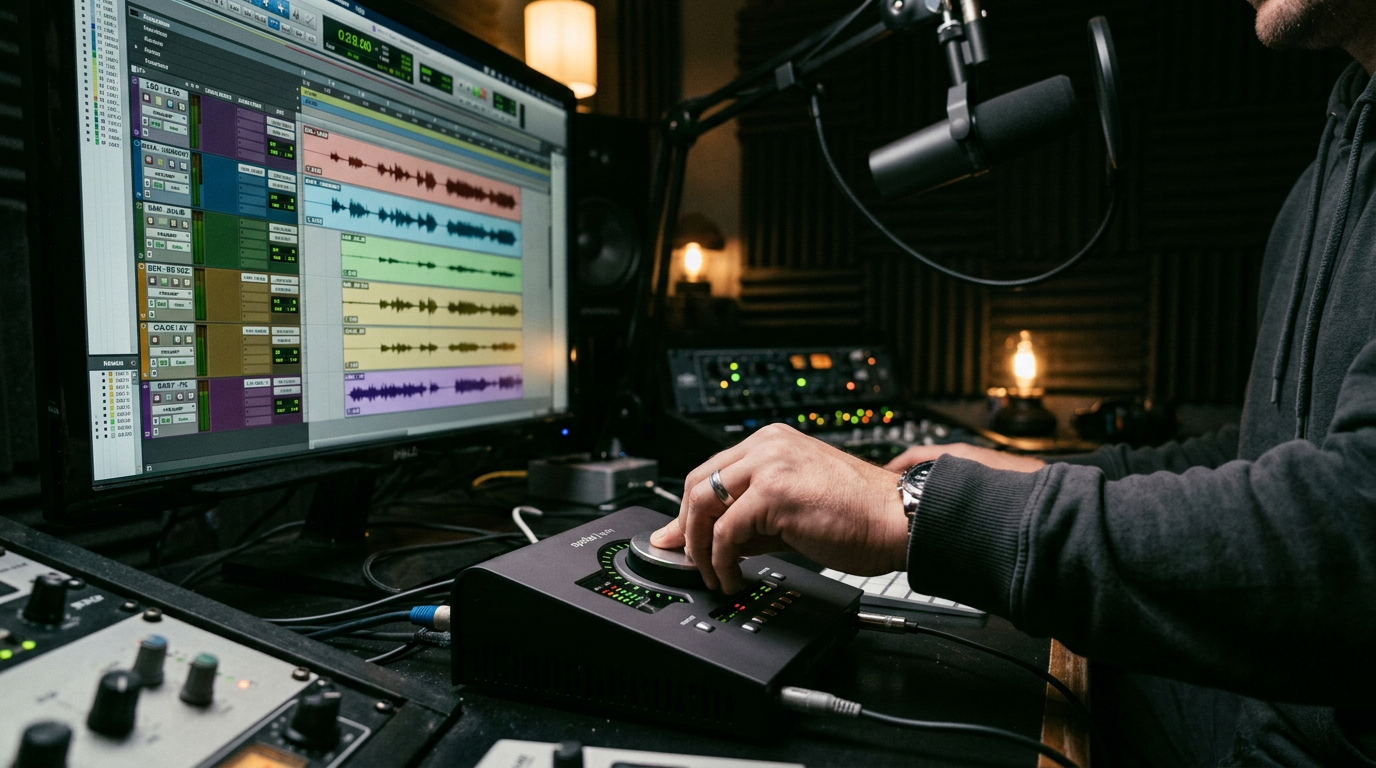
Integrate AI voices into animation by exporting character-specific stems, aligning phoneme timing to keyframes, and adjusting delivery in small passes. For tight lip-sync you usually need at least one timing pass after a realistic render; AI output often requires small edits to phoneme alignment or micro-pauses.
Practical tips:
- Export each character as its own audio stem so you can nudge lines independently.
- Use short reference clips (visemes/phoneme maps) or an auto-lipsync tool to align mouth shapes; small timing adjustments of 20–80 ms often fix the look.
- For comedic timing, intentionally insert micro-pauses (comma or SSML break tags) in the TTS input instead of editing the audio later.
- When characters overlap, generate separate takes with intentional overlap regions to preserve natural interruptions.
Delivery notes: pace and punctuation matter more than pitch adjustments. Most creators find looping: generate → place → tweak punctuation → re-render yields the best natural dialog. If you need on-screen translation or language versions, export clean stems and then use an automated dubbing tool to preserve character intent.
What legal, ethical, and access pitfalls should you check before publishing synthetic voices?
Before publishing synthetic voices check consent, provenance, labeling, and accessibility. Major reports found that many voice‑cloning tools lacked safeguards, so you should never clone a real person’s voice without documented permission. Label synthetic audio clearly in metadata and on-screen credits to reduce misuse and listener confusion.
Checklist (quick):
- Consent: Written permission for any cloned voice.
- Attribution: Visible label such as “Synthetic voice” in descriptions or credits.
- Watermarking/provenance: Keep original training logs and manifest for audits.
- Accessibility: Provide transcripts and timed captions; include alt text and audio descriptions where appropriate.
- Security: Store training samples securely and rotate access keys; treat cloned voices as sensitive assets.
Why this matters: scams and impersonation incidents rose alongside the growth of voice cloning; cybersecurity firms recommend provenance and monitoring to reduce fraud. For restorative use cases (people regaining a voice), synthetic voices can be transformative — AP News profiles show how voice replicas help users communicate — but those uses still require consent and clear handling.
How do you package, export, and iterate to release-ready voice assets?
Packaging release-ready voice assets means exporting clean stems, versioning, and measuring performance after release. A reliable export package usually contains: separate stems for each character, a mixed reference track, an SRT/ transcript file, voice metadata (voice name, settings, sample used), and a changelog describing iterations.
Release checklist:
- Export: WAV/48 kHz for masters, MP3/320 for distribution.
- Stems: one per character + music and SFX stems.
- Captions: generate timed subtitles and provide a plain transcript for accessibility.
- Versioning: tag exports with semantic version numbers and a changelog (v1.0, v1.1 fixes).
- Measurement: after publish track retention, skip rate, and user feedback to decide if voice adjustments are needed — many creators measure the first 72 hours closely for dialog-driven shorts.
Iterate: expect to re-render lines when viewers flag delivery or timing issues. Keep your voice palette definitions and SSML templates in a shared document so re-renders match earlier episodes. When you need to localize, reuse the original voice settings and generate new language stems or use a dubbing feature to preserve character traits.
Frequently Asked Questions
Can I legally clone my own voice?
Yes—cloning your own voice is generally legal if you provide a clean recording and consent. Keep a copy of the consent and the original sample, and label any published audio that uses a synthetic or cloned voice.
How long does it take to create a believable character voice?
From a clean sample, expect an initial clone to be ready in minutes; reaching a believable, multi‑voice dialog rhythm typically requires 2–4 iterations over a few hours depending on edits and tuning.
What’s the best way to get tight lip-sync with AI voices?
Export per-character stems, align with a phoneme/viseme tool or auto-lipsync, and adjust timing in 20–80 ms increments. Use micro-pauses in SSML for pauses instead of slicing audio later.
Should I watermark or label synthetic audio?
Yes—label synthetic audio and include provenance in metadata. Reports show some tools lacked safeguards, so visible labeling helps prevent misuse and builds trust with your audience.
Conclusion
Final thoughts: AI character voices let creators move faster and produce consistent multi-voice dialog when paired with a small, repeatable process: plan a voice palette, prototype quickly, iterate on pacing, and follow a checklist for consent and accessibility. Treat cloned voices as production assets—version them, store provenance, and label published content. If you want to test cloning or browse ready-made voices, start with GoCrazyAI AI Voices to clone or create a custom voice and export stems for your next short.
Mentioned in
Sources
- AI voice-cloning report — Consumer Reports (AI Voice Cloning: Do These 6 Companies Do Enough to Prevent Misuse?)innovation.consumerreports.org ↗
- AP News — Illness took away her voice. AI created a replica she carries in her phoneapnews.com ↗
- Grand View Research — AI Voice Cloning Market Size, Share & Trends Report (industry market analysis)grandviewresearch.com ↗
- Descript Overdub coverage — Descript is commonly recommended for creators who want a clone of their own voice (tool roundups)descript.com ↗
- McAfee report — Beware the Artificial Impostor (AI voice cloning threats)mcafee.com ↗
- A multi‑tool creator roundup (AiVoicePedia / tool comparisons for creators, 2025)aivoicepedia.com ↗