


How to turn a photo into a high-converting photo to video ad
Step-by-step workflows to convert a single product photo into TikTok/Reels ads and landing-page demo loops, plus templates, export settings, and testing tips.
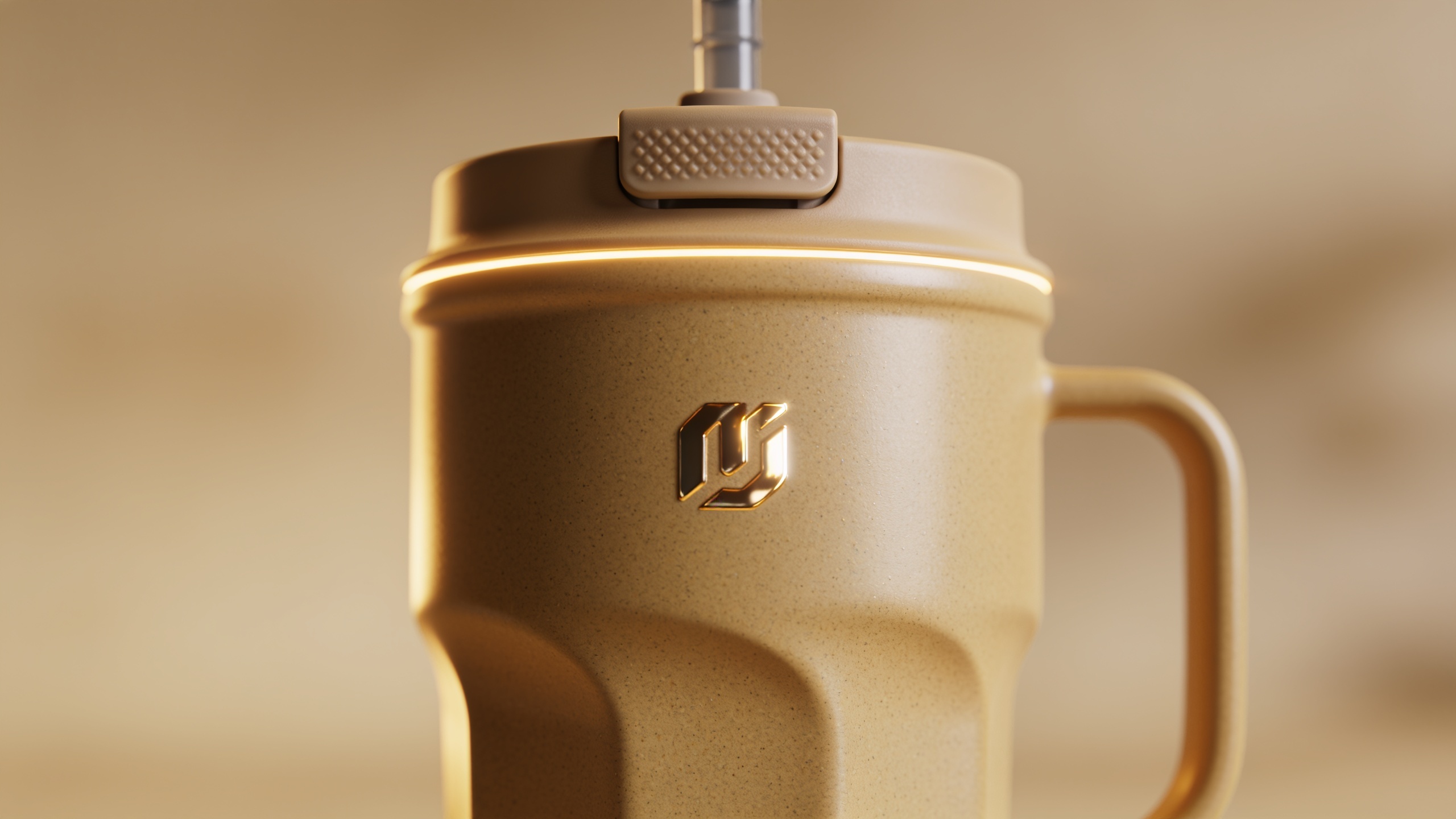
You need fast, low-cost product videos but only have one still photo. This guide shows how to convert a single product image into short-form ads and landing-page demo loops that perform on TikTok, Reels, and Shorts. You'll get concrete creative formulas, platform-ready export settings, split-test ideas, and step-by-step workflows that work without a video team. One section explains how to do the whole process on GoCrazyAI so you can ship a clip in minutes.
Quick Answer
How do you turn a photo into a photo to video ad? Use an image-to-video workflow that animates your still, adds motion and pacing, layers sound and captions, and exports the correct aspect ratio (9:16 for TikTok). For speed, pick a generator that produces platform-ready 9:16 clips and automated variants, then test multiple hooks and CTAs.
Why image-to-video is the fastest path to more social conversions (data and trends)?
Image-to-video shortens production time by turning existing product images into motion assets, which usually reduces cost and time-to-market compared with full video shoots. Platforms emphasize discovery-first short clips and advertisers are shifting budgets toward formats like TikTok and Reels; TikTok reports over 1 billion users and continues to prioritize short-form advertising for reach and discovery (see TikTok newsroom)[https://newsroom.tiktok.com/en-gb/ad-week-ny]. Major vendors and platforms are adding photo-to-video features (Google’s Gemini Veo rollout and multiple startups offering product photo→video generators), which signals growing platform-level support for image-first creative. For brands, this means faster creative iteration and more ad variants per SKU compared with traditional shoots.
Why it matters in practice: a single product photo can be repurposed into hooks, demo loops, 360 spins, and UGC-style creative variants without reshoots. That allows small teams to test more ad concepts quickly and optimize for the short attention spans on feed-based platforms.
Creative directions that actually sell: 5 video ad formulas you can generate from one product photo (examples)
You can generate multiple ad types from the same image by changing motion, text, sound, and framing. Below are five formulas you can produce fast.
Short answer: Five high-performing ad formulas you can generate from one product photo are: 1) The 3-second hook close-up, 2) The problem→solution demo, 3) The 360 spin product reveal, 4) The lifestyle mockup (UGC-style), and 5) The looped feature highlight for landing pages. Each formula reuses the same asset with different animation, captions, pacing, and music.
Walkthroughs you can copy (prompts are safe examples for a product mug):
- Hook close-up (3–6s)
"Animate the close-up of a ceramic travel mug: subtle zoom-in, 0.8s handheld shake, warm studio lighting, fast bold caption 'Spill-proof for your commute' with punchy bass hit at 0:00–0:03. Export 9:16, 1080×1920."
- Problem→solution (10–15s)
"Start with static scene of spilled coffee (blurred), cut to animated mug upright, quick text overlays: 'Tired of spills? → Finally spill-proof.' Add upbeat acoustic loop and end card with 2s CTA 'Shop now'."
- 360 spin reveal (6–10s)
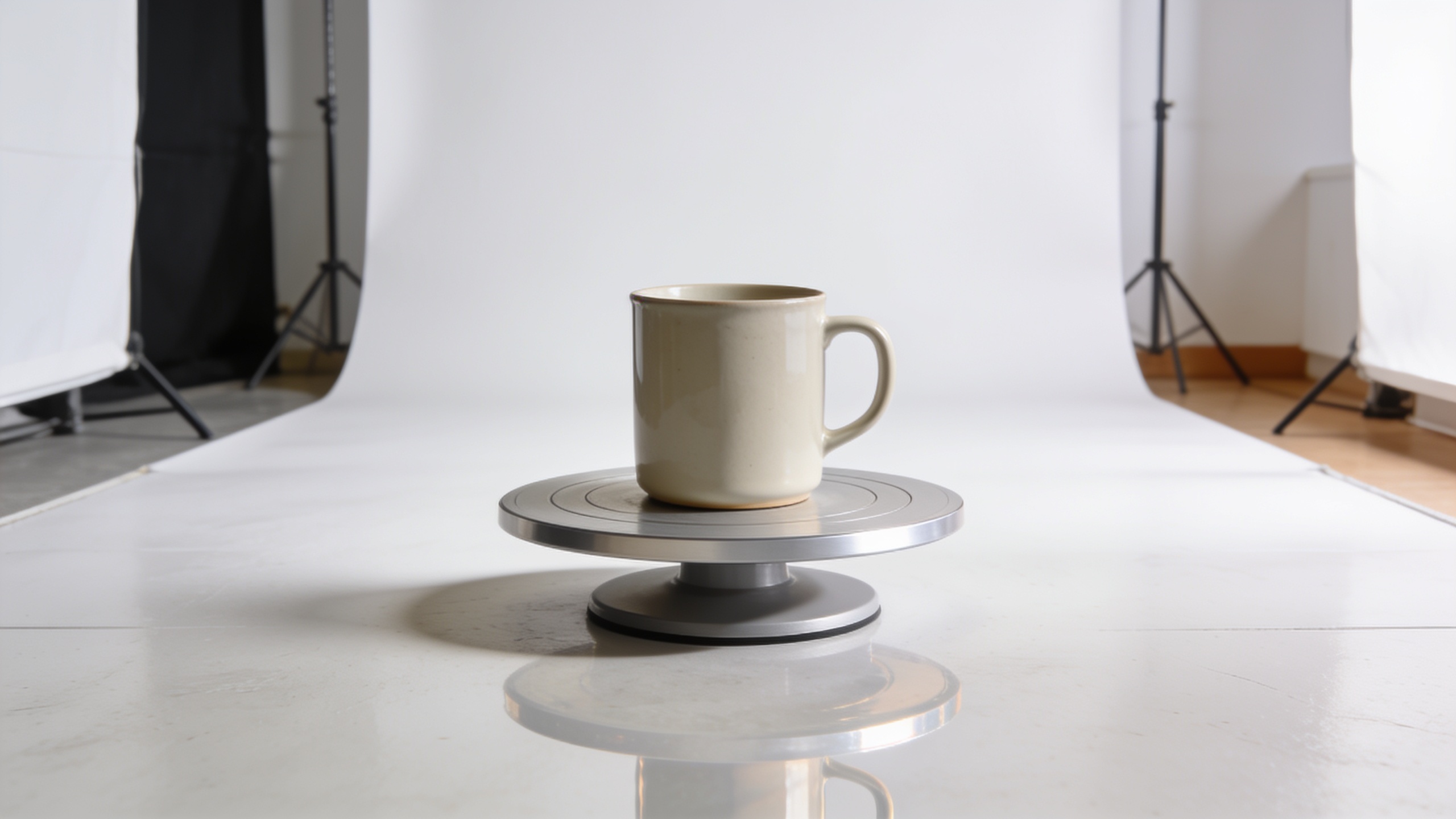
"Create smooth 360 spin from the mug's image; add reflection floor, soft rim light, text '360° view' animates in. Use slow easing and a light whoosh SFX."
- UGC-style lifestyle (6–12s)
"Crop the product into a phone-frame mockup, animate slight hand movement and camera shutter, add casual caption fonts and ambient crowd chatter. Keep cuts quick (0.4–0.8s)."
- Demo loop for landing page (10–20s)
"Looped sequence: product spin, close-up on key feature, short caption, repeat with smooth crossfades for continuous autoplay. No hard cuts on repeat points."
You can vary voiceover, music, captions, and hook lines to create dozens of variants from the same source photo.
Workflow: Turn a single product photo into a TikTok-ready hook using GoCrazyAI AI Video Generator (step-by-step)?
Short answer: Upload the single product photo to the GoCrazyAI AI Video Generator, choose an image-to-video model (Veo or Kling), pick 9:16 output, write a short prompt for the hook motion and caption, then generate and export a 6–12s clip optimized for TikTok. The generator will animate the image, apply motion and framing, and produce a platform-ready file you can tweak.
Step-by-step details and tips: 1) Prepare the photo: use a high-resolution, well-lit product image. If needed, use the AI image editor or Image Upscaler for a cleaner source (/ai-image-generator). 2) Open the GoCrazyAI AI Video Generator (/create-ai-video) and select 'Animate an image'. Choose a model (Kling 2.5 Turbo Pro for cinematic motion or Veo 3 for photo-specific animation). 3) Set framing to 9:16 and target length to 6–12s. 4) Enter a compact prompt: include motion style (subtle zoom, slide, spin), lighting (studio warm), text overlay copy, and soundtrack vibe. Example prompt: "Subtle push-in + soft vignette on the white ceramic mug, fast caption 'No more spills', upbeat pop SFX, 9:16, 8s." 5) Generate 3 variants (change the hook line or motion). Use the built-in export presets for TikTok. 6) Polish in GoCrazyAI Media Mixer (/ai-video-edit) to add captions, trim, and tune audio levels.
Internal links: open the AI video generator to run the job: AI video generator.

Workflow: Build a 10–20s product demo loop for a landing page from a still image (templates, timing, export settings)?
Short answer: Create a smooth, autoplay-friendly loop by designing an entry motion and matching the end to the start (spin-to-start or crossfade), keep the visual narrative focused on one feature per 3–5 seconds, and export as MP4 H.264 in 16:9 or 1:1 depending on your page layout. Loops should avoid abrupt audio cuts and use a seamless musical bed.
Detailed template and timing advice:
- Structure: 0–4s (intro spin/establish), 4–9s (feature close-up), 9–14s (benefit caption + context), 14–18s (repeat or outro loop point). Aim for 10–20s total so the visitor sees the product twice quickly.
- Motion choices for smooth loops: continuous spin, parallax slide, or a gentle camera arc. Avoid sudden cuts at the loop boundary.
- Export settings: MP4 (H.264), 1080p recommended, 16:9 for full-width landing headers or 1:1 for grid placements. Frame rate 30fps, bitrate ~6–8 Mbps for sharp web delivery.
- Audio: use a seamless instrumental loop and fade out/in at the loop point to avoid pops. If the platform autoplays muted, ensure visuals communicate the benefit without sound.
Tip: Generate multiple loop speeds to test which keeps users on the page longer. Use the AI Video Generator's model choices to try cinematic vs. subtle motion variants, then refine in the AI Video Editor (/ai-video-edit).
Optimizing clips for platforms — aspect ratio, pacing, captions, sound, and CTA best practices?
Short answer: Match the platform aspect ratio (9:16 for TikTok/Reels, 1:1 for in-feed ads, 16:9 for YouTube), keep pacing tight (hook in 0–3s), add readable captions, use platform-native audio cues, and place a clear CTA in the final 1–2 seconds or via pinned text.
Practical rules:
- Aspect ratio: export native 9:16 for vertical-first reels; provide 1:1 and 16:9 variants from the same render for cross-posting. GoCrazyAI supports these outputs from one prompt.
- Pacing: first frame must hook—use a bold visual or question. Cuts every 0.4–1.2s keep momentum for TikTok; landing loops can be slower (0.8–2.0s per shot).
- Captions: use large sans-serif text, high contrast, and short phrases. Many viewers watch muted; captions preserve messaging.
- Sound: pick energetic stems for hooks and softer beds for demo loops. If using a voiceover, keep sentences short and sync captions. Consider the platform’s trending sounds to boost reach.
- CTAs: test both visual CTAs ('Shop now') and pinned comment CTAs. For ads, include UTM-friendly landing URLs and ensure the CTA aligns with the landing page offer.
If cost or credits are a concern, check Pricing and credits options before large-scale generation (/credits).
Testing and scaling: how to create dozens of ad variants from one SKU and measure impact?
Short answer: Use automated variant generation—swap captions, music, hook copy, and motion style to produce many creatives, then run controlled A/B tests measuring CTR, view-through rate, and conversion. Prioritize variants that change the hook and CTA, since those usually move the metrics most.
How to scale methodically: 1) Define variables: hook line (3 options), music style (2 options), caption style (2 options), motion type (spin vs push-in). That creates a matrix you can generate programmatically. 2) Use the generator’s batch or variant feature to produce combinations automatically (many tools offer this—see examples like VidpexAI or other image-to-video startups)[https://www.vidpexai.com/product-photo-to-ads-video]. 3) Run tests on small budgets with identical audiences and staggered starts. Track CTR, CPC, and on-site conversion rate. 4) Apply learnings: rework top-performing hooks into new variants; retire low-engagement combinations.
Measurement tips: focus on early funnel signals for creative decisions (CTR and view rate) and then move winners to conversion-focused tests. Keep naming conventions consistent so you can map creative variables back to results.
Rights, trust, and quality: what to check when using AI-generated product video (mistakes to avoid)?
Short answer: Verify you own the input photo rights, confirm product representations are accurate, check export quality and frame alignment, and avoid misleading edits that change product claims. Also watch for artifacts from aggressive animation and fix them before publishing.
Common mistakes and how to avoid them:
- Mistake: Using a low-resolution photo and expecting clean animation. Fix: Upscale or retouch the source with an image editor or the AI Image Generator before animating (/ai-image-generator).
- Mistake: Over-animating so the product looks altered or unrealistic. Fix: Use subtle motion for demos where accurate detail matters; reserve bold effects for lifestyle ads.
- Mistake: Publishing loops with audio pops or abrupt cuts. Fix: export with fade-in/out on audio and test autoplay behavior on target pages.
- Mistake: Failing to confirm copyrights for music and sounds. Fix: Use licensed or platform-provided audio or tracks from an AI music generator (/ai-music) that provides rights for commercial use.
- Mistake: Skipping QA on multiple aspect ratios. Fix: Review 9:16, 1:1, and 16:9 exports to ensure key copy and product details are inside safe margins.
Checking these items will reduce rework and prevent ad rejections or poor user trust caused by questionable product representation.
Frequently Asked Questions
Can a single product photo really convert on TikTok?
Yes—when it's animated into a strong hook with readable captions, clear benefit messaging, and platform-appropriate pacing. Many creators report quick traction by testing hooks and using trending sounds; the platform’s discovery model favors attention-grabbing short clips.
What aspect ratio should I export for Reels and TikTok?
Export vertical 9:16 at 1080×1920 for TikTok and Reels. Also create 1:1 and 16:9 variants for cross-posting or landing pages to keep creative consistent across placements.
How many ad variants should I test per SKU?
Start with 6–12 variants that change the hook and CTA, then scale to 30+ variants if you have sufficient budget and clear winner signals. Prioritize variations that alter the first 3 seconds.
Do I need extra tools to add voice-over and captions?
No—GoCrazyAI provides editor tools to add voiceovers, music, and captions after generation. For advanced audio you can use the AI Song Generator (/ai-music) or AI Voices (/ai-voice) to create custom narration.
Conclusion
Final thoughts: Turning one photo into effective short-form ads is a practical, measurable way for DTC brands and creators to scale creative testing without expensive shoots. Focus on a strong hook, platform-appropriate exports, and fast iteration across hooks and CTAs. When you’re ready to try it, open the AI Video Generator and animate a product photo into a publish-ready clip in minutes.
Sources
- TikTok newsroom — Performance Advertising Solutions (TikTok)newsroom.tiktok.com ↗
- Alimvo — AI Product Photo & Video Generator for Ecommerce Adsalimvo.com ↗
- Hueon.ai — AI Video Ad Generator (image-to-video)hueon.ai ↗
- VidAU — Image to Video (product/demo use cases)vidau.ai ↗
- VidpexAI — Product Photo to Ads Video Makervidpexai.com ↗
- Coinis — Image to Video featurecoinis.com ↗
- Pexo — Generate product video ads in minutespexo.ai ↗
- Google Gemini photo-to-video (coverage) — Android Centralandroidcentral.com ↗
- Discussion from an indie maker turning product photos into videos (Reddit)reddit.com ↗