


YouTube Spanish dubbing: How to create voice-preserving AI dubs that scale
Step-by-step guide to localize YouTube videos with voice-preserving AI dubbing into Spanish. Workflow, GoCrazyAI steps, QC, metrics, and scaling tips.
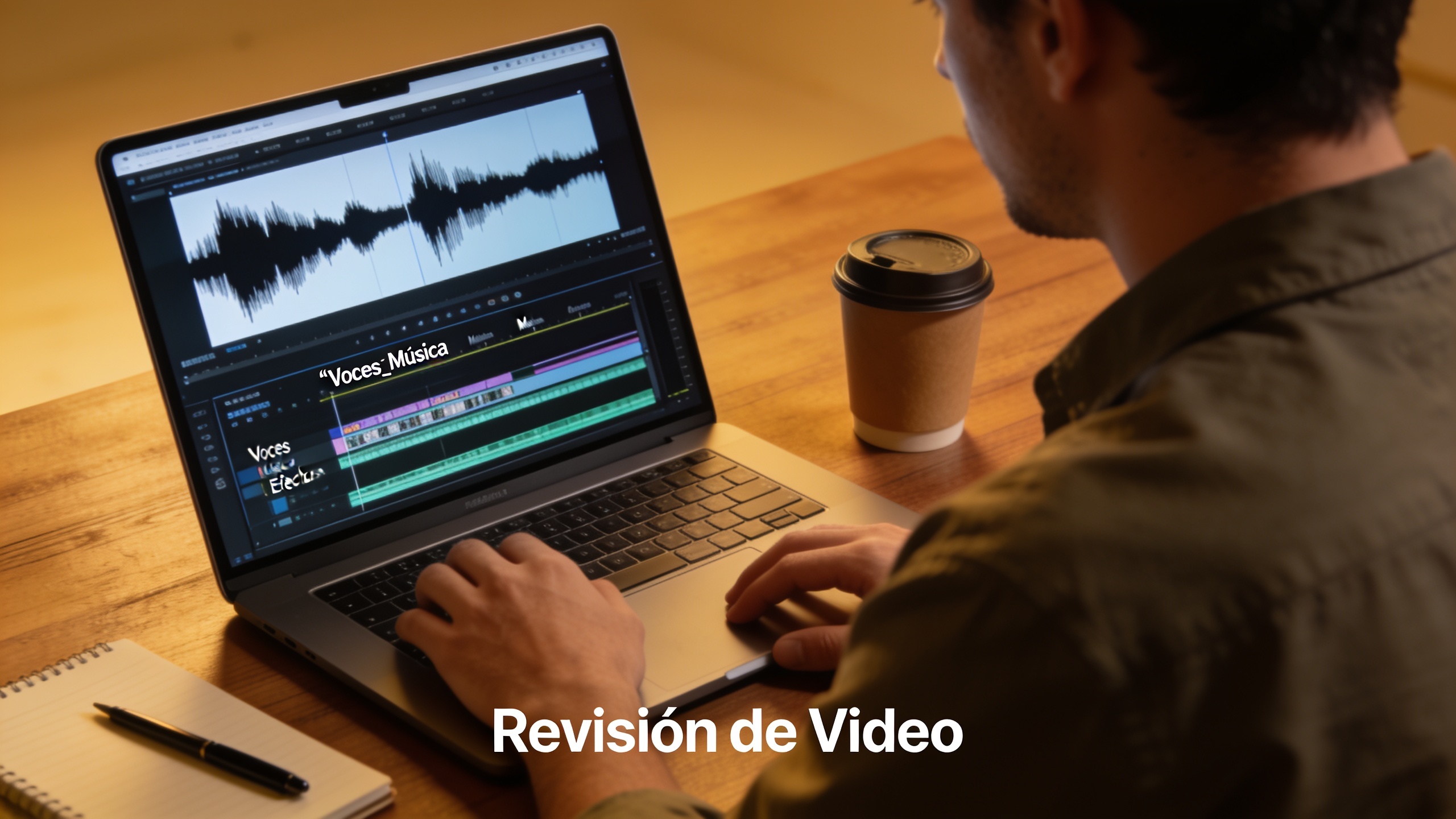
You want more views from Spanish-speaking audiences but worry that subtitles or naive TTS will lose the creator’s voice and energy. This guide shows exactly how to translate and create a voice-preserving Spanish dub that keeps the original speaker’s tone, timing, and emphasis. You’ll get a practical checklist, step-by-step GoCrazyAI instructions, timing and lip-sync tuning tips, quality-control checks, and metrics to measure lift — ready to apply to a YouTube channel or short-form content.
Quick Answer
How do you create a YouTube Spanish dubbing that preserves the original voice? Use a pipeline: transcribe the source audio, translate to Spanish with adaptation, apply voice-preserving dubbing (voice conversion or prosody transfer), then fine-tune timing and mix. Tools like GoCrazyAI AI Dubbing automate translation and preserve speaker tone, but always run human-in-the-loop checks for prosody and cultural adaptation.
Why voice-preserving AI dubbing matters for YouTube growth (and when to choose dubbing over subtitles)?
Voice-preserving AI dubbing matters because viewers in other languages often prefer spoken content that sounds like the original creator — not a flat robotic replacement. Dubbing that keeps the speaker’s vocal identity and emphasis usually increases engagement compared with subtitles alone for audiences who prefer audio-first viewing. Choose dubbing over subtitles when: the video relies on personality or performance, the audience is mobile-heavy (where captions may be off), or you plan to target large language markets like Spanish where viewers expect native audio.
Research supports this: the "Dubbing in Practice" study found that source audio influences human dubs beyond literal words — preserving speaker traits improves perceived naturalness. Industry guidance (e.g., Netflix dubbing principles) also suggests prioritizing vocal naturalness and adaptation of key moments rather than strict word-for-word lip alignment. Practically, if your video is personality-driven (vlogs, tutorials, comedy), voice-preserving dubbing often yields higher watch time and better retention than subtitles alone.
How voice-preserving AI dubbing works: the tech behind preserving voice identity and emotion?
At a high level, voice-preserving AI dubbing combines transcription, translation, voice conversion or specialized TTS, and prosody transfer to keep speaker identity and expression. The quick answer: systems extract timbre and speaker embeddings from the source audio, map translated text into target-language phonetics, and synthesize speech using voice conversion or expressive TTS, applying prosody contours from the original performance.
More detail: modern pipelines usually start with an accurate automatic transcription. Translation follows with adaptation (not literal word-for-word) to match timing and cultural references. Voice conversion models or voice-preserving TTS use a speaker embedding to recreate tone and timbre; prosody transfer modules move pitch, stress, and rhythm patterns from the source to the synthesized target-language speech. Recent papers such as Face-Dubbing++ and expressive prosody transfer work show that these systems can preserve speaker identity and improve perceived expressiveness compared with naive TTS approaches. The practical limitation: dramatic camera-angle or mouth-shape changes can't be magically fixed by audio alone — lip-sync helps, but adaptation of lines for natural phrasing is often more important for quality.
Preparing a YouTube video for high-quality AI dubbing — an example creator checklist?
Start with clean assets and clear goals: that yields a faster, higher-quality dub. Example checklist (creator-ready):
- Source audio: upload a WAV/48k file when available; if not, export the video's highest-bitrate audio track. Clean background noise and remove music that will collide with the voice.
- Raw video: provide the highest-resolution MP4. Include timestamps or scene markers for chapters or ad spots.
- Reference script: include the original transcript (SRT/JSON) and mark improvised lines or jokes that may need adaptation.
- Target details: specify target language variant (e.g., Spanish - Mexico vs Spanish - Spain), tone (casual, formal), and any accent preferences.
- Key moments: flag 3–6 moments that are performance-critical (punchlines, CTA, emotional beats) for special attention during human review.
Why these steps matter: accurate transcripts and clean audio improve transcription and speaker embedding extraction, while variant and tone choices reduce awkward literal translations. Industry pipelines emphasize human review at the script and mixing stages — prepare those assets up front to avoid rework.
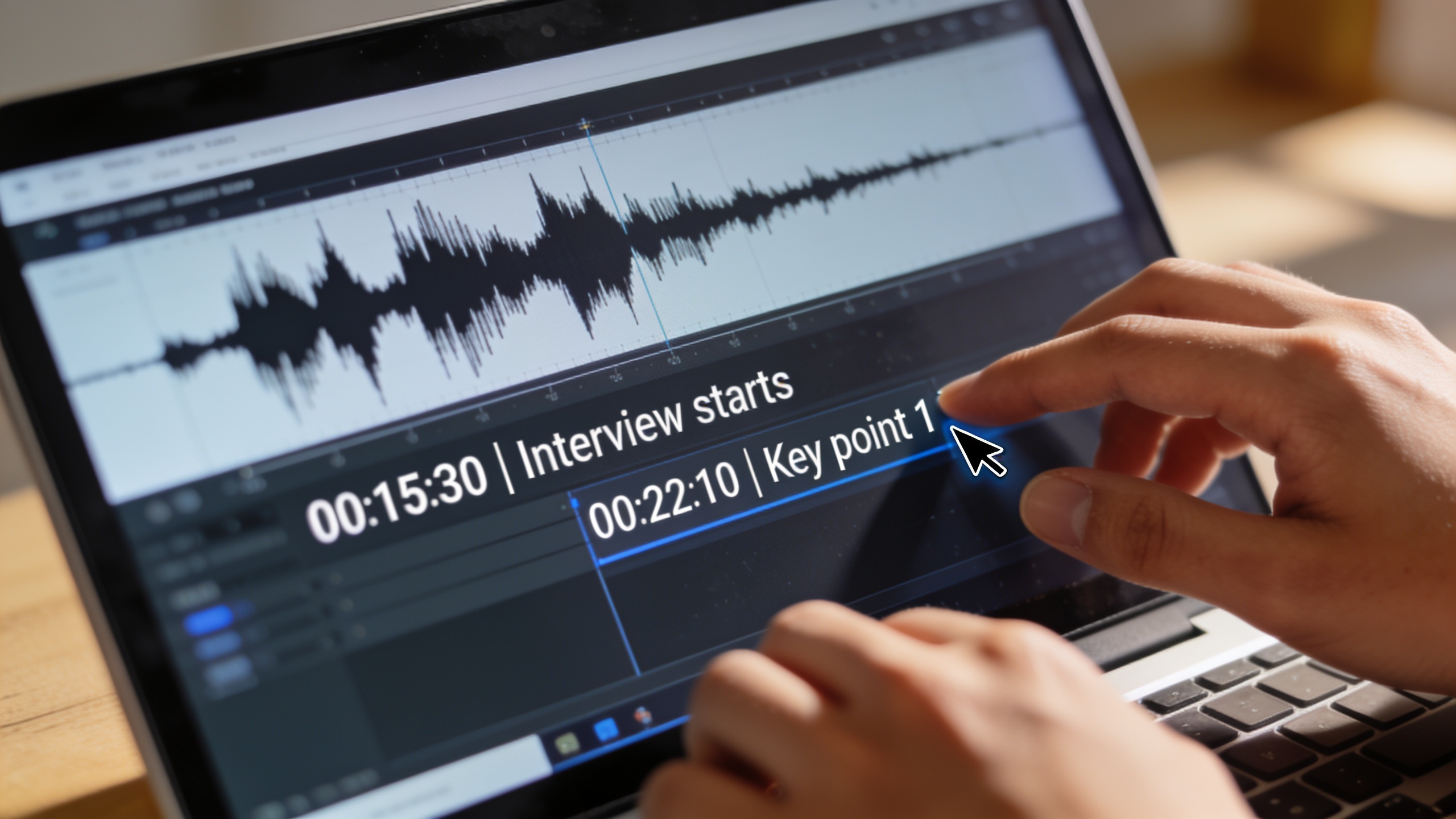
Hands-on: Translating and creating a Spanish voice-preserving dub with GoCrazyAI AI Dubbing (step-by-step)?
Short answer: upload the video or paste the YouTube URL, let GoCrazyAI auto-transcribe, choose Spanish (regional variant), enable voice preservation, review the translated script, then render and refine. GoCrazyAI automates translation into 30+ languages while preserving speaker tone, accepts YouTube/TikTok URLs, and outputs dubs ready for timing and QC.
Step-by-step practical workflow on GoCrazyAI:
- Sign in and go to the AI Dubbing page on GoCrazyAI: GoCrazyAI AI Dubbing.
- Upload your MP4 or paste the YouTube URL. Choose Spanish variant (e.g., Spanish - LATAM or Spanish - ES).
- Let the platform auto-transcribe the source audio. Download or view the transcript and mark any lines that need adaptation.
- Enable "preserve speaker tone" (voice-preserving option). The tool will create a Spanish voice track that keeps the speaker's timbre and typical emphasis.
- Review the translated script: edit phrasing for cultural fit and timing where necessary. Use the built-in editor to change specific lines.
- Render a draft dub and test key moments. If needed, adjust prosody and timing in the prosody/timing editor.
- Export the final audio track or a hardsubbed/hardaubbed video for upload.
This workflow keeps the process practical: GoCrazyAI covers translation and voice preservation while letting you control script edits and timing. If you need custom voices or clones for other projects, check GoCrazyAI's AI Voices library for standalone voice cloning and design options.
Hands-on: Timing, lip-sync and prosody tuning for natural delivery — workflow in GoCrazyAI?
You should tune timing, lip-sync, and prosody rather than chasing perfect word-for-word matches. The quick approach: align translated lines to the source timing, transfer prosodic contours where possible, and adjust only the problem spots for natural delivery.
In GoCrazyAI the pragmatic steps are:
- Use the auto-alignment feature to map translated lines to source timestamps. This preserves pacing for scenes and jump cuts.
- Enable prosody transfer to carry over pitch and stress patterns; this usually preserves the original emotional intent.
- For visible close-ups, enable lip-sync rendering (if necessary) and prioritize natural phrase-level adaptation over literal translation — per Netflix guidance, faithful emotional match matters more than exact lip hits.
- Manually nudge timing on highlighted key moments (punchlines, pauses, reactions). Small shifts (50–200 ms) can make a big difference.
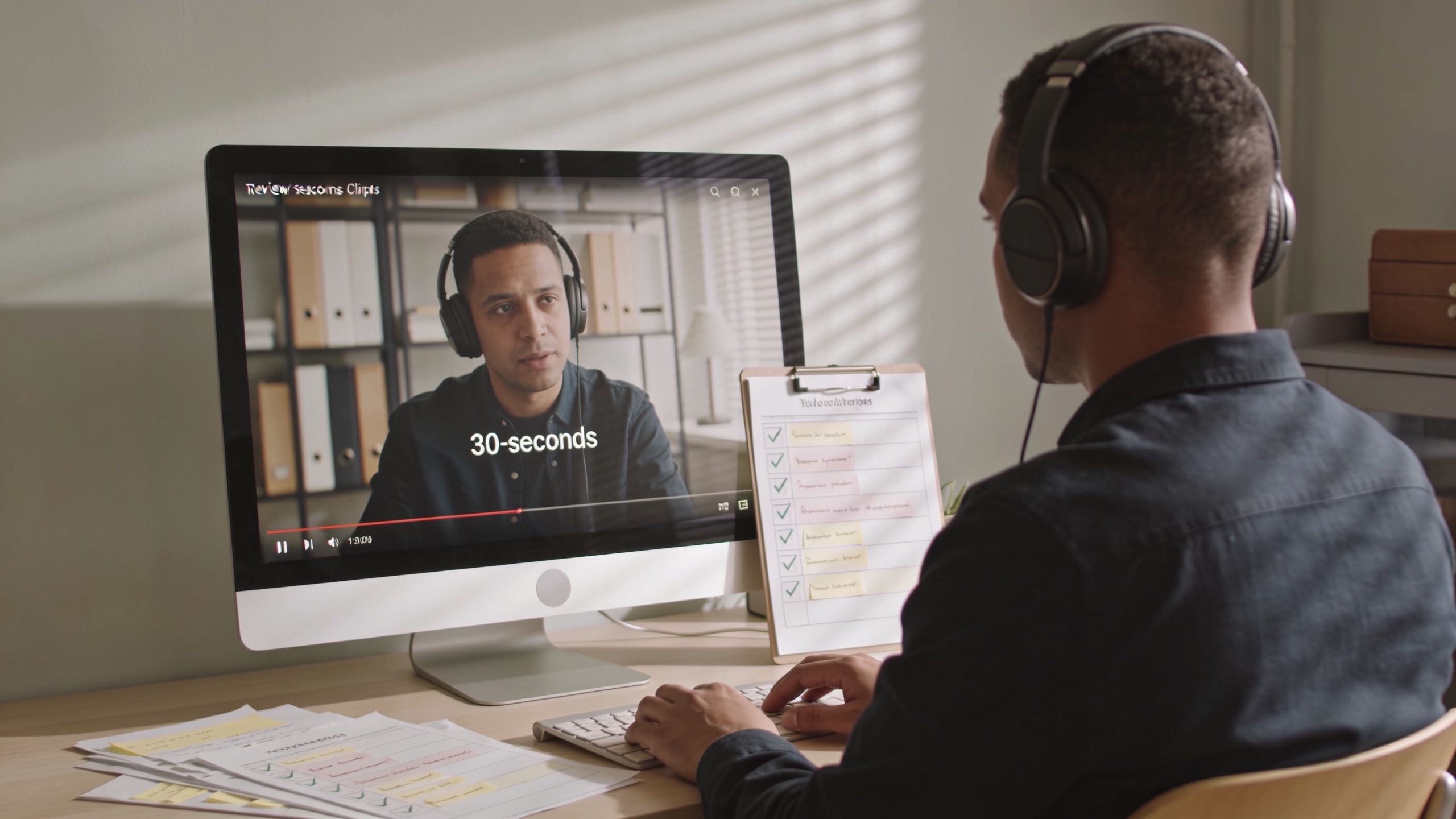
Tip: export short test clips (10–30 seconds) for internal review before rendering the entire video. That reduces iteration time and helps you concentrate on high-impact moments.
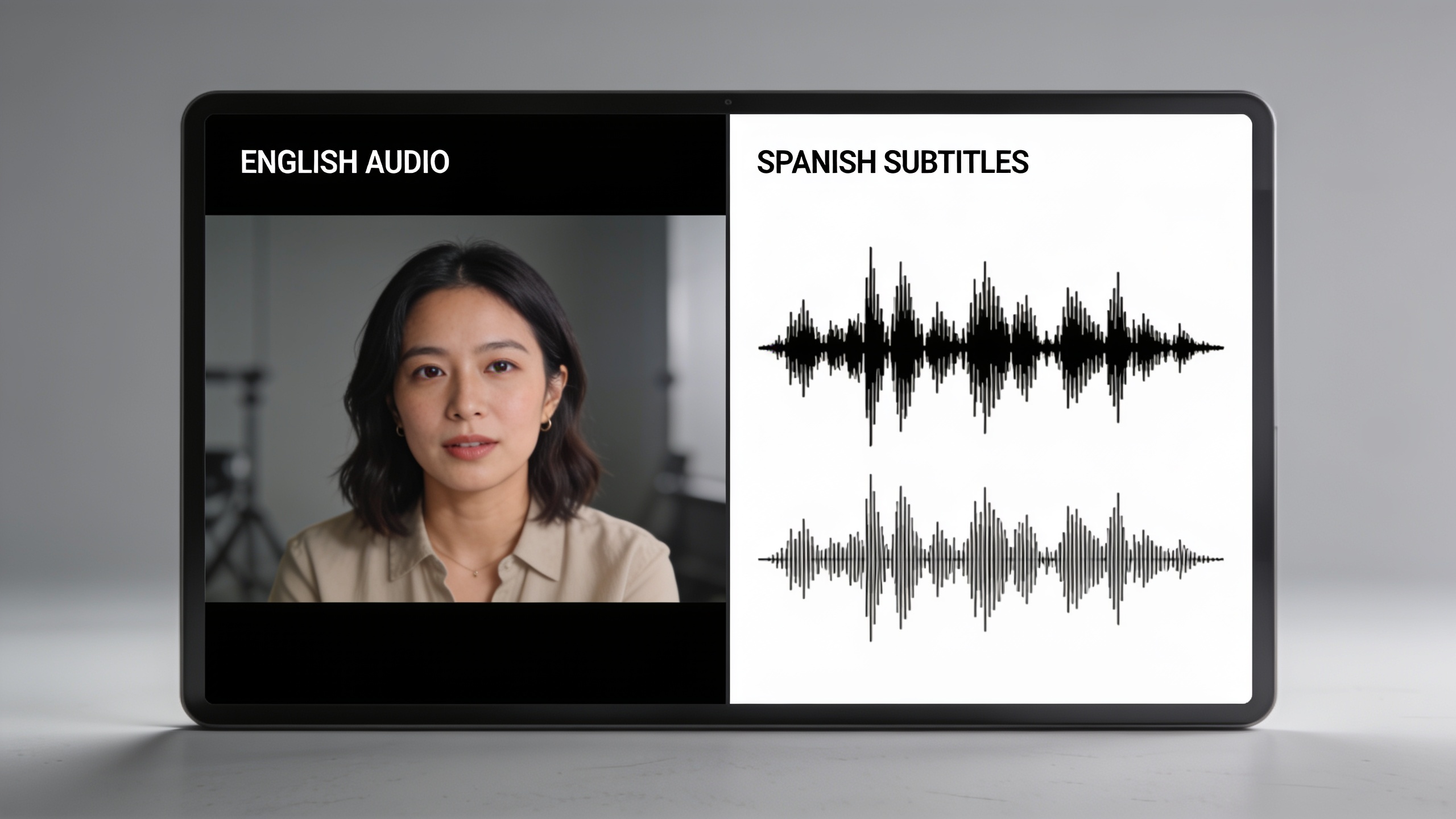
Quality control and human-in-the-loop editing: scripts, accents, and mistakes to avoid?
Human review is essential: automatic systems are fast but can mis-handle idioms, brand names, and regional nuance. Do a script pass, an audio review, and a picture-audio pass for each localized version.
Common QC steps:
- Script pass: bilingual reviewer adapts jokes, idioms, and culturally sensitive content. Literal translations often sound stiff.
- Accent check: confirm the chosen Spanish variant and accent tone match your target market; mismatch reduces authenticity.
- Audio mix: ensure background music and SFX are balanced with the new voice level; some languages may need different EQ or compression.
- Picture-audio pass: watch the dub with the video to catch pacing or emotional mismatches.
Mistakes to avoid and how to prevent them:
1) Mistake: Literal translation that ruins timing or punchlines. Fix: have an editor adapt lines while preserving timing and intent. 2) Mistake: Skipping prosody transfer, resulting in flat performance. Fix: enable prosody transfer and review key emotional beats. 3) Mistake: Using a mismatched regional variant (e.g., Spain Spanish for a LATAM audience). Fix: choose the correct target variant and, if needed, hire a local reviewer. 4) Mistake: Neglecting audio leveling and music ducking. Fix: run an audio mix pass and use sidechain or automated ducking so voice sits clearly above music. 5) Mistake: No A/B test to measure impact. Fix: run controlled experiments (see measuring impact section).
Measuring impact: metrics, A/B tests and optimizing for watch time and discoverability?
Measure the impact of your Spanish dub with clear metrics: watch time, average view duration, click-through-rate (CTR) on thumbnails/titles, retention at key moments, and engagement (likes/comments/shares). The direct answer: run A/B tests where one group sees the original language with subtitles and another sees the dubbed Spanish version, then compare watch time and retention.
Practical setup:
- Set a hypothesis (e.g., dubbed Spanish will increase average view duration by X%).
- Use YouTube experiments or split uploads (same thumbnail vs localized thumbnail) to control for thumbnail/title effects.
- Track 7-day and 28-day watch time, retention curves, and audience geography shifts.
Creator reports and case studies often show large incremental lifts: combined localized videos sometimes yield 50%+ more total watches across markets compared with single-language releases (varies by channel and content). For reliable results, control for thumbnail and metadata differences and run tests on multiple videos. Use findings to prioritize which videos to dub (evergreen, high-CTR shorts, or top-performing long-form).
Fast paths and advanced use cases: scaling to 30+ languages, repackaging clips, and monetization tips?
If you plan to scale, automate the core pipeline and reserve human reviewers for high-value content. Fast path summary: batch export transcripts, auto-translate into prioritized languages, generate voice-preserving dubs, and export short clips for social platforms.
Advanced tactics:
- Language prioritization: start with top Spanish markets (Mexico, Spain, Argentina) then expand to Portuguese/Brazil and other high-potential languages.
- Batch repackaging: create language-specific short clips (15–60s) optimized for each platform using localized CTAs and thumbnails.
- Monetization: localize titles, descriptions, and tags for search in target languages; use translated captions and localized thumbnails to boost CTR. Consider region-specific sponsorship opportunities and affiliate links tailored to the market.
Scaling note: GoCrazyAI supports translation into 30+ languages and voice preservation, which shortens iteration time for batch jobs. Still, maintain a human QA pipeline for top-performing videos and regionally important markets to keep quality high.
Frequently Asked Questions
Can AI dubbing reliably preserve my voice when translating to Spanish?
AI dubbing can usually preserve the general timbre and speaking style using voice embeddings and prosody transfer, but small differences remain. For best results, use a clean source audio sample and run a human review on critical lines.
Should I localize Spanish to one variant or multiple (LATAM vs Spain)?
Localize to the variant your audience uses. If your analytics show diverse Spanish-speaking viewers, prioritize the largest markets first and consider separate variants for high-traffic countries.
How much does automated voice-preserving dubbing speed up the workflow?
Automated pipelines typically cut time vs full human dubbing from days to hours for a single video, but human editing and mixing still add time for high-quality releases.
Will dubbed videos hurt SEO or recommendations on YouTube?
Properly localized metadata (translated titles, descriptions, and tags) usually helps discoverability. Use A/B tests to ensure thumbnails and metadata are optimized for each market.
Conclusion
Voice-preserving AI dubbing is a practical way to grow reach in Spanish-speaking markets while keeping the creator’s personality intact. Follow a repeatable pipeline: prepare clean assets, auto-translate with adaptation, apply voice-preserving synthesis, tune timing/prosody, and run human QA and A/B tests. For a rapid start, drop a clip into GoCrazyAI AI Dubbing to translate and preserve your voice into Spanish and other languages.
Sources
- Dubbing in Practice: A Large Scale Study of Human Localization With Insights for Automatic Dubbing (paper)arxiv.org ↗
- Face-Dubbing++: Lip-Synchronous, Voice Preserving Translation of Videos (paper)arxiv.org ↗
- Multilingual video dubbing — a technology review and current challenges (Frontiers)frontiersin.org ↗
- Overview of Voice Conversion Methods Based on Deep Learning (MDPI Applied Sciences)mdpi.com ↗
- How AI Lip Sync Works: AI Dubbing Explained (Subclip blog) — creator-focused benefits and case examplessubclip.app ↗
- AI Video Dubbing for YouTube Creators (Subclip) — creator case studies and growth claimssubclip.app ↗
- Dubbing Guiding Principles — Netflix (partner help)partnerhelp.netflixstudios.com ↗
- 11Labs — AI Dubbing (product summary/history)en.wikipedia.org ↗
- How AI dubbing tools compare (2025–2026 reviews) — Unite.AI tool roundupunite.ai ↗