


AI dubbing course: How to localize and scale online courses with AI dubbing
Practical guide to localizing online courses with AI dubbing. Translate, clone voices, QA, and measure ROI for multilingual launches.
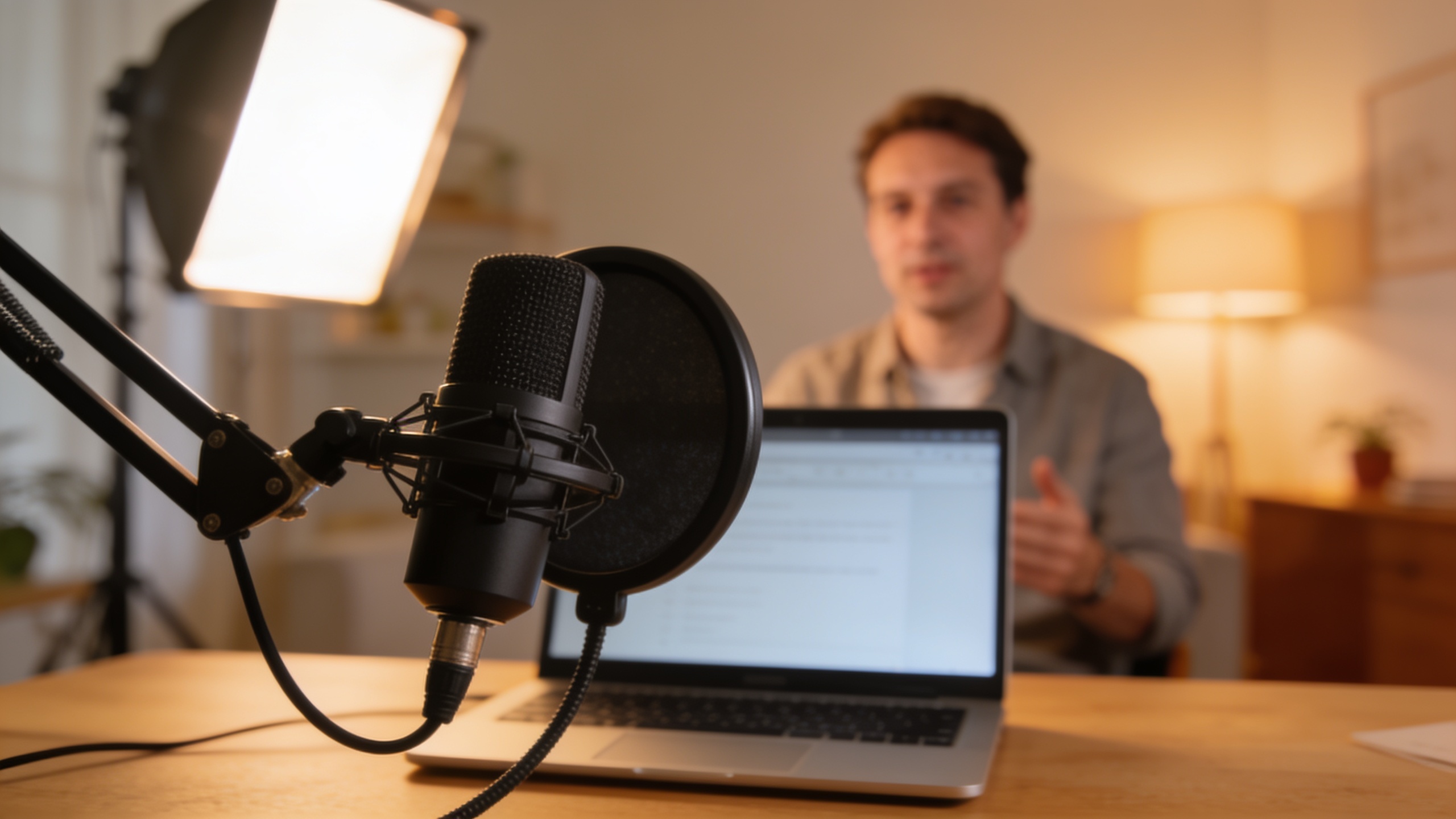
You want to open your course to new markets but translating every lesson feels slow and expensive. This guide shows a practical, creator-first path: how to translate and dub course videos with AI so they sound like the original instructor, match lip movement, and scale affordably. You’ll get a clear pipeline: prepare scripts and timestamps, translate and clone voices, run lip-synced dubs, and do focused QA for learning outcomes. I’ll explain why voice-preserving, lip-synchronous dubbing often beats subtitles for course launches, list common pitfalls, and give hands-on checks to keep pedagogy intact. Along the way I’ll show exact prompts and workflows you can copy, plus how to run dubs using GoCrazyAI AI Dubbing for fast, low-friction localization. This is for creators, instructional designers, and marketing teams who need repeatable, measurable ways to ship multilingual course content without hiring voice talent for every language.
Quick Answer
How do you run an AI dubbing course? Use a pipeline: transcribe and clean the script, chunk for natural rhythm, translate and TTS with voice cloning, then apply lip-sync and timing controls. Run human QA for pedagogy and lip movement. Tools like GoCrazyAI AI Dubbing speed this up by auto-translating into 30+ languages and preserving speaker tone.
Why modern course creators should consider AI dubbing (real reach, better learner experience)?
AI dubbing often increases reach and learner comfort more than subtitles, especially for voice-driven instruction. Dubbing replaces the audio track so learners hear the instructor in their language, which typically reduces cognitive load for long lectures and can improve engagement for audiences who prefer spoken language.
There are two technical reasons dubbing is more viable now. First, multimodal systems can control speech duration so translated audio matches mouth movements and facial timing, improving perceived sync and naturalness (see DubWise for duration control). Second, modern pipelines combine accurate transcription, domain-term handling, and voice-preserving TTS to keep the instructor’s tone across languages; industry reviews show these automated stacks scale localization affordably though professional voice acting still outperforms TTS for high-end productions.
For course creators this matters: shorter time-to-market, consistent instructor brand across languages, and often better comprehension in spoken-first learner populations. That said, outcomes depend on the subject and learner preferences — run small A/B tests comparing dubbed vs subtitled lessons to validate which format helps transfer of learning for your audience.
Preparing course videos for automated dubbing: scripts, timestamps, and speaker profiles — example workflows
Start with a clean transcript, time-aligned to the video, and a short speaker profile. A reliable pipeline begins with accurate transcription, removes disfluencies (um, uh), and marks domain-specific terms that must remain consistent across translations.
Practical example workflow you can copy:
- Transcribe the video with timestamps (1–3s granularity for speech-heavy segments).
- Clean the transcript: remove filler words, expand acronyms, and create a glossary of terms and preferred translations.
- Chunk content by idea into natural phrases (target 3–7 seconds per chunk in the target language when possible).
- Create a speaker profile: gender, age range, speaking rate, emotional tone, and pronunciation of branded names.
Example prompts for translators or MT post-editors (use as-is):
"Translate the following cleaned transcript into Spanish (Latin America). Keep technical terms from the glossary unchanged. Preserve short pauses and end-of-sentence emphasis. Output as time-coded chunks matching source timestamps."
"For voice cloning: sample notes — speaker is mid-30s, warm, slightly brisk delivery; emphasize clarity on step instructions; avoid breathy vowels."
This preparation reduces rework during TTS and lip-sync. Academic pipelines show these steps materially improve MOS and lip-sync metrics when scaling lecture localization.
Step-by-step workflow: translate, clone voice, and generate dubbed videos with GoCrazyAI AI Dubbing?
In short: upload, auto-translate, choose voice-preservation, review timing, export. GoCrazyAI AI Dubbing automates translation into 30+ languages and preserves speaker tone so you can produce localized lessons quickly.
Step-by-step on GoCrazyAI AI Dubbing (/ai-dubbing):
- Upload your lesson video or paste the YouTube/TikTok URL.
- Auto-transcribe and download the cleaned transcript for glossary work.
- Select target languages (GoCrazyAI supports 30+ languages) and enable voice preservation. Use the speaker profile created earlier to guide clone settings.
- Review automated translations and adjust domain terms using the platform’s editor.
- Generate dubbed audio; the system aligns speech duration and applies lip-sync so mouth movement matches translated audio.
- Preview side-by-side with the original. Export per-language MP4s.
When to bring in other GoCrazyAI tools: use the AI Voices page (/ai-voice) if you want to create a custom clone or browse premium voices before committing. If you need background music or instructional jingles, generate tracks on /ai-music and drop them into the editor. For cost planning, check Pricing on /credits.
GoCrazyAI’s flow matches the practical research pipelines: transcription → domain-term handling → chunking → TTS + voice cloning → lip-sync export. This makes it possible to localize a 10–15 minute lesson within an hour for many workflows, though QA will add time.
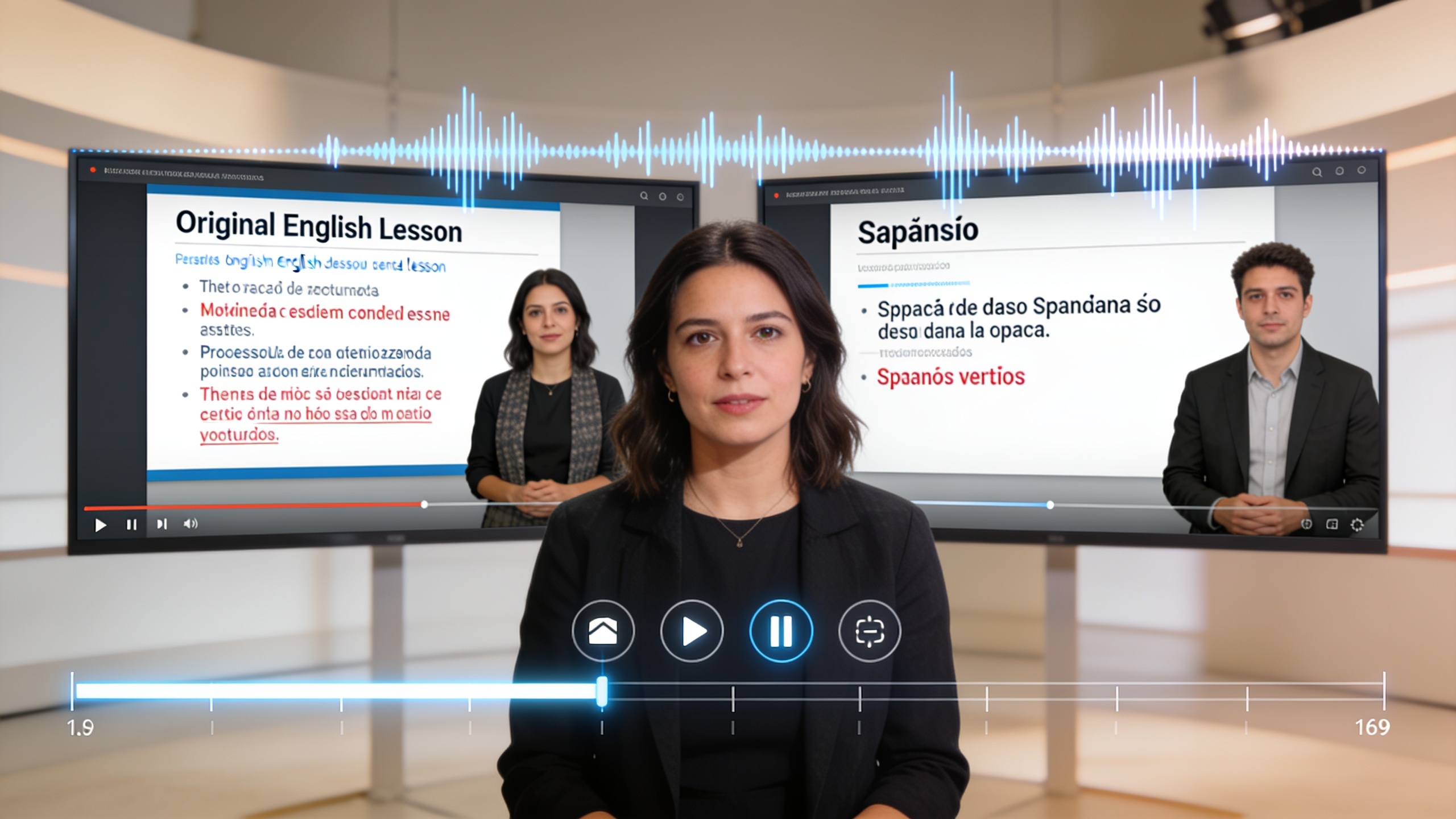
Fine-tuning for learning: lip-sync, pacing, and pedagogy checks (common mistakes to avoid)?
Do targeted checks for lip-sync quality, pacing, and comprehension before publishing. Focused QA usually catches the most impactful problems without slowing rollout.
Checklist (what to inspect):
- Lip-sync: verify mouth closures on strong consonants and check that sentence boundaries align with visible breaths. Small duration mismatches often harm perceived quality.
- Pacing: ensure the translated speech neither rushes nor stretches unnatural pauses. Adjust TTS speaking rate per language to match the instructor’s natural rhythm.
- Terminology: confirm technical terms from your glossary were kept or consistently translated.
- Pedagogy: run a short comprehension test with a native speaker in the target market—5 questions on core concepts often reveal if the dub preserved meaning.
- Subtitle fallback: keep a subtitle file as backup for quick fixes.
Common mistakes and how to avoid them:
1) Over-trusting the first auto-translation — always post-edit critical domain terms. Use your glossary. 2) Chunk sizes that break pedagogical flow — prefer idea-based chunking, not rigid timestamps. 3) Skipping comprehension checks — A/B test dubbed vs subtitled lessons on a sample group before full launch.
Human QA is lightweight but essential: research and industry reviews show automated dubbing works fast, but human checks catch translation or sync errors that matter for learning and trust.

Distribution and launch: A/B tests, metadata, and market-specific edits to maximize enrollments?
A clear launch plan converts localized video work into enrollments. Run small experiments and optimize metadata for each market.
Quick plan you can execute:
- A/B test thumbnail and title: localized title variants vs straight translations. Measure CTR and watch-time.
- Test dubbed vs subtitled: randomize new visitors into each variant to measure completion and knowledge-transfer metrics.
- Localize metadata: tags, description, and CTAs should use market-specific keywords and payment/local-currency info.
- Market-specific edits: shorten or re-order lessons if cultural norms favor bite-sized content; create local intro/outro CTAs.
Track these metrics per language: enrollments, lesson completion rate, watch-time per user, and cost-per-acquisition (CPA). Use the findings to iterate on where extra polish (professional voice actors, culturally adapted examples) is worth the spend. Industry demos show that convincing, voice-preserving dubs improve immediate engagement metrics, but conversion lift varies by subject and market.
Measuring ROI and scaling: metrics, costs, and a playbook to localize entire course catalogs?
Measure ROI by comparing incremental revenue and engagement against localization cost per language. Start small and scale what's working.
Key metrics and targets:
- Time-to-localize per lesson (hours): track how long transcription, translation, TTS, and QA take.
- Cost-per-language (USD): account for platform credits, human post-editing, and QA reviewer time; compare against hiring voice talent.
- Incremental enrollments and revenue by language: measure new signups and average revenue per user (ARPU) post-launch.
- Learner outcomes: lesson completion and assessment scores to ensure learning transfer.
Playbook to scale a catalog:
- Pilot 3–5 flagship lessons in 2 target languages using AI dubbing and run A/B tests.
- If pilot metrics beat thresholds (e.g., 10% lift in watch-time or acceptable CPA), batch-process full modules using the prepared pipeline and glossary assets.
- Maintain a localization library: translated glossaries, approved voice clones, and QA checklists to reduce per-lesson time.
- Consider hybrid models: AI dubs for mass-market languages, professional voice actors for high-value courses.
This approach reflects academic and industry pipelines that show automated dubbing scales lecture localization while keeping quality under human oversight.
Frequently Asked Questions
How accurate is AI dubbing for technical course content?
AI dubbing can be accurate for technical content when you supply a glossary and post-edit translations. The pipeline must include domain-term discovery and translator review to avoid mistranslation of jargon.
Does AI dubbing preserve the instructor's voice?
Many systems, including GoCrazyAI AI Dubbing, preserve voice characteristics across languages using voice cloning. This usually retains tone and cadence but may not match a full professional voice-actor in nuance.
Should I test dubbed lessons against subtitled ones?
Yes. Comparative research shows subtitles aren't always superior for long-term transfer. Run A/B tests for engagement and comprehension to choose the right format for your learners.
How much human QA is needed?
Plan for lightweight human QA: translation review, a quick lip-sync pass, and a short learner comprehension test. This typically adds a small fraction of total time but catches the highest-impact errors.
Conclusion
AI dubbing offers a practical path to scale course localization: prepare clean transcripts and glossaries, run voice-preserving dubs, and validate with quick QA and A/B tests. Start with a pilot in your top markets, measure enrollments and comprehension, then scale the catalog using your approved voice clones and glossaries. Ready to localize at speed? Drop a clip into AI Dubbing and ship localized versions before lunch.
Sources
- Multilingual video dubbing—a technology review and current challenges (Frontiers in Signal Processing)frontiersin.org ↗
- DubWise: Video-Guided Speech Duration Control in Multimodal LLM-based Text-to-Speech for Dubbing (paper)huggingface.co ↗
- Technology Pipeline for Large Scale Cross-Lingual Dubbing of Lecture Videos into Multiple Indian Languages (arXiv)arxiv.org ↗
- Learning from text, video, or subtitles: A comparative analysis (ScienceDirect)sciencedirect.com ↗
- Face-Dubbing++: Lip-Synchronous, Voice Preserving Translation Of Videos (arXiv)arxiv.org ↗
- Linguana — example of industry adoption and scale (Wikipedia / industry reporting)en.wikipedia.org ↗