


Image Upscaler guides & tutorials
Everything we've published on image upscaler — how-to articles, model comparisons, and workflow guides for creators using GoCrazyAI.
Upscale photos and AI-generated images to crisp 4K or 8K — no watermark, no quality drop.
What Image Upscaler actually does
- Upscales images up to 8K resolution
- Restores and sharpens detail
- Cleans up compression artifacts
Who it's for
- Photographers reviving old or low-res shots
- Designers prepping print-quality assets
Where Image Upscaler fits in your workflow
- Upscaling a phone photo for a poster
- Sharpening an AI-generated thumbnail to 4K
Why creators choose it
- Up to 8K output
- No watermark on exports
Featured guides
Image Upscaler 8K: How to make print-ready 4K/8K images that convert
Practical guide to turn low-res photos and AI images into print-ready 4K/8K assets. Step-by-step settings, prompts, and why GoCrazyAI Image Upscaler fits ecommerce needs.
Aug 24, 2026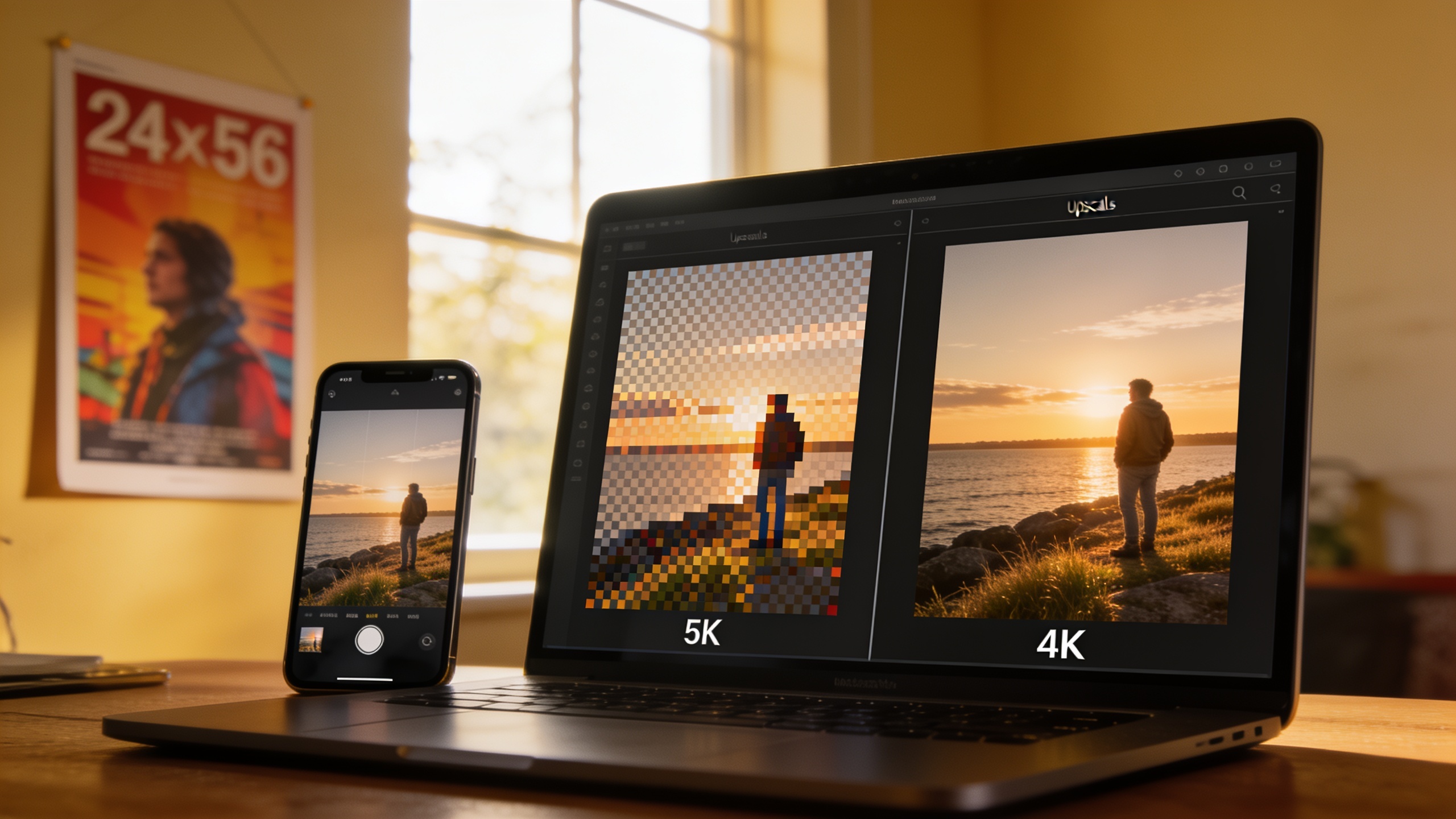
image upscaler 8K: How to turn low-res photos into print-ready 4K/8K
Step-by-step guide to upscaling phone or AI images to print-ready 4K/8K. Practical workflows, model differences, quality checklist, and how to use GoCrazyAI Image Upscaler.
Aug 10, 2026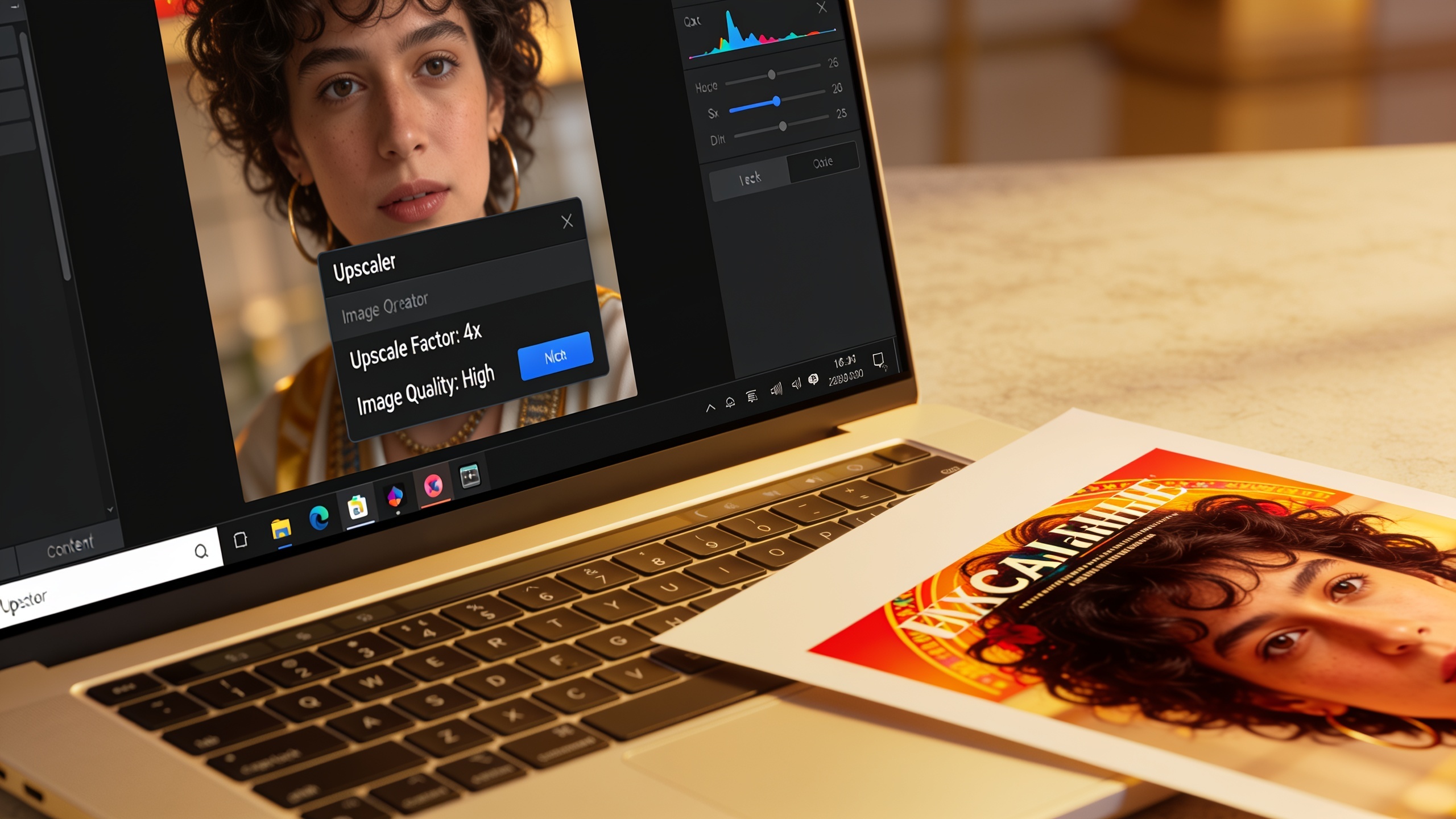
Image upscaler 4K tutorial: practical steps to improve thumbnails and print assets
Step-by-step image upscaler 4K tutorial for creators: convert phone photos or AI art into crisp 4K/8K thumbnails and print-ready posters with practical settings and examples.
Jun 29, 2026More Image Upscaler guides
Image Upscaler 4K: How to Make Print‑Ready 4K/8K Assets
Practical workflow to turn phone photos and AI thumbnails into print-ready 4K/8K assets with AI upscaling, color/profile tips, and GoCrazyAI guidance.
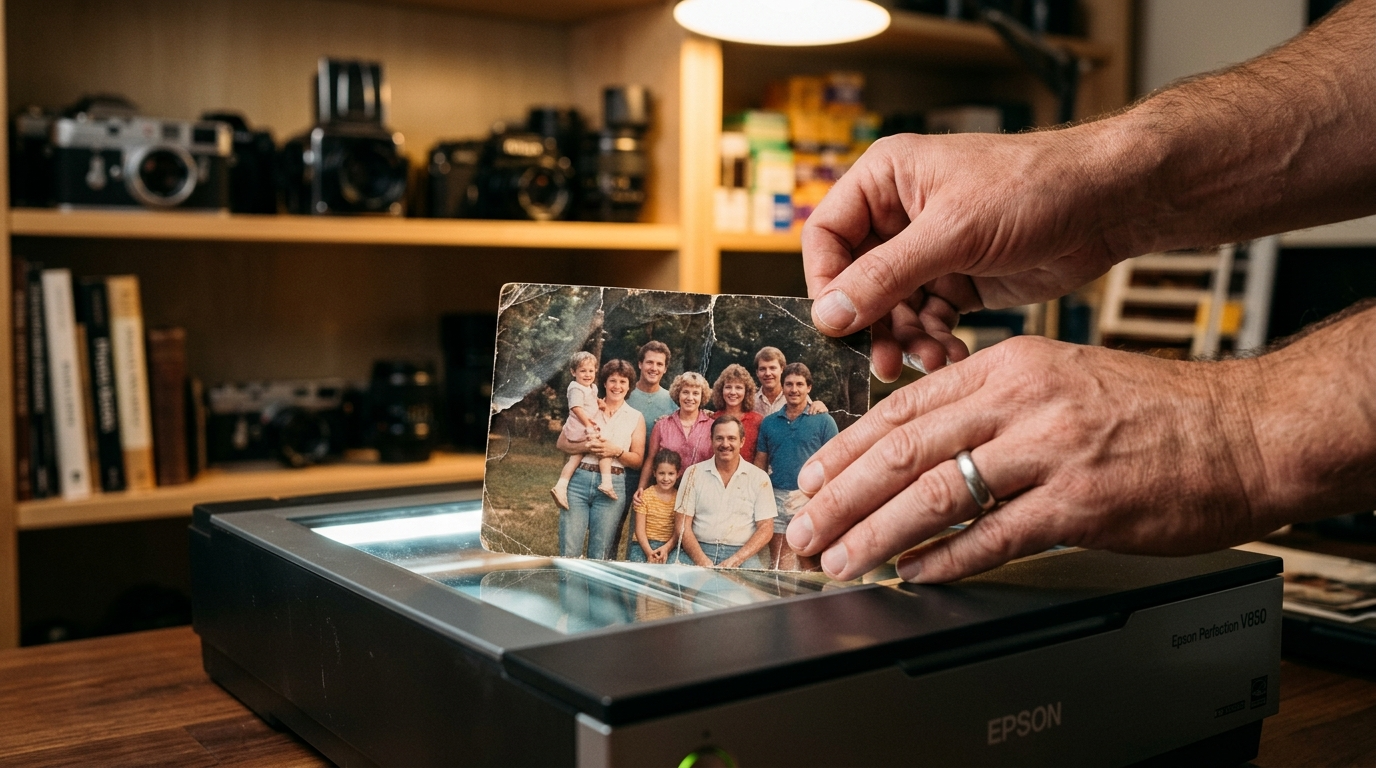
How to use an image upscaler 4K to convert low-res photos to print-ready 4K/8K?
Practical guide to convert low-res photos and AI thumbnails into print-ready 4K/8K assets. Workflows, checks, and GoCrazyAI Image Upscaler steps.