


AI video hooks: turn one product photo into thumb-stopping vertical ads
Learn how to turn one product photo into scalable 9:16 AI video hooks for TikTok, Reels, and Shorts using Kling, Veo, and Sora with tested copy and testing workflows.
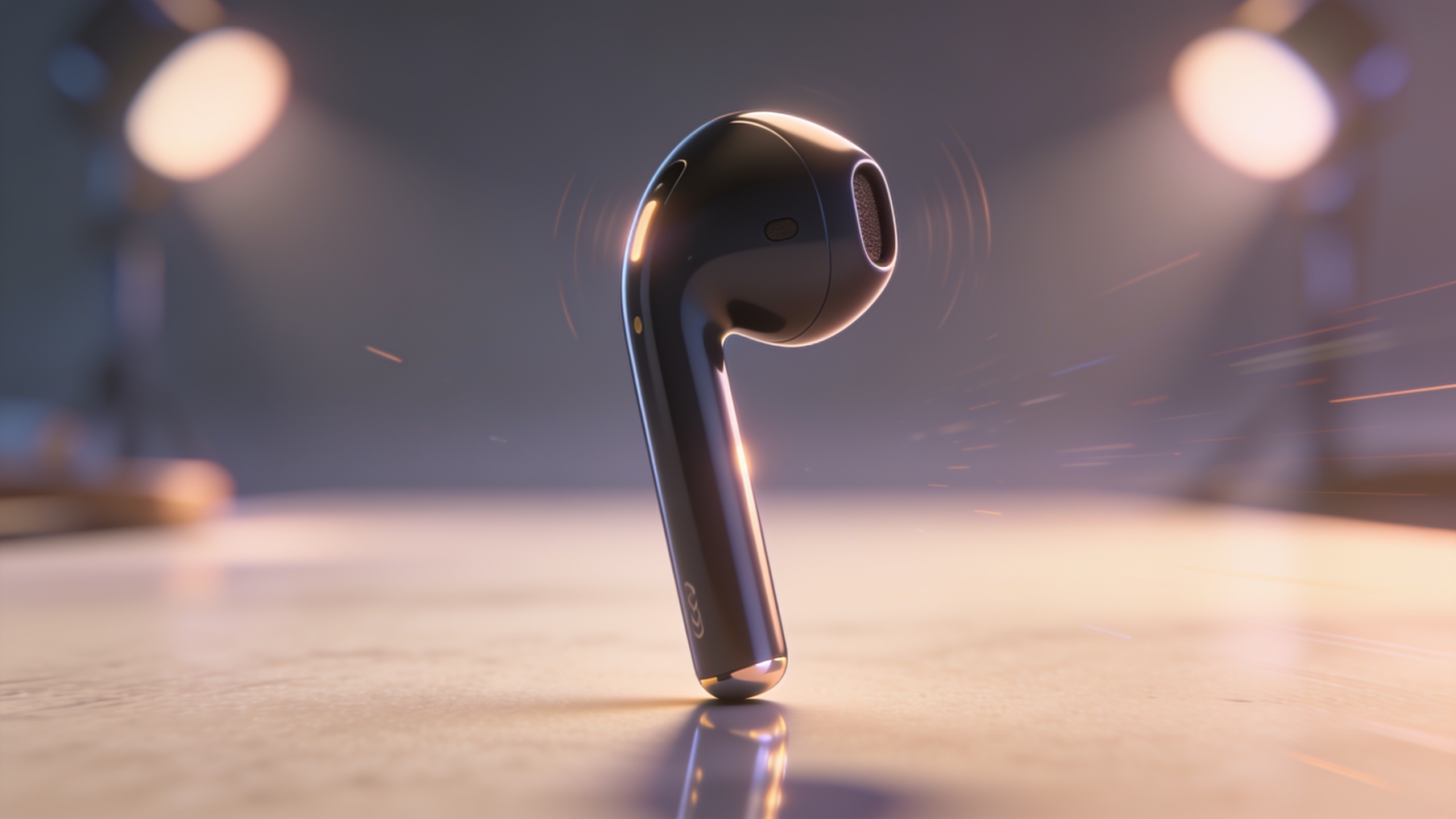
You have one hero product photo and a small budget — you need more than a static image to scale paid and organic social. This guide shows how to generate repeatable, high-ROI vertical AI video hooks from a single still image, pick the right model (Kling 2.5 Turbo Pro, Veo 3.1, Sora 2), and build rapid ad variants for testing. You'll get concrete prompts, sound and caption formulas, and a tested production stack so small teams can ship dozens of 9:16 clips a day without reshoots. The workflows assume you want TikTok/Reels/Shorts performance: short curiosity openers, clear on-screen copy, and platform-native audio. Where it helps, I’ll show how GoCrazyAI’s AI Video Generator routes to Kling, Veo and Sora and outputs ready-to-publish 9:16 clips, and I’ll point to tools for polishing, music, and subtitles used in real ad stacks. Read on for step-by-step commands, paste-ready prompt examples, and the mistakes most teams make when scaling image-to-video creative.
Quick Answer
How do you create AI video hooks from one product photo? Use an image-to-video model (Kling for high-energy hooks, Veo for photoreal motion, Sora for cinematic reveals) to animate the photo into a 9:16 clip, add a 0–3s curiosity opener, on-screen captions, and platform-native sound. Test multiple models and variants quickly for the best CTR and watch-through.
Why do vertical AI video hooks win on TikTok, Reels and Shorts?
Vertical 9:16 clips tend to outperform other aspect ratios because platforms favor native-format content in their recommendation algorithms, and viewers on mobile are conditioned to tap and scroll through vertically framed short videos. Data and platform playbooks show vertical-first creative usually yields higher watch-through and engagement versus repurposed 16:9 assets. For product-first creators, that means animating a single photo into native vertical motion often increases discovery opportunities and organic reach without extra filming.
Platforms explicitly optimize for vertical inputs: feed placement, auto-play, and full-screen real estate are biased toward 9:16, which increases retention when the creative fills the viewport. HubSpot’s video marketing guidance recommends designing for vertical-first distribution to maximize visibility and click-through potential. Practically, when you animate a product photo into a 9:16 hook, you capture more attention in the first 2–3 seconds — the window that most recommendation models use to judge relevance. For e-commerce creators, this means product-only, faceless clips can still compete for placements when formatted and paced correctly; large-corpus analyses like Reviral show faceless content performs within a few percentage points of face-on-camera pieces.
Which model should you use: Kling 2.5 Turbo Pro vs Veo 3.1 vs Sora 2?
Choose the model based on the creative goal: Kling 2.5 Turbo Pro for fast, stylized TikTok hooks; Veo 3.1 for photoreal motion and natural physics; Sora 2 for cinematic reveal and product storytelling. Each model has strengths that change CTR and watch-through: Kling often produces punchy motion and high-energy artifacts that match TikTok cut pacing, Veo focuses on believable camera-parallax and lifelike lighting, and Sora gives smoother shutter-like reveals suitable for hero product demonstrations.
How to pick in practice: if you want a rapid, attention-grabbing opener with bold motion and tempo, generate with Kling first. If you need the product to look realistic in motion — close-up texture, natural reflections, subtle camera shifts — start with Veo. If your creative relies on slow, cinematic reveals and shallow depth-of-field, test Sora. The underlying research on image-to-video evolution (Google’s Veo family demonstrating realistic short motions from a single image) supports using Veo when photoreal fidelity matters. Always run at least two model variants per concept: one high-energy Kling version and one Veo/Sora version to compare CTR and watch-time.
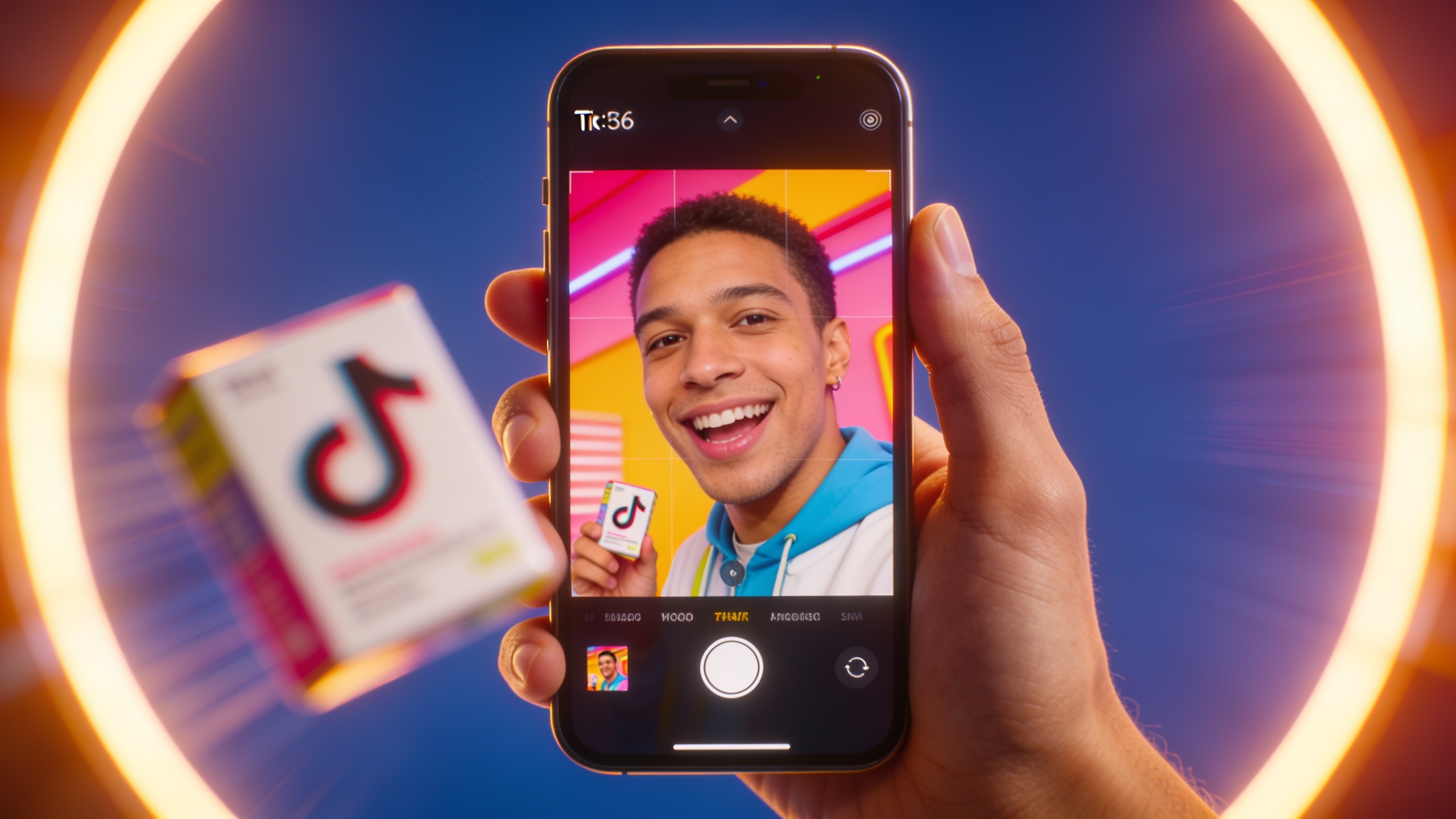
How do you create a 9:16 product hook from a single photo? (image-to-video workflow)
Create a publish-ready 9:16 hook by animating the still, adding a 0–3s curiosity opener, captions, and platform-native sound. Start with a high-resolution product photo, define the motion prompt (camera move, reveal, lighting), pick a model, render a 9:16 clip, then polish with captions and music.
Practical step sequence:
- Prep a high-res image and 9:16 crop that keeps the product centered.
- Use an image-to-video prompt describing camera moves: e.g. "slow 0.8s push-in with subtle parallax, soft studio key, reveal sparkle on the logo".
- Select Kling for energetic motion or Veo for natural parallax, choose 9:16 output, and render a 6–12s clip.
- Add a 0–3s curiosity opener (text or quick zoom), then overlay concise captions and export.
Prompt examples you can paste:
"Animate this product photo: 9:16 vertical, 6s, 0.5s curiosity zoom in, 2s slow left-to-right parallax, soft studio rim light, subtle reflection on surface, photoreal texture."
"Generate 9:16 vertical: product-only, 8s, high-energy push-in, fast shutter cuts at 0:02 and 0:04, warm contrasty color grade, punchy motion blur."
After rendering, polish the clip in an editor to add captions and tighten the first 3 seconds. Use the GoCrazyAI Media Mixer for subtitles, voiceover, and final cuts to streamline exports to TikTok/Reels formats: see the AI video editor for adding captions and voiceovers in one place (/ai-video-edit).
How to do this with GoCrazyAI: From photo to paid creative and rapid ad variations?
On GoCrazyAI you can upload a single product photo, pick Kling 2.5 Turbo Pro, Veo 3.1, or Sora 2, and output 9:16-ready clips — then spin rapid variations from that same asset. The platform routes rendering credits across multiple models, so you can test model differences without juggling subscriptions. Use the AI Video Generator to animate the image, choose framing (9:16), and render multiple versions with small prompt tweaks to create ad variants quickly.
Practical GoCrazyAI workflow: 1) Open the AI Video Generator (/create-ai-video) and upload your photo. 2) Choose the model (Kling/Veo/Sora) — the UI shows recommended presets like "TikTok Hook" or "Cinematic Reveal." 3) Set output to 9:16 and enter a short motion prompt: e.g., "0.8s curiosity zoom; 6s push-in with parallax; warm studio rim." 4) Render 2–3 model variants, then use Media Mixer to add captions, music, and CTAs. 5) Export platform-ready files and label each variant for A/B tests.
The generator supports quick iteration: change only the opening frame, model, or audio to generate dozens of low-cost variants. This lets growth teams test CTR and watch-through faster than reshooting — you can scale creative variation across Kling’s energy, Veo’s realism, and Sora’s cinematic looks from one credit pool. Learn more on the AI Video Generator page for step-by-step UI tips (/create-ai-video).
What copy, sound design, and hook formulas should you use? (Examples to pair with your generated clip)
Use a 0–3 second curiosity hook, bold on-screen text, and platform-native audio that matches TikTok/Reels pacing. Good hooks ask a question, show a surprising visual, or promise a quick benefit. Sound should start immediately and align to the edit cuts; captions must summarize the hook for sound-off viewers.
Example copy and sound pairings you can try immediately:
1) Curiosity + product reveal
- On-screen text: "Wait—this fits in your pocket?"
- VO / SFX: single punchy whoosh then quick metallic click at reveal
- Use: Kling high-energy render + quick 0.5s zoom
2) Problem → Fast result
- On-screen text: "Tired of soggy shoes? Try this."
- VO / SFX: soft female voice, beat drop at 0:02, looped percussion
- Use: Veo photoreal motion showing water bead off the shoe
3) Cinematic demo with CTA
- On-screen text: "See it in action → 3s demo" then CTA at 0:06
- VO / SFX: warm narrator line, subtle riser, then click
- Use: Sora 2 for slow reveal and texture detail
Sound and music: use platform-familiar rhythmic stems for TikTok — something with a clear transient on beat 1 so cuts feel in-time. For music and stems, generate short instrumentals that match tempo using an AI music generator (/ai-music). For final polish, add subtitles and a CTA overlay in the Media Mixer or AI video editor to ensure accessibility and lift in sound-off environments (/ai-video-edit).
How do you measure results and avoid common mistakes when iterating ad hooks?
Measure CTR, 2s/3s views, and full watch-through, and avoid mistakes like ignoring the first 3 seconds, overcomplicating captions, or testing only one model. Run short A/B tests that isolate one variable (model, opener, CTA) and track which change improves CTR or watch-time most reliably.
Common mistakes and how to avoid them:
- Mistake: Ignoring 0–3s performance. Fix: Prioritize the opening frame and measure 2s view rate as a gating metric. If most drop happens in the first two seconds, rework the opener.
- Mistake: Testing too many changes at once. Fix: Run controlled A/Bs where only model or only copy changes per test to identify cause and effect.
- Mistake: Skipping sound-off viewers. Fix: Add concise on-screen captions and clear visual cues so the message survives muted playback.
- Mistake: Using only one model for all creatives. Fix: Always generate at least one Kling and one Veo/Sora variant; compare CTR and watch-through and scale the winning style.
Iterate quickly: version your variants (model, crop, opener, audio) and retire low performers. Use metrics to determine if you should reshoot or keep scaling AI variations. Keep cost per variant low by leaning on image-to-video renders instead of reshoots — you can often run many more tests at a fraction of reshoot time and budget, accelerating creative discovery.
Frequently Asked Questions
Can a single product photo really make an effective ad creative?
Yes — modern image-to-video models can add believable motion, parallax, and lighting from one still. When paired with a strong 0–3s hook, captions, and native sound, product-only clips often perform within a few percentage points of face-on-camera content for reach and CTR.
How long should my vertical AI hook be for TikTok and Reels?
Keep hooks short — 6–12 seconds is a practical sweet spot. Use a 0–3s curiosity opener, then show the product benefit and CTA. Short clips reduce creative cost per test and often maximize watch-through.
Which model should I test first if I only have one credit?
If you need a single quick test, try Kling 2.5 Turbo Pro for fast, attention-grabbing hooks. If product realism is critical to conversion, prioritize Veo 3.1 next. Ideally run both types when budget allows to compare CTR and watch-time.
Do I need extra tools for captions and music?
You can add captions, voiceover, and music inside GoCrazyAI’s editor and Media Mixer, or generate tracks with the AI music generator then import them. Keeping the workflow integrated speeds iteration and export to platforms.
Conclusion
Final thoughts: With the right model choice, a tight 0–3s opener, clear captions, and platform-native sound, a single product photo can power dozens of vertical AI video hooks that scale both paid and organic reach. Test Kling, Veo, and Sora side-by-side, version your openers and CTAs, and measure early watch-through to guide iteration. Ready to turn one photo into a stack of ad variants? Try the AI Video Generator to render 9:16 clips from a single still and ship your next hook.
Sources
- AI Ad Video Generator — Make Video Ads from a Photo or Prompt | GoCrazyAIgocrazyai.com ↗
- Google AI's new trick: Turn any image into a brief video (Veo 3) — Axiosaxios.com ↗
- What 756,000 Short-Form Videos Told Us About What Actually Works — Reviral (2026)reviral.ai ↗
- I tried Kling's new 2.5 Turbo AI video generator — Tom's Guide (hands-on coverage)tomsguide.com ↗
- The Video Marketing Playbook — HubSpot (vertical-first guidance)hubspot.com ↗
- AI Video Ads — Cinematic TikTok, YouTube & Meta Creatives (industry product examples)useneospark.com ↗