


How to create a song from a prompt: fast, copyright-safe tracks for videos (2026)
Learn how to create a song from a prompt and deliver copyright-safe, publish-ready music for videos using the GoCrazyAI AI Song Generator.
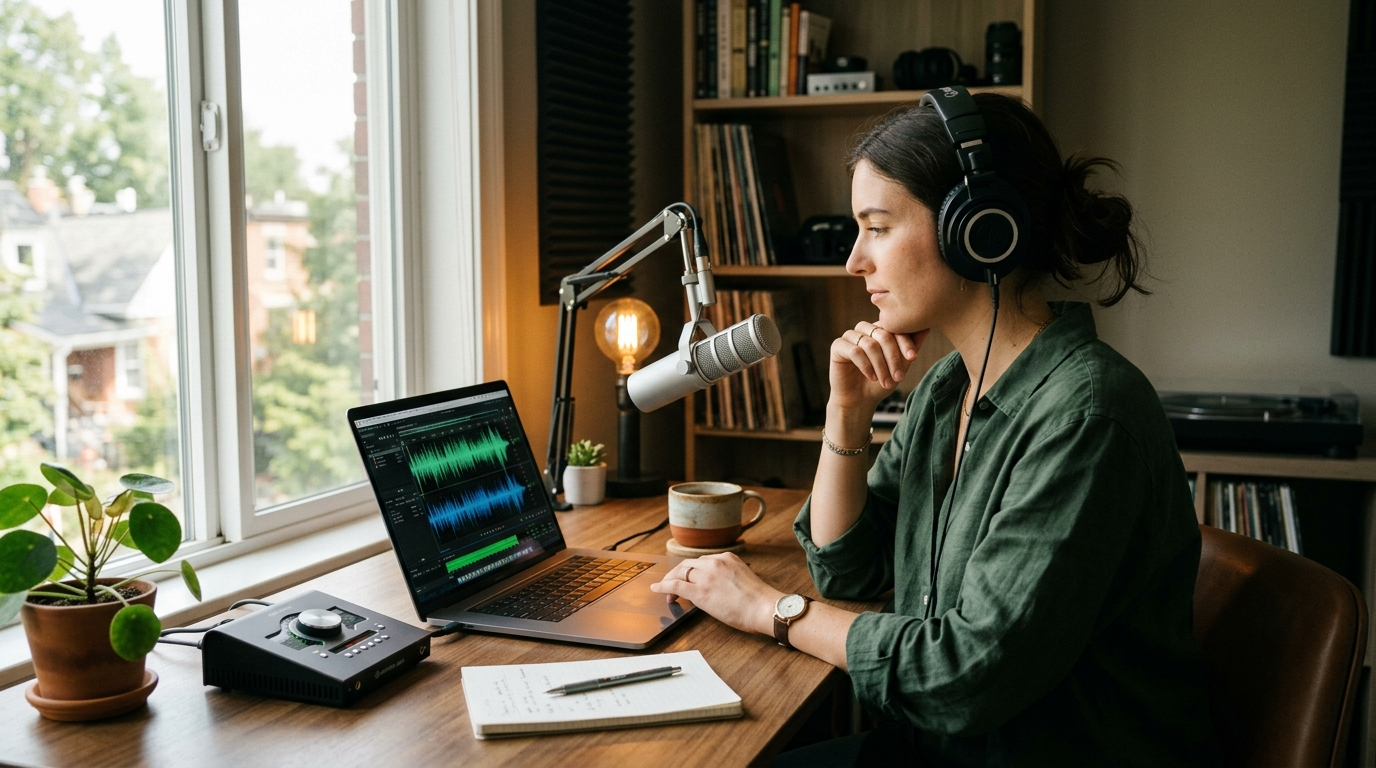
If you need to create song from prompt and drop custom music into a short-form video in minutes, the fastest route is a focused, commercially cleared AI workflow. The GoCrazyAI AI Song Generator lets you generate full songs and instrumentals from a single prompt — copyright-free and ready to drop into your edit. Try the AI song generator to see how a single idea becomes a finished track.
Why modern creators are switching to AI music: speed, cost, and control
Creators making daily content have three demands: speed, low cost, and creative control. Traditional licensing models force editors to either search vast libraries or pay for bespoke composition — both slow. AI music generators compress that timeline: a short prompt yields multiple, instantly editable tracks you can iterate on until the mood, tempo, and instrumentation match your scene.
For social marketers and indie filmmakers, the cost argument is concrete. Buying custom music or licensing a single track for multiple clips quickly becomes expensive; generating dozens of variations from text prompts is far cheaper per use. The GoCrazyAI AI Song Generator is built for that workflow—it generates original songs and instrumentals from a prompt, lets you guide style, tempo, and mood, and exports tracks ready for use without library licensing headaches.
Control matters just as much. Instead of hunting for a near-match, prompt-based generation lets you ask for a specific hook, change the beat, or request an instrumental only. That immediacy is why small teams are migrating budgets from stock libraries to AI-generated music: faster iterations, predictable costs, and full creative direction over the final sound.
What ‘copyright-safe’ AI music really means today — industry trends and risks
“Copyright-safe” no longer means "untested"; it means using tools that explicitly permit commercial use and document their limits. ElevenLabs publicly positioned its music models as cleared for nearly all commercial uses — film, TV, podcasts, social videos, and ads — while calling out prohibited inputs in its Music Terms. That public stance is why platforms powered by ElevenLabs (including GoCrazyAI’s AI Song Generator) emphasize commercial usability as a core product promise.
Still, not every AI music tool offers the same legal clarity. Platforms like Suno and Udio have faced scrutiny over training data and rights; Udio later entered licensing agreements to resolve disputes. Those cases show why creators should favor services that publish commercial terms and work with music industry partners to define acceptable use. When you pick a generator, check whether the provider documents permitted commercial uses and what inputs are disallowed.
On the market side, investment and demand for AI music are accelerating: market projections estimate the AI music sector could grow dramatically in the next decade, indicating sustained platform investment and tool maturity. That means better models and clearer licensing frameworks — but still be intentional. Use a platform like GoCrazyAI that is powered by ElevenLabs and builds workflows for content creators who need predictable, publishable assets.
How to write prompts that produce usable songs and instrumentals (prompt formulas)
Getting usable music from one prompt is about structure. Treat prompts like a brief you’d give a human composer: concise, specific, and prioritized. A reliable formula is: Mood + Genre + Tempo (BPM) + Instrumentation + Hook description + Usage context.
Example formula:
- Mood: warm, optimistic
- Genre: electro-acoustic pop
- Tempo: 95 BPM
- Instrumentation: synth pad, plucked guitar, light drums, sub bass
- Hook description: 4-bar ascending synth motif with short vocal "oh" chops
- Usage context: 30-second vlog background, loopable at 8 bars
A sample single-line prompt using that formula: “Warm optimistic electro-acoustic pop at 95 BPM, synth pad and plucked guitar, light drums and sub bass, 4-bar ascending synth motif with short vocal ‘oh’ chops, 30s loopable for a vlog.” That level of direction gives the generator the constraints it needs to deliver a usable stem set.
Variations you should try: ask for "instrumental only" for background beds; request "loopable intro" for social clips; or specify "vocals with short, sync-friendly phrases" when you want a hook to match on-camera edits. The GoCrazyAI AI Song Generator accepts these parameters and returns instrumentals or full songs that reflect tempo and mood guidance, reducing back-and-forth and minimizing wasted generations.
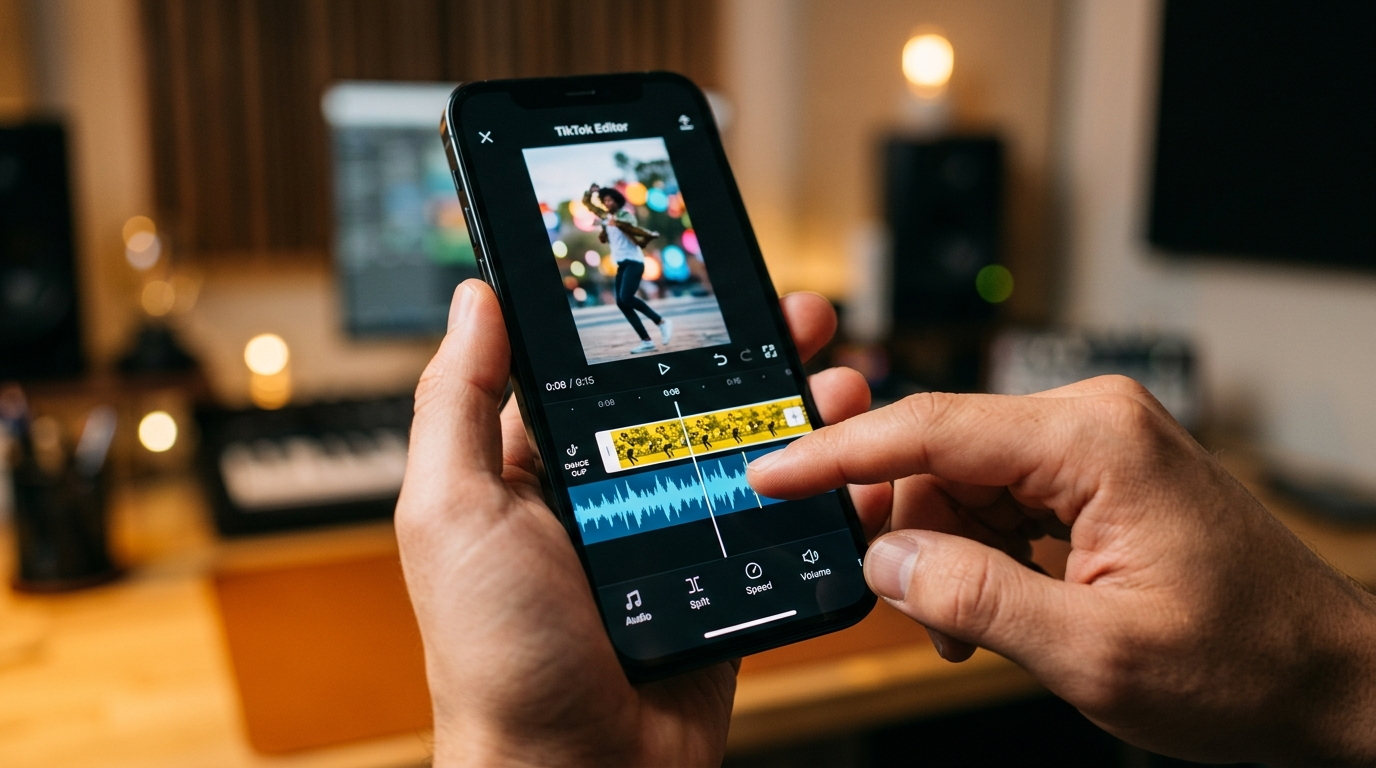
Hands-on: Turn a 30‑second vlog idea into a full instrumental using GoCrazyAI AI Song Generator
This walkthrough shows a practical 5‑step path from idea to export using the GoCrazyAI AI Song Generator.
Step 1 — Define the brief: write a single sentence prompt. Example: “Bright indie-pop instrumental, 100 BPM, jangly guitar, warm synth pad, tight kick and clap, 30s loop with an earworm 2-bar hook.” Keep the usage context (vlog background) in the prompt so the generator prioritizes clarity and loopability.
Step 2 — Generate and pick: paste the prompt into the GoCrazyAI AI Song Generator and choose “instrumental” mode. The tool will produce several variants. Listen for a clear 2–4 bar hook and consistent tempo.
Step 3 — Request stems: select the best variant and export stems (drums, bass, synths, guitars). Stems let you duck, trim, or re-balance elements to fit voiceover and dialogue.
Step 4 — Match edit: import the stems into your NLE or GoCrazyAI Media Mixer and align the hook to your cut. If your edit has a tempo-locked montage, set the project tempo to 100 BPM and trim the track to the desired 30s.
Step 5 — Quick polish: add a bus compressor and a touch of master EQ. Export a WAV or MP3 and you’re done.
This exact flow — prompt, generate, choose, export stems, match to picture — is what makes the GoCrazyAI AI Song Generator valuable for creators who need reliable background scoring without library searches.
Hands-on: Create a custom jingle with vocals and a loopable intro for TikTok using GoCrazyAI
When you need a quick jingle for TikTok, aim for a 6–12 second hook, a hook lyric, and a loopable intro that drops into the first chorus. Here’s a compact recipe using the GoCrazyAI AI Song Generator and GoCrazyAI AI Voices when you want the jingle voiced.
1) Prompt: craft a one-line brief: “Upbeat 10s brand jingle at 120 BPM, funky rhythm guitar, punchy bass, horn stab accents, female pop vocal singing the tagline ‘Glow on!’ with clear enunciation, loopable intro for TikTok.” Include the exact tagline so the generator produces singable syllables.
2) Generate a version with vocals. If you want a specific timbre, export the instrumental and re-record the lead using GoCrazyAI AI Voices or a recorded take. GoCrazyAI AI Voices hosts 160+ premium voices and cloning options if you need a consistent brand voice across content.
3) Create a loopable intro by requesting an alternate arrangement: “same track but repeat bars 1–2 for a seamless 8-bar loopable intro.” Use the Song Generator’s arrangement options to produce a tight intro that loops cleanly when TikTok users stitch or use as a sound.
4) Export a short stem or a master depending on whether you plan to remix the jingle in-video. For platform virality, export a short high-quality MP3 with a clear hook and upload as a sound — consistent, repeatable hooks drive reuse on TikTok.
This workflow shows how combining the GoCrazyAI AI Song Generator with GoCrazyAI AI Voices and loop-friendly prompting gives you a publish-ready jingle in a single session.
Mixing & edit tips to make an AI-generated track fit your video (stems, tempo, and mastering workflow)
AI-generated tracks are great starting points, but a few mixing steps make them sit in a mix and support dialogue. First, always export stems. Stems let you lower the instrumental under voice, remove clashing frequencies, or shorten the arrangement without re-rendering the whole song.
Tempo matching is the second key: if your cut is pace-driven, set your session BPM to the track’s BPM and snap edits to bars. If you need small time adjustments, use stretch tools on the instrumental stems rather than changing pitch. The GoCrazyAI AI Song Generator’s tempo parameter ensures the track arrives at the desired BPM, minimizing corrective edits.
When it comes to mastering, apply a light bus compressor and a gentle high-pass filter to clean low rumble (useful if dialogue occupies 100–300Hz). Add a subtle stereo widen and limit the master to -0.5 dB for platform-safe loudness. If you plan to submit to an ad platform, check loudness targets (e.g., -14 LUFS for streaming ad specs) and adjust accordingly.
Finally, use the GoCrazyAI Media Mixer to assemble the final deliverable: combine your exported stems, add narrated voiceover from GoCrazyAI AI Voices if needed, and export a final video-ready track. This integrated approach saves time and keeps creative control in your hands.
How to publish, credit, and monetize content built with AI music — legal checklist and distribution tips
Publishing AI-generated music responsibly is straightforward if you follow a checklist. First, confirm the tool’s commercial terms. ElevenLabs’ documentation states the music model is cleared for nearly all commercial uses when used according to its Music Terms. Using a generator that publishes clear commercial allowances reduces risk.
Second, keep records: save the prompt, export timestamps, and any agreement or terms snapshot from the generator. This provenance helps if a rights question appears later. Third, platform-specific rules: some music libraries and sync platforms require proof of rights; provide your prompt and generator export if asked.
Monetization tips: use short loops as channel IDs or intros (they increase brand recognition), license full songs to clients with a simple invoice that includes a note about original AI generation, and upload tracks to stock music libraries only if the library accepts AI-generated content. For paid campaigns, add the generator’s commercial statement in your contract addendum to reassure legal teams.
Finally, if you want to offset uncertainty further, pair the GoCrazyAI AI Song Generator output with a recorded vocal or custom instrumentation from a session musician; hybrid tracks combine the speed of AI with human-authored elements for an added layer of defensibility.
Frequently Asked Questions
Is music generated by AI really copyright-free?
Many AI platforms (including ElevenLabs-powered tools) state outputs can be used commercially under their terms, but confirm each provider’s Music Terms and keep a record of your prompt and export for provenance.
Can I get separate stems from the GoCrazyAI AI Song Generator?
Yes — the Song Generator exports stems (drums, bass, synths, vocals) so you can mix, duck, or rearrange elements to fit your video edit.
Will TikTok or YouTube block AI-generated tracks?
Platforms generally allow original audio uploads; issues arise when content reuses copyrighted material. Using a generator with commercial-use documentation reduces takedown risk, but retain prompt/export records if a claim appears.
How fast can I go from prompt to final track?
Typical prompt-to-export cycles take minutes for a draft and under an hour for a polished, stem-exported track with quick mixing — exact time depends on revisions.
Conclusion
If your goal is to reliably create song from prompt and deploy publish-ready music for videos, jingles, or loopable hooks, the fastest, clearest path is a commercially focused generator that exports stems and honors creator workflows. The GoCrazyAI AI Song Generator, powered by ElevenLabs, gives you that workflow: style, tempo, and mood control plus original tracks with export-ready stems. Pop a vibe into the AI Song Generator and you'll have a track to score the cut in minutes.
Sources
- Eleven Music | ElevenLabs Documentationelevenlabs.io ↗
- ElevenLabs Launches Eleven Music in Collaboration with Music Industry Partners (BusinessWire)businesswire.com ↗
- ElevenLabs launches an AI music generator, which it claims is cleared for commercial use (TechCrunch)techcrunch.com ↗
- 12 AI Music Generators That Create Original Songs in 2025 (DigitalOcean)digitalocean.com ↗
- AI Music for YouTube: Copyright-Free Tracks Guide (Faceless Directory)faceless.directory ↗
- ElevenLabs releases a new AI-powered music-generation app (TechCrunch, Apr 2026)techcrunch.com ↗
- Udio and Universal Music settle and partner on new platform (AP News)apnews.com ↗
- Eleven Music - ElevenLabs (product / API page)elevenlabs.io ↗