


Unleash Your Vision With a Powerful Anime AI Generator
Discover how an anime AI generator can bring your creative ideas to life. This guide shows you how to create stunning uncensored art and videos with GoCrazyAI.
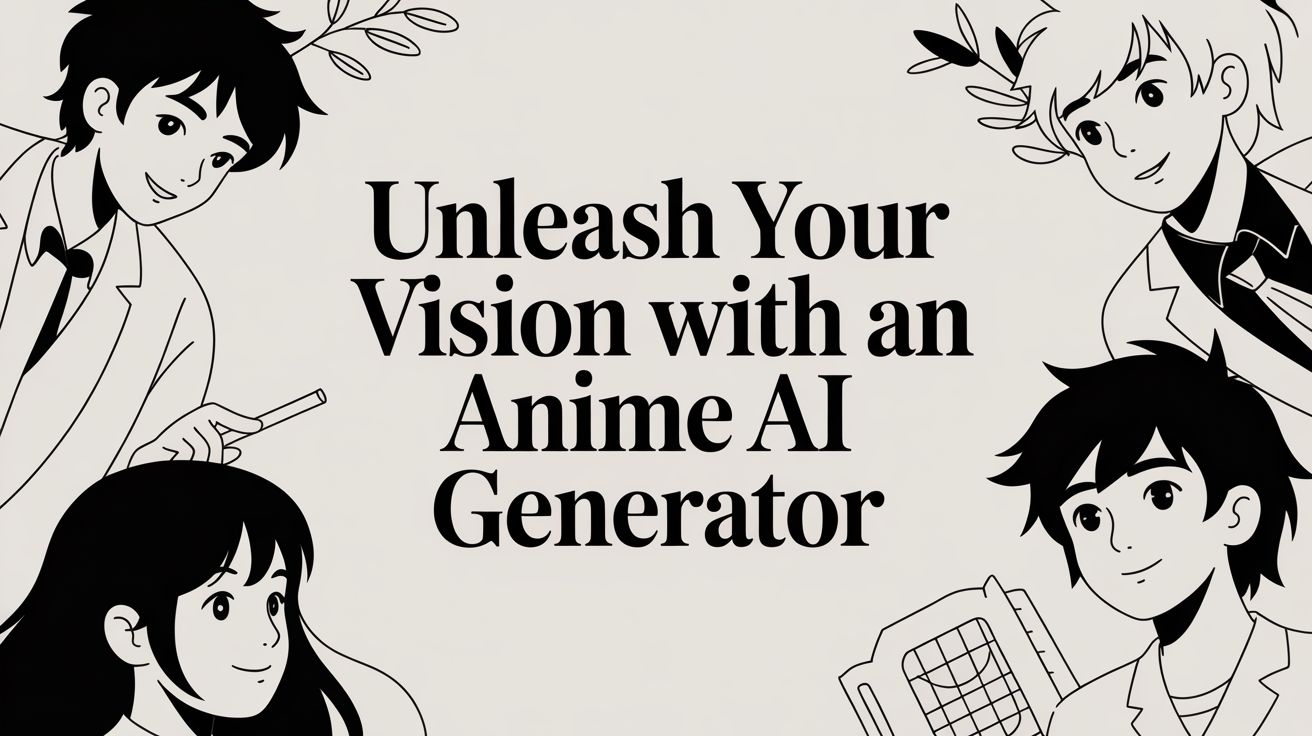
What exactly is an anime AI generator? Imagine a professional art studio, powered by incredibly advanced technology, that fits right inside your web browser. You provide it with a simple text description—a few key words or a detailed paragraph—and it generates original, anime-style images, avatars, or even short videos. It is a revolutionary tool for anyone who has ever wanted to create stunning anime art but lacked the traditional drawing skills, turning ambitious ideas into high-quality visuals in a matter of seconds.
Why AI Is the New Frontier for Anime Creation
Welcome to the expansive universe of AI-powered anime. If you've ever had a brilliant character concept or a dramatic scene playing out in your mind but couldn't translate it onto paper, the modern anime AI generator is about to become your most valuable creative partner. This guide explores how creators are using platforms like GoCrazyAI to produce incredible, uncensored anime-style content, from detailed static images to dynamic AI videos. This technology is completely reshaping the creative landscape.
The traditional barriers to entry—requiring a significant budget, years of formal art training, or mastery of complex software—are quickly becoming obsolete. Today, the most crucial asset is a strong creative vision. By using a sophisticated AI image generator, you gain access to the power of an entire creative studio. This is where your imagination can leverage powerful, intuitive tools to create something truly unique. It is also beneficial to monitor the broader trends in AI content tools to understand the future of digital creation. A premium AI anime character generator is the ideal starting point for this journey.
How AI Is Revolutionizing Anime Art Production
This technological shift is not just about accelerating the creative process; it is about democratizing it by removing long-standing barriers. For decades, bringing a character to life required either immense artistic talent or the financial resources to hire a professional artist. Now, the process can be as straightforward as describing the image you envision. This new paradigm places the creative power firmly back into the hands of the storyteller, where it belongs. You can experiment endlessly with different art styles, refine character designs, and alter backgrounds without any risk or added cost. You simply iterate until the image on the screen perfectly aligns with your creative vision. This level of rapid, on-the-fly prototyping was pure science fiction for independent creators just a few years ago.
What Does Uncensored Creative Freedom Actually Mean?
One of the most significant advantages of a platform like GoCrazyAI is its commitment to uncensored creative expression. Many mainstream AI tools operate with restrictive filters that can stifle artistic vision, particularly for genres that explore mature or nuanced themes. An uncensored AI environment means you can build your world without encountering arbitrary limitations. Whether you are designing a gritty cyberpunk mercenary with realistic battle damage or a dark fantasy realm with a genuinely somber atmosphere, you have the freedom to realize your unfiltered vision. This level of control is essential for authentic storytelling, empowering artists and writers to explore new creative territories with confidence.
Your First Steps in Bringing a Character to Life
Let's move from theory to practice and begin creating an original character. This is not a dry technical exercise but a collaborative creative session. We will use a powerful anime AI generator to design a cyberpunk ronin, a lone warrior navigating a neon-drenched cityscape, and build them from the ground up using the advanced features available on GoCrazyAI. The most exciting part of this process is witnessing how a few carefully chosen words can blossom into a professional-quality image. We will begin with a simple concept and progressively add layers of detail, guiding the AI toward our specific artistic goal.
How to Develop a Strong Creative Vision for Your Art
Before you begin typing, take a moment to visualize your character. "A cyberpunk ronin" is a solid starting point, but it lacks specificity. What makes this particular ronin unique? We need to delve into the details that give a character depth. Perhaps our ronin has sharp, intelligent eyes, but one is a cold, cybernetic replacement. Let's give them long, silver hair tied back in a messy bun, with subtle, glowing neon tattoos tracing their jawline. These specifics are what elevate a generic output into a character who feels alive and has a history. The entire process is about effectively translating the idea from your mind into a tangible piece of art through the AI.
Writing a Text Prompt That Delivers Professional Results
Next, we must translate this vision into a language the AI can interpret. An effective prompt is a blend of subject, style, and setting. Let's construct ours step by step. First, the character: “A cyberpunk ronin with long silver hair in a messy bun, one cybernetic eye, glowing neon blue tattoos on his jawline.” Next, the environment: “Standing on a rainy rooftop overlooking a futuristic city, moody atmospheric lighting, reflections on wet pavement.” Finally, the artistic direction: “Dynamic pose, highly detailed, cinematic, professional anime art style, sharp focus.” When you combine these elements, you provide the AI with a clear and detailed roadmap. Every phrase acts as a guide, leading it closer to the image you have envisioned.
Navigating the Creative Interface Like a Pro
Once your prompt is ready, you will input it into the text field on GoCrazyAI. The platform operates on a transparent credit-based system, ensuring you always have full control over your usage. There are no hidden fees, only premium access to high-quality AI models and exceptional results. You will notice options for different models and styles. For our cyberpunk ronin, a preset like FLUX.2 is an excellent choice. It is engineered to create hyper-detailed, cinematic visuals that will make every cybernetic detail and rainy cityscape stand out. Choosing the right model is akin to an artist selecting their preferred brush; it fundamentally defines the aesthetic of your work. After selecting your model and entering the prompt, simply click generate. In seconds, the AI will produce several variations for you to review.
Mastering Advanced Prompting for Superior Artwork
You have now mastered the fundamentals. It is time to elevate your anime creations from impressive to truly extraordinary. This is where we move beyond simple descriptions and begin to direct the AI with greater precision. Learning how to write more sophisticated prompts is the single most impactful skill you can develop to make your art stand out from the crowd. This is not about adding more words but about thinking like an artist and a director, using intentional language to guide the anime ai generator toward creating something truly professional. For instance, you can explore specialized models like the plush toy AI generator to see how different inputs are interpreted. This skill is incredibly valuable as the creative AI industry continues to expand. The AI Anime Generator market was valued at an impressive USD 91.56 billion in 2024 and is projected to reach USD 667.68 billion by 2032. This growth is driven by the increasing demand for unique animations in gaming, social media, and marketing. You can read more about this insane market growth here.
The Power of Negative Prompts in Refining Your Images
Let's discuss one of the most powerful yet frequently overlooked tools available: the negative prompt. Instead of only telling the AI what you want to see, you also specify what it should avoid. This is an essential technique for eliminating common AI-generated imperfections and achieving a polished final image. Think of it as setting boundaries for the AI. If you are tired of characters with anatomical anomalies, simply add terms like `extra fingers, deformed hands` to your negative prompt. It is a simple yet highly effective method for preventing common errors. You can also use negative prompts to enhance quality by including terms like `blurry, grainy, low resolution`, which instructs the AI to aim for a sharper, cleaner, and more high-definition output.
Achieving a Signature Style With Specialized Presets
Crafting the perfect prompt from scratch is a rewarding skill, but sometimes you need a reliable shortcut to a specific aesthetic. This is where GoCrazyAI's stylization presets become invaluable. These presets are expertly tuned filters, each designed to give your creation a consistent, high-quality look without requiring you to manually describe a complex art style. Choosing the right preset is like selecting a different lens for a camera; it can completely transform the mood and feel of your work. For example, the FLUX.2 preset is perfect for cinematic scenes and hyper-detailed images, while the Seedream preset is ideal for creating softer, more atmospheric visuals with a painterly quality. The same prompt can yield vastly different results depending on the preset, making experimentation a key part of the creative process.
How to Direct the Scene With Composition and Lighting
To achieve truly professional-looking results, you need to think beyond the character and control the entire scene. This means giving the AI specific commands about camera angles and lighting. For instance, instead of just `cyberpunk ronin`, try `low-angle shot of a cyberpunk ronin`. This simple change in perspective can make the character feel more powerful and imposing. Lighting is your primary tool for setting the mood. For a dramatic feel, use phrases like `dramatic backlighting`, `rim lighting`, or `cinematic shadows`. For a softer ambiance, try `soft morning light`, `golden hour`, or `diffuse lighting`. By layering these elements—a strong core concept, targeted negative prompts, the right preset, and specific directions for camera and lighting—you transition from merely requesting an image to commanding the AI to create a piece of art that perfectly matches your vision.
From Static Images to Dynamic AI Video Content
Why limit yourself to static images when you can bring your creations to life with motion? This is where you can bridge the gap between impressive AI art and a compelling video that captures attention, transforming your characters from a concept into a living entity. Imagine making our cyberpunk ronin speak with perfect lip-sync or placing them in a scene with dynamic, moving scenery. The possibilities are endless, and you can accomplish it all directly within your browser. GoCrazyAI allows you to seamlessly transition from image generation to video creation, enabling you to create engaging AI videos with just a few clicks.
This is not a niche hobby but a major trend. North America currently leads the AI-powered animation market, holding over 34.5% of the market share. This growth is fueled by generative AI's ability to dramatically reduce animation costs and production times, catering to the insatiable demand for new content on social media. These tools are placing professional-grade capabilities into the hands of everyday creators. You can see more insights on the animation market here.
How to Create Viral Clips from Your Portraits
The quickest way to start with AI video is by experimenting with GoCrazyAI's built-in video templates. These are pre-made motion effects designed to add a professional touch to your static images. A simple character portrait can instantly become a dynamic clip perfect for TikTok, Instagram Reels, or YouTube Shorts. For example, applying the Earth Zoom Out template to a portrait of our cyberpunk ronin would create a dramatic pullback, revealing them on a skyscraper as the planet spins into view. Different templates create different moods; a glitchy effect is great for action, while a slow, ethereal effect works well for fantasy scenes. The goal is to match the effect to the story you want to tell.
Taking Animation to the Next Level With Lip-Sync
For even greater engagement, you can make your characters speak. GoCrazyAI’s audio lip-sync feature allows you to upload an audio file—your own voice, a movie quote, or a song clip—and the AI will animate your character's mouth to match the sound with remarkable accuracy. This opens up a new realm of creative possibilities, from short animated monologues to viral meme videos. The process is simple: upload your image, add the audio, and let the anime ai generator handle the animation. The result is a seamless and believable animation that gives your character a voice and personality, ready to be shared with the world.
!Person creating digital anime art on a monitor using a graphics tablet and stylus.
Elevating Generated Art to a Polished Final Product
Generating a great image with AI is only the beginning. The final stage of polishing is where you infuse your own artistic touch, transforming a strong AI output into something that is uniquely yours. We will explore post-processing techniques available directly within the GoCrazyAI platform to prepare your work for a wider audience. If you want to enhance your animation skills, our detailed guide on the Seedance video model is an excellent resource. Making your work stand out is more important than ever in the booming anime market, which is projected to grow from USD 32.15 billion in 2025 to USD 72.35 billion by 2035. An anime ai generator is your key to creating high-quality content in this expanding space. You can check out the full market breakdown here to understand the scale of this opportunity.
Using Built-In Tools for a Flawless Finish
Consider GoCrazyAI's editor as your personal finishing studio. It is where you refine the raw material provided by the AI into a finished masterpiece. With just a few clicks, you can completely alter an image's mood through color grading, transforming a bright scene into a moody cyberpunk night. The sharpening tool is also invaluable for adding that final touch of clarity, making intricate details pop and giving your images a high-quality feel. For addressing AI-generated quirks like extra fingers or odd textures, the "in-painting" and "object remover" tools are essential. They allow you to select a problem area and have the AI regenerate only that specific spot, saving you time and ensuring your final piece is flawless.
Frequently Asked Questions About Anime AI Generation
Embarking on a new creative journey with a tool like an anime AI generator naturally brings questions. This section provides straightforward answers to the most common queries that arise when users first start exploring the capabilities of a premium platform like GoCrazyAI.
How Does the Credit System Work?
The credit system is designed for transparency and control. Instead of a recurring subscription, you use credits for specific actions on the platform, such as generating an image or creating a video. This pay-as-you-go model ensures that you only pay for the resources you actually use, providing a fair and flexible way to access powerful AI models.
Can I Create Consistent Characters Across Different Scenes?
Yes, achieving character consistency is entirely possible with modern AI technology. The key is to maintain consistency in your prompt's core details, such as hair color, eye shape, specific tattoos, or scars. By repeatedly using these defining features in your prompts, you can guide the AI to generate the same character in various poses and settings.
What Does "Uncensored" AI Really Mean for Creators?
"Uncensored" AI means you have greater creative freedom with fewer content filters interfering with your artistic process. This is particularly important for creators working on projects with mature themes, intense action, or complex narratives. It allows you to tell your story authentically without an algorithm imposing arbitrary restrictions on your vision.
How Can I Fix Glitches or Artifacts in My Images?
AI models can sometimes produce unexpected results, such as anatomical errors or visual glitches. GoCrazyAI includes powerful in-painting and object removal tools to address these issues. You can simply highlight the flawed area and instruct the AI to regenerate just that section, allowing you to salvage an otherwise perfect image without starting over.
Do I Own the Artwork I Create With an AI Generator?
While the legal landscape is still evolving, the general consensus is that the user who provides the creative direction is considered the creator. When you use an anime AI generator, you are not just pressing a button; you are writing prompts, curating outputs, and making edits. This significant human input is what makes the final artwork your creation. The AI is the tool, but you are the artist.
Ready to stop wondering and start creating? The world of AI-powered anime is at your fingertips, and it's less complicated than you think. With these uncensored tools, the only thing holding you back is your imagination.
Dive into GoCrazyAI today and see for yourself. You can start creating now at https://www.gocrazyai.com.