


 manga
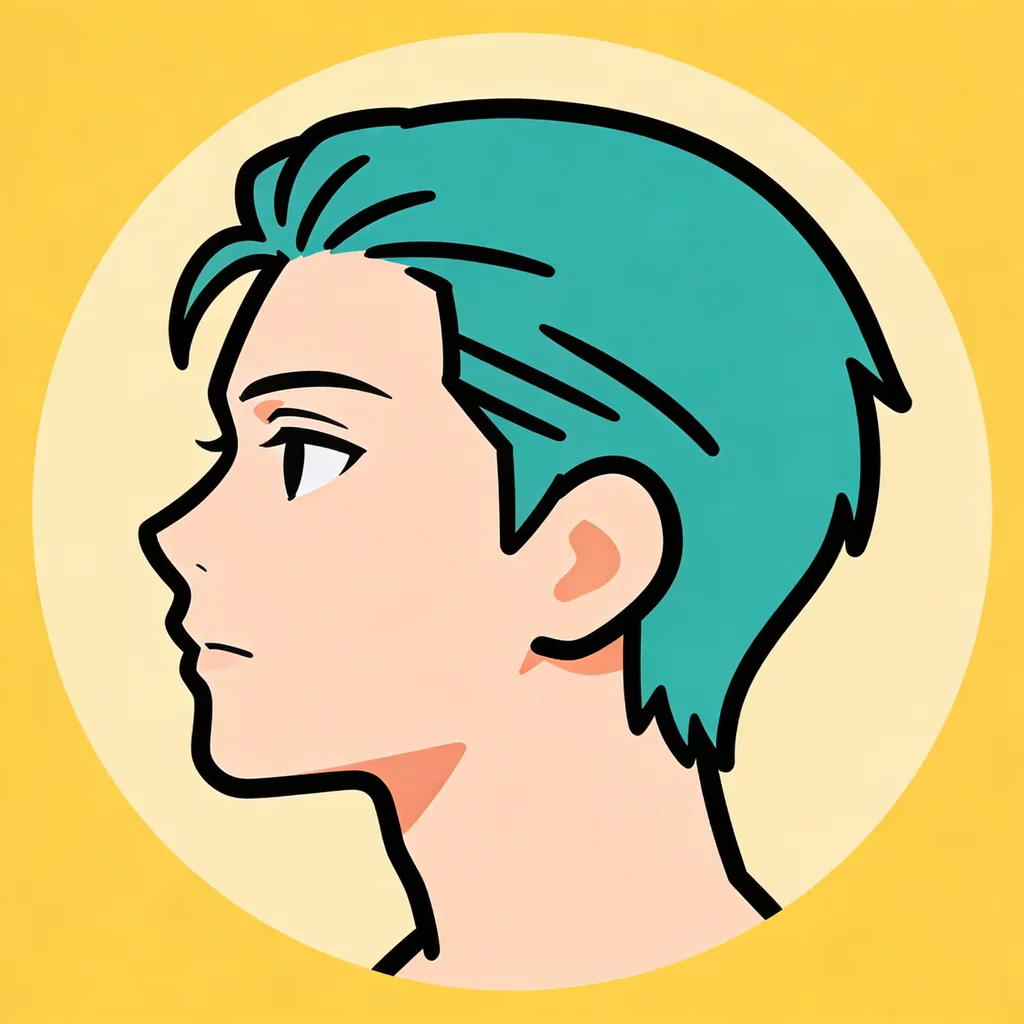
mangaminimal flat-color anime icon avatar, bold clean outline, teal hair, single accent color, plain solid circle background, simple vector-style anime profile icon
アニメ アイコン メーカー
Make clean, bold anime icons with AI — in seconds.
The Anime Icon Maker turns a text prompt or a photo into a clean, fictional, original anime icon in seconds.
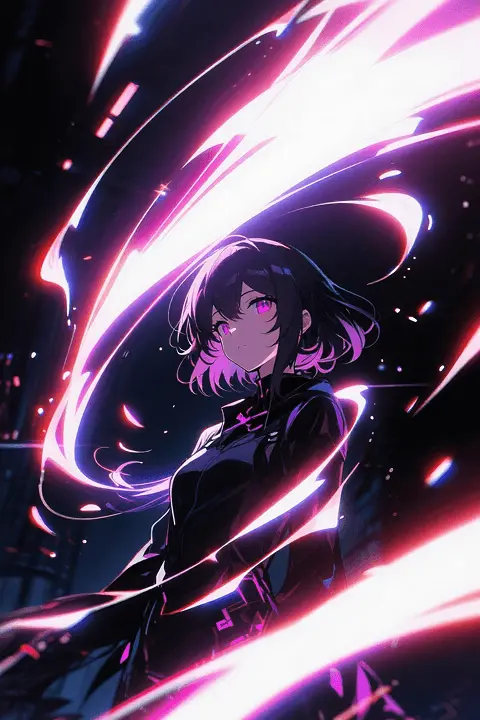
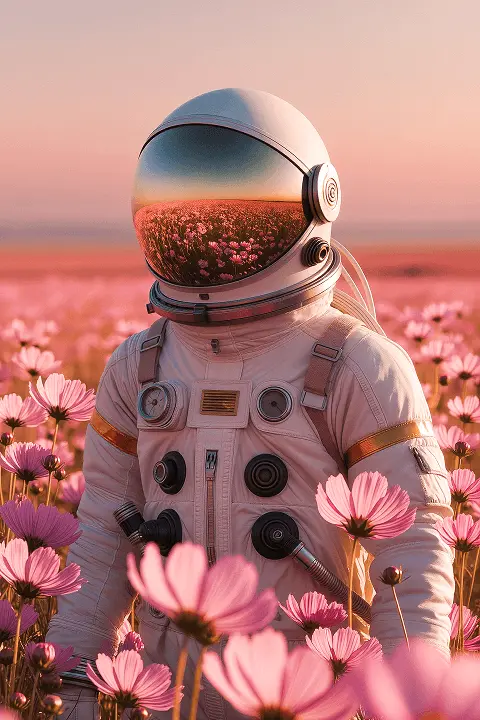
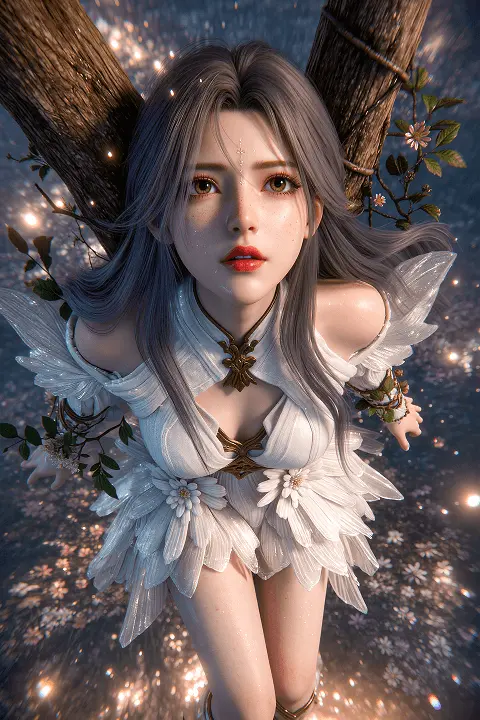
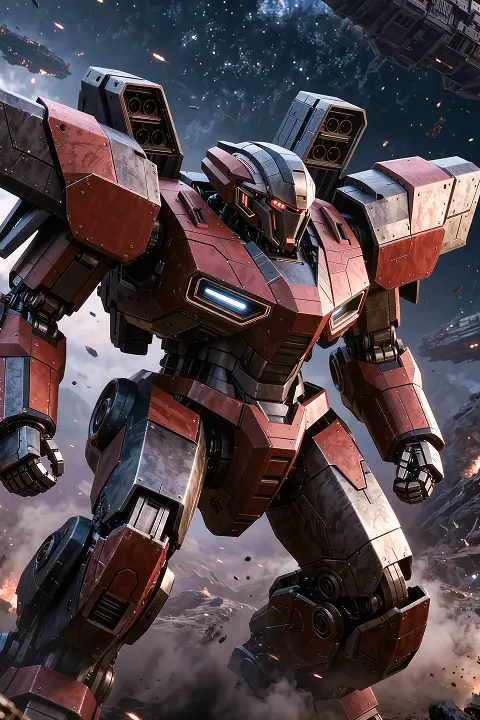
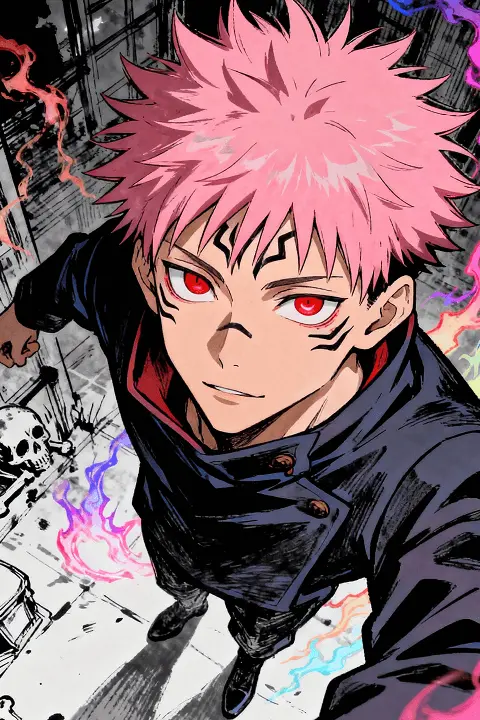
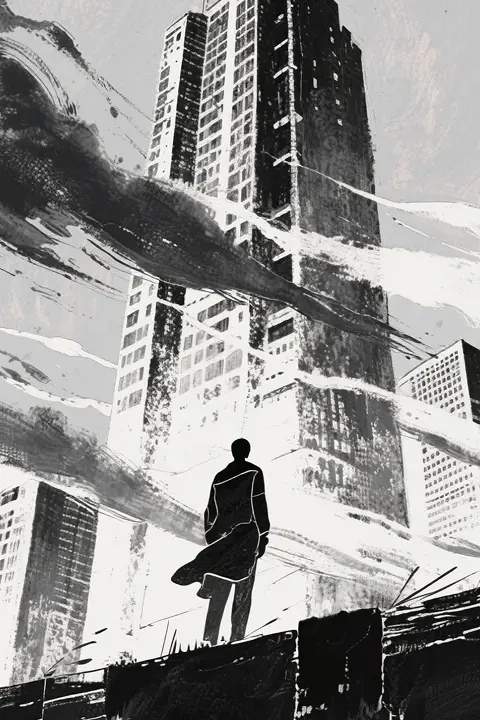
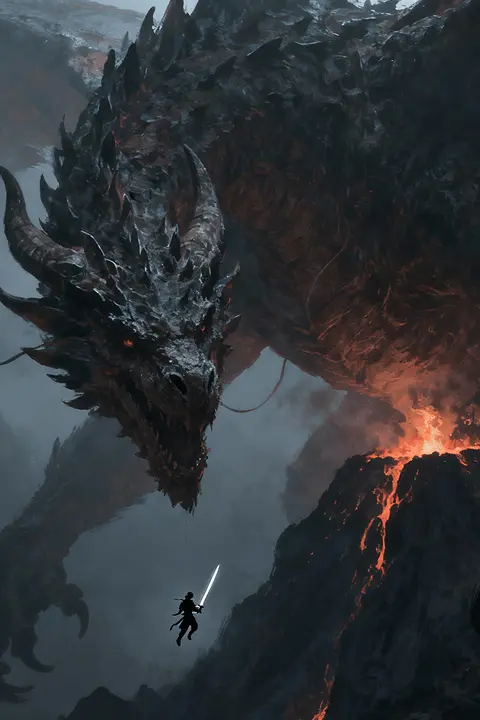
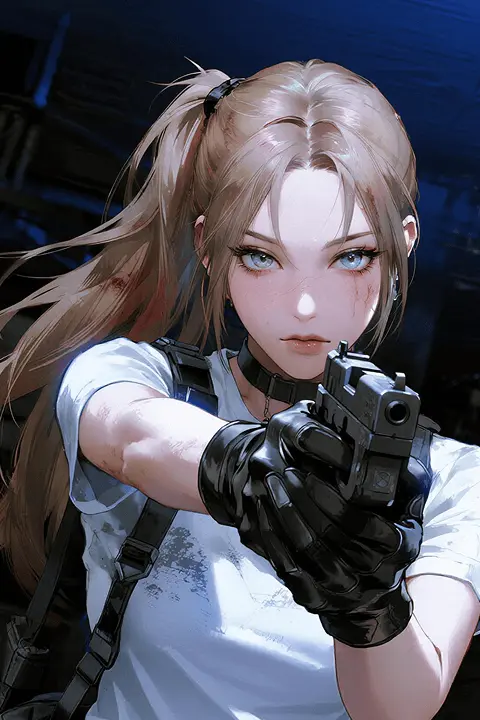
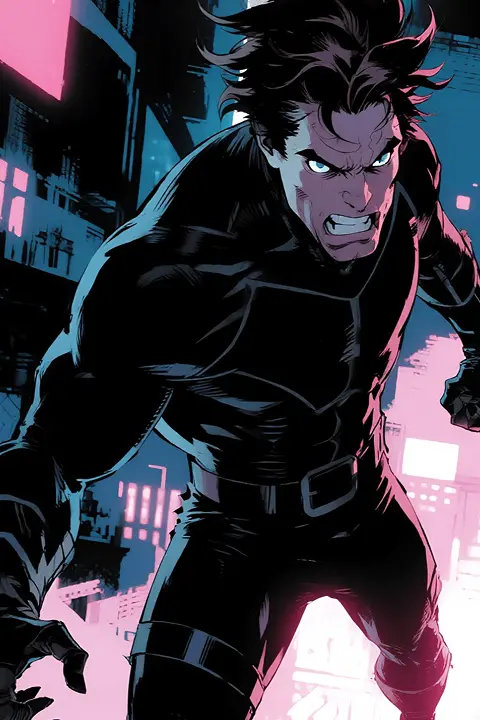
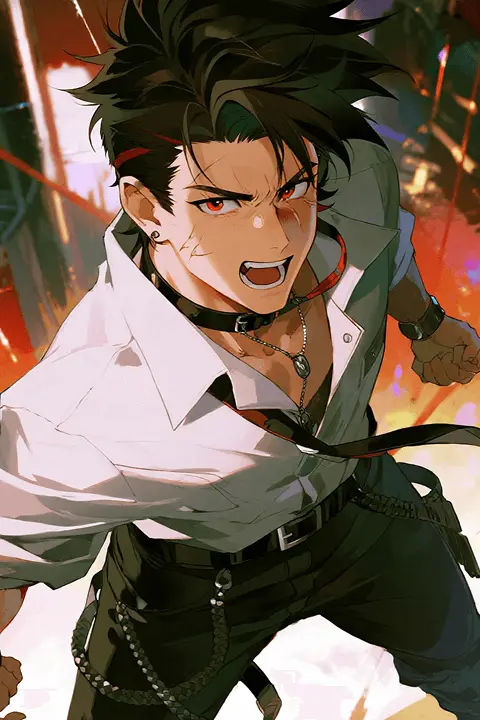
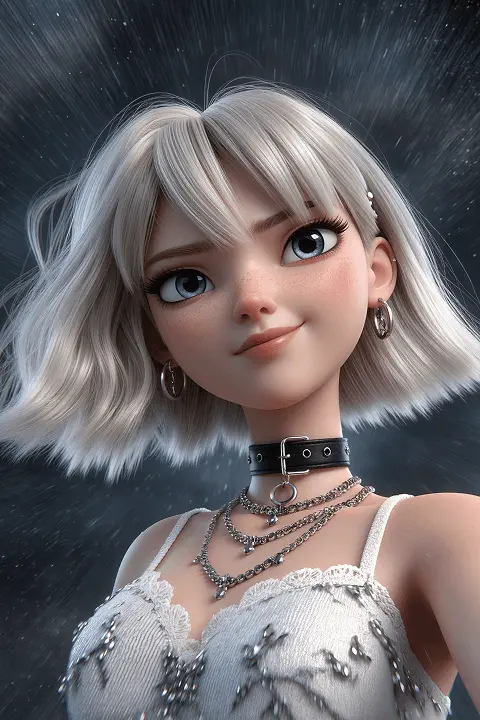
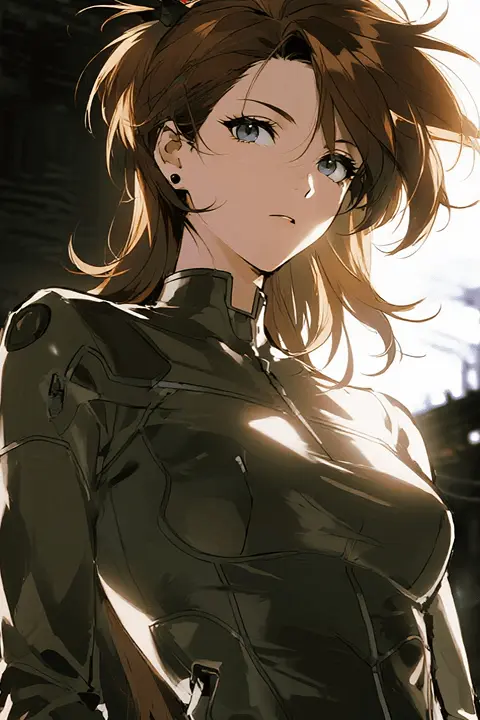
Hover or tap a card for the full prompt. Use it as-is or remix it in the generator above — your credits, your style.
mangaminimal flat-color anime icon avatar, bold clean outline, teal hair, single accent color, plain solid circle background, simple vector-style anime profile icon
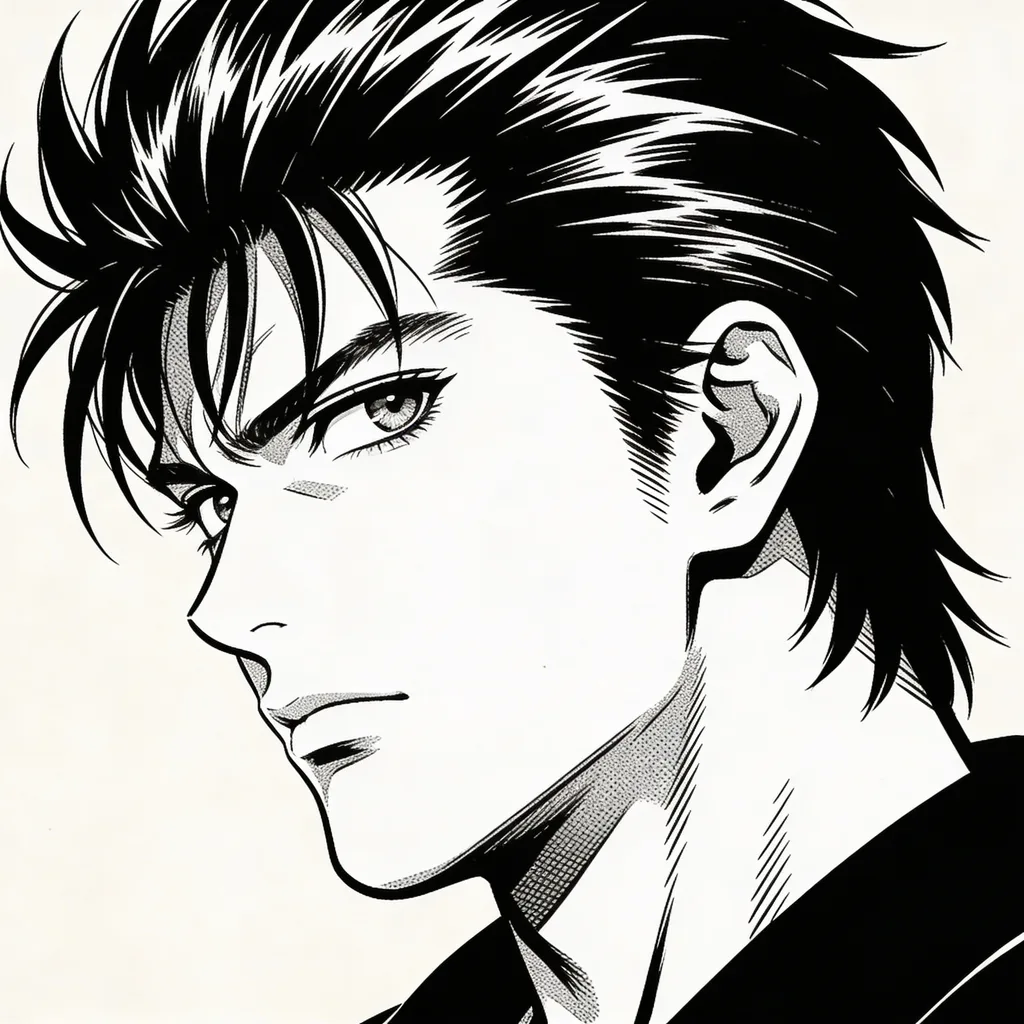 manga
mangablack-and-white manga bust icon, screentone shading, bold ink linework, sharp expressive eyes, dynamic side glance, plain off-white background, classic shonen manga style
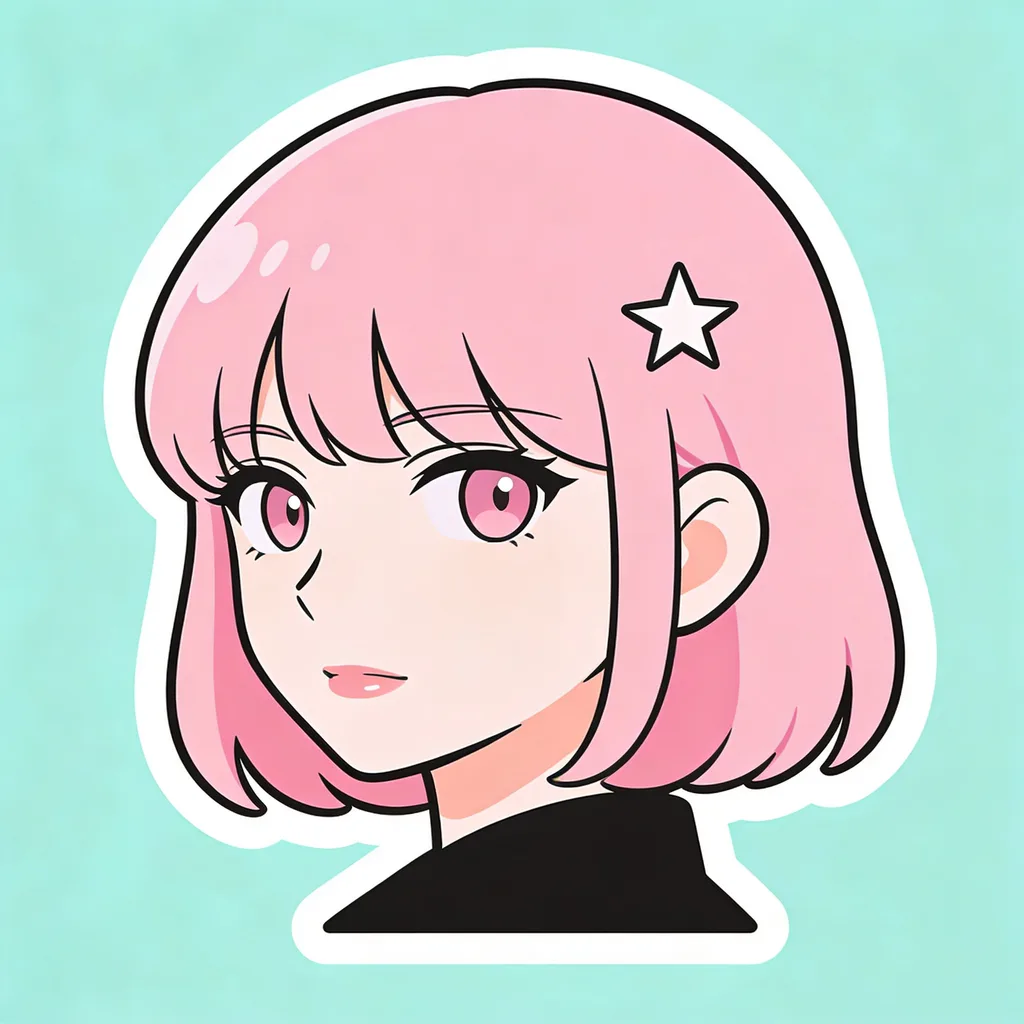 manga
mangaflat pastel anime icon avatar, simple rounded shapes, pink hair, small star accent, mint background, clean sticker-style anime profile icon
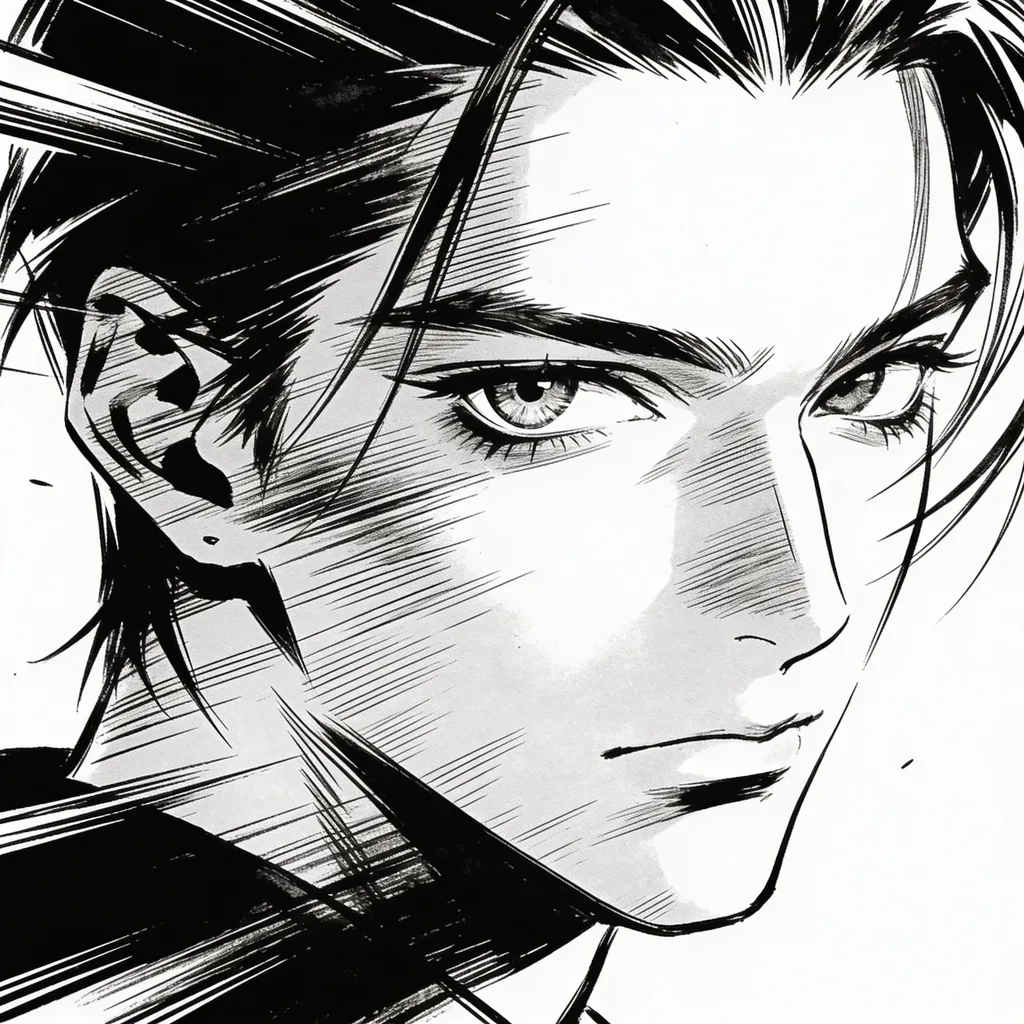 manga
mangamonochrome ink manga icon, heavy blacks, single expressive eye visible, bold speed-line accents, white background, high-contrast manga avatar
 manga
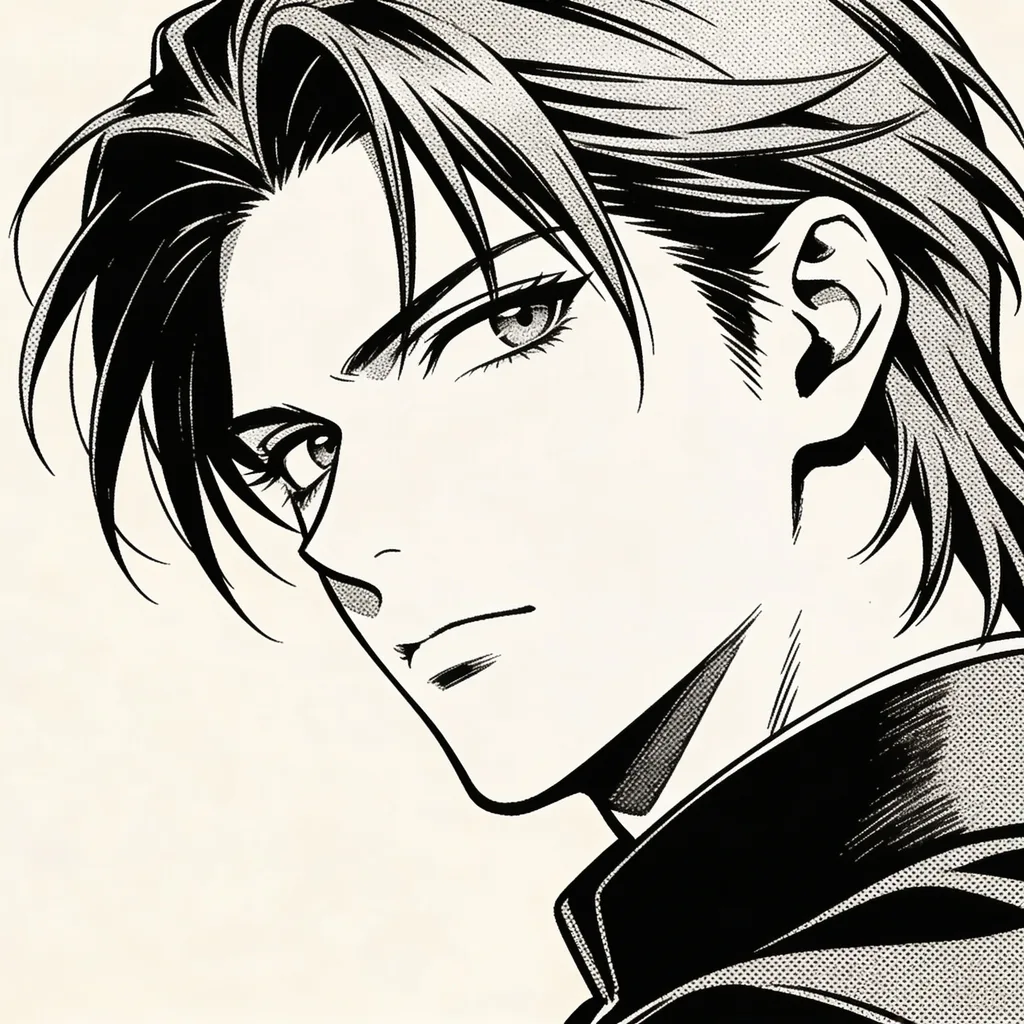
mangamanga-style anime icon, single character bust, black-and-white screentone shading, bold ink linework, expressive sharp eyes, side-glance pose, plain off-white background, classic shonen manga aesthetic
 cool
coolclean anime icon, flat vector-style portrait, character with teal hair, simple geometric background in mustard yellow, bold confident smile, minimalist anime icon style suitable for app avatars
Choose a look — cute, cool, aesthetic, dark, kawaii, cinematic or manga — and the Anime Pro or Anime Super model.
Write a short prompt describing a fictional anime character, or upload a photo to restyle it into anime.
Generate your anime profile picture in seconds, then download it and set it as your avatar anywhere.
| Feature | Anime Pro | Anime Super | Pro Max |
|---|---|---|---|
| Cost | 5 credits / image | 6 credits / image | 5 credits / image |
| Input | Text prompt or photo | Text prompt | Text prompt or photo |
| Best for | Clean, fast, poster-style avatars | Ultra-detailed, illustrated results | Turning your photo into anime |
| Speed | Fastest | Slightly slower, more detail | Balanced |
Want an anime icon? This anime icon maker creates clean, bold, fictional anime avatars sized for profile pictures on Discord, TikTok, X, YouTube and gaming platforms.
An anime icon is a profile picture built to stay readable when it is tiny and often cropped to a circle. That means a bold, simple composition: a close crop on the face, strong silhouette, limited palette and high contrast. Avoid busy backgrounds and small distant details that vanish at avatar size. A single strong accent color and clear eye shapes help the icon stay recognizable in a member list or a comment thread. Generate a few options and check them at small scale before you pick. Anime Pro is ideal for crisp, graphic icons; Anime Super adds extra polish if you want a richer finish.
An anime icon is an anime-style avatar used as your profile picture on apps and games.
Use a close crop, bold shapes, a limited palette and one accent color, and avoid busy backgrounds.
Most platforms display avatars between 64px and 256px and crop them to a circle, so design for a tight, centered face that survives a circular mask — generate square and check it at small scale before you pick.