


All-in-one AI edit suite
Edit videos, images & songs with AI
22 professional edit tools on one page. Drop a file and we’ll show you what’s possible — voiceovers, subtitles, background removal, song covers in your voice, and more.
Last updated July 5, 2026 · By GoCrazyAI Team
Drop any video, image or song
We’ll show you everything AI can do with it
Browse filesTimeline Studio
A full multi-track editor in your browser. Layer AI voiceovers, custom music, sound effects, auto-subtitles and text overlays over any video — then render it all into one MP4.
Open Timeline StudioVideo editing
8 tools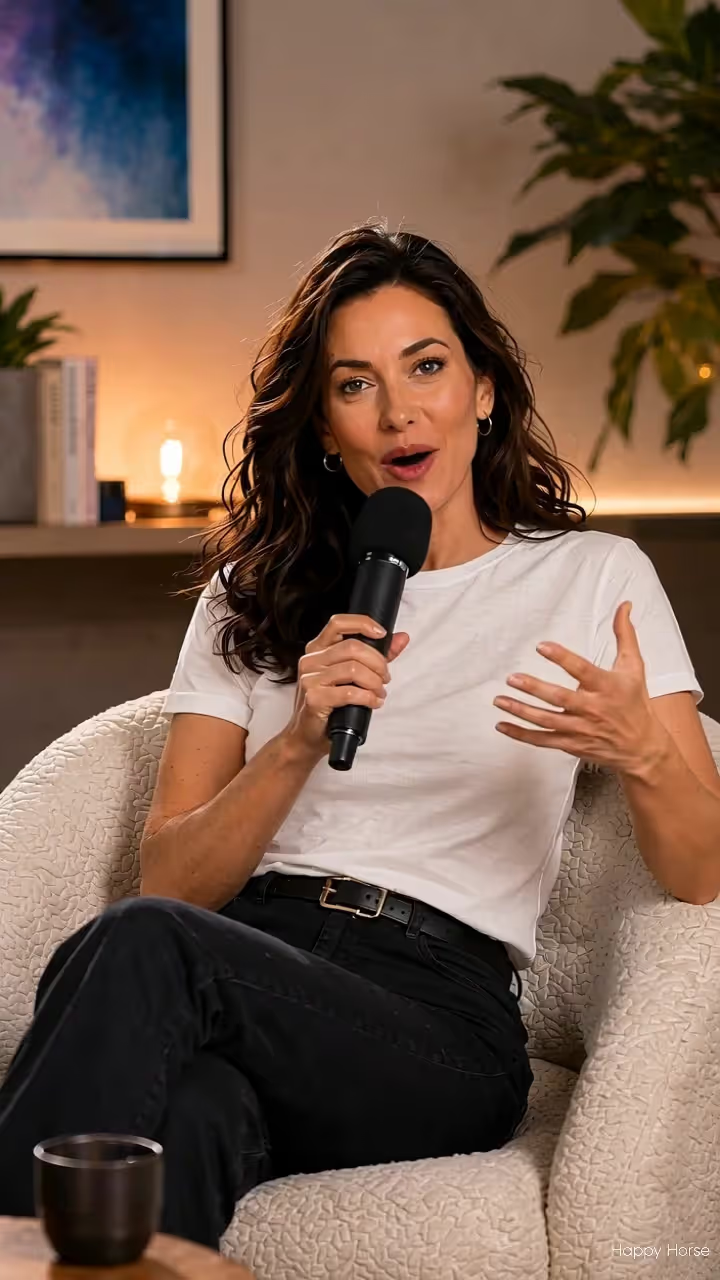 VideoExtend VideoContinue any clip — AI picks up the scene where it ends
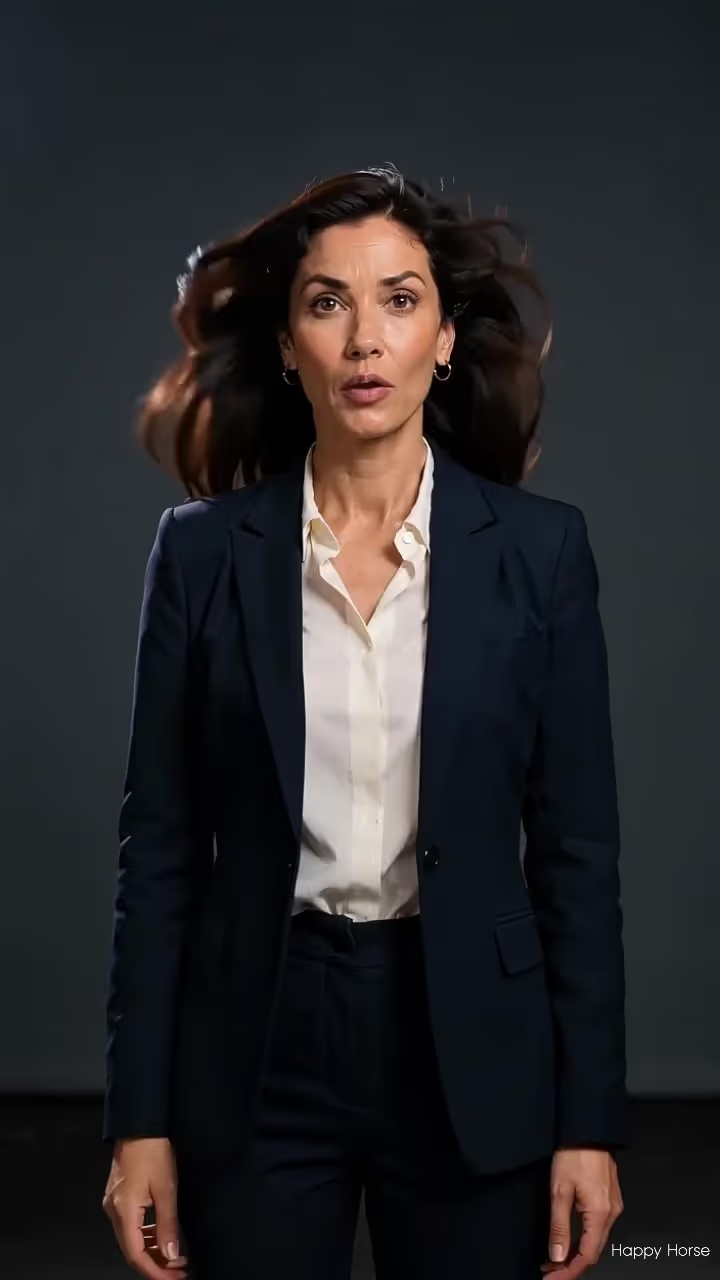 VideoVideo UpscalerSharpen blurry footage into crisp high definition
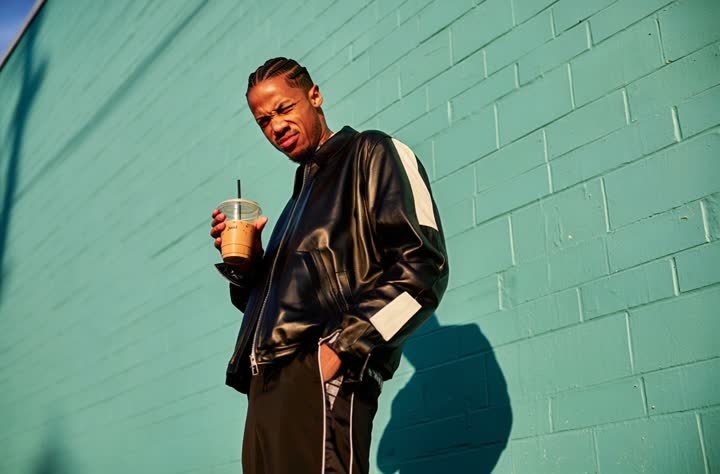 VideoViral Video FXOne-tap effects — disintegration, zoom-outs, transformationsVideoMotion ControlTransfer any dance or movement onto your character
Image editing
10 tools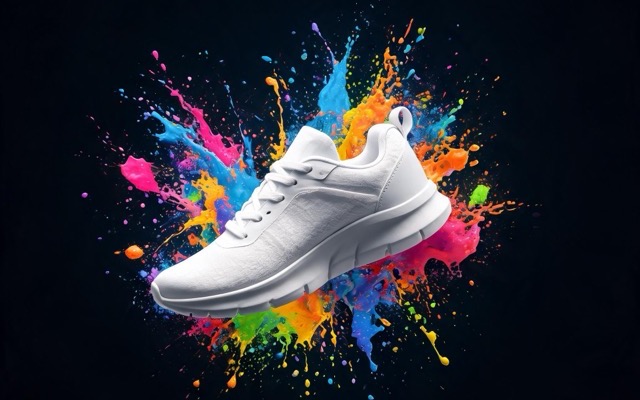 ImageAI Image EditorDescribe the change — swap outfits, scenery, style, anything
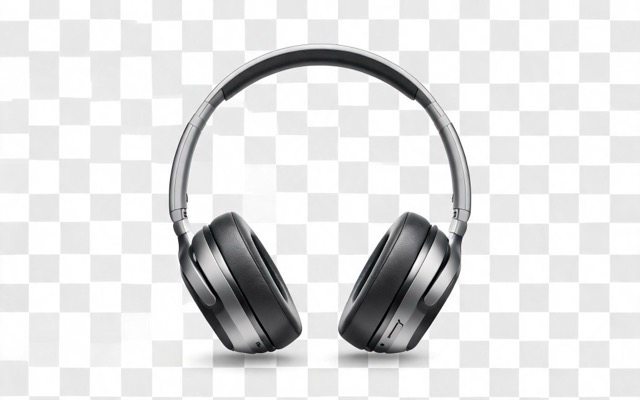 ImageRemove BackgroundCut out any subject with one click
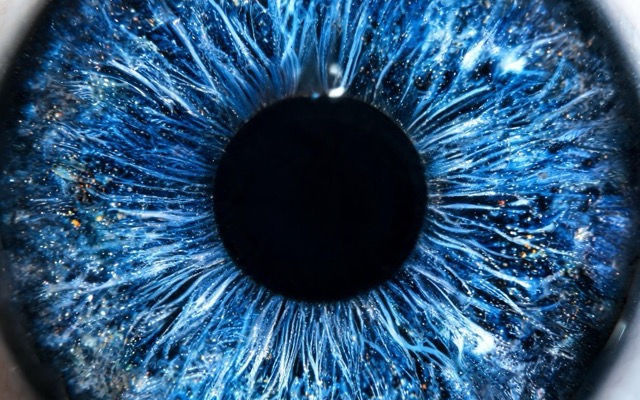 ImageImage UpscalerBoost resolution and recover fine detail
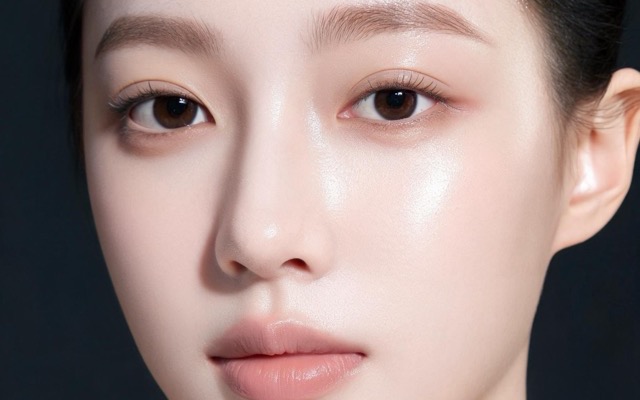 ImageSkin EnhancerNatural retouching that keeps texture real
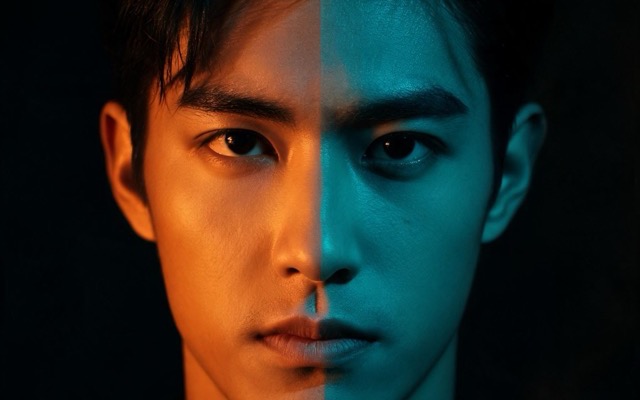 ImageRelightChange the lighting and mood of any photo
 ImageObject RemoverBrush away people, text or clutter — seamlessly
 ImagePhoto RestorationRepair and colorize old or damaged photos
 ImageImage ExtenderUncrop — expand any photo beyond its edgesImageImage TranslatorTranslate the text inside any image
 ImageVirtual Try-OnSee any outfit on you from a single photo
Song & audio editing
4 tools
How it works
Drop your file
Video, image, or song — we detect what it is and show you every edit it supports.
Pick a one-tap edit
Named tools, not blank prompt boxes. The exact credit cost is on every button before you generate.
Keep stacking edits
Every result flows into the next tool — extend it, upscale it, add music, download anytime.
One editor for everything you create
Most editing suites make you juggle three apps — one for video, one for photos, one for audio. GoCrazyAI puts the whole pipeline on a single page with one credit balance. Polish a clip in the Timeline Studio, retouch a thumbnail in the AI Image Editor, or record a song cover in your own voice — every result lands in My Creations, ready to feed into the next tool. Want to generate something from scratch first? Start in AI Video Pro or the AI Image Studio, then bring it back here to finish.
Frequently asked questions
What can I edit with the GoCrazyAI editor?
All three media types in one place. Videos: add voiceovers, music, sound effects, subtitles and text, extend scenes, upscale to HD, apply viral effects, transfer motion, or dub into 30+ languages. Images: edit with text prompts, remove backgrounds, upscale, retouch skin, relight, erase objects, restore old photos, extend frames, translate text, or try on outfits. Songs: create covers in your own voice, generate original music, voiceovers, and sound effects.
How do I add music, a voiceover and subtitles to a video?
Open the Timeline Studio, drop in your video, and stack layers on separate tracks: generate an AI voiceover in one of 360+ voices, add an AI-composed soundtrack, drop in sound effects, and auto-transcribe speech into editable subtitles. Then render everything into a single MP4.
Can I edit a photo just by describing the change?
Yes. The AI Image Editor takes plain-text instructions — “change the background to a beach at sunset”, “make the jacket red”, “remove the person on the left” — and applies the edit while keeping the rest of the photo intact.
Can I turn any song into a cover in my own voice?
Yes. Upload a song, record a short sample of your voice, and the AI separates the vocals, re-sings them in your voice, and mixes the track back together.
How much does editing cost?
GoCrazyAI uses one shared credit balance across every tool. The exact credit cost is always shown on the generate button before you commit, so there are never surprises. Simple edits start at just a few credits.
Do I need to install anything?
No. Everything runs in your browser — desktop or mobile. Your creations are saved to your account so you can continue on any device.